How to Reduce Lag and Increase FPS in PUBG Mobile on Any Phone – Complete Guide 2026
How to Reduce Lag and Increase FPS in PUBG Mobile on Any Phone – Complete Guide 2026
Lag and frame drops can ruin your PUBG Mobile experience. Even good phones can suffer from performance issues. This guide shows you how to reduce lag and increase FPS on any phone in Bangladesh.
Common Causes of Lag
Background apps using CPU and RAM. High graphics settings. Phone heating up (thermal throttling). Poor network connection. Outdated software. Full storage.
Step 1: Optimize In-Game Settings
Graphics: Smooth (not HD or HDR). Frame Rate: Extreme or Ultra. Style: Classic. Anti-aliasing: OFF. Shadows: OFF. Render Quality: Low.
Step 2: Optimize Phone Settings
Enable Developer Options: Settings > About Phone > Tap Build Number 7 times.
Reduce animation scales: Window animation scale to 0.5x. Transition animation scale to 0.5x. Animator duration scale to 0.5x.
Force GPU rendering: Enable in Developer Options.
Disable background processes: Set limit to 3 or 4 processes.
Step 3: Use Game Mode
Most phones have a Game Mode or Game Turbo feature. Enable it before playing. It blocks notifications and optimizes performance.
Step 4: Keep Phone Cool
Remove phone case during long gaming sessions. Play in a cool environment. Avoid playing while charging. Use a cooling fan if needed.
Step 5: Optimize Network
Use 5GHz WiFi instead of 2.4GHz. Play closer to your router. Close other devices using internet. Use GP or Robi mobile data for better ping in Bangladesh.
Step 6: Free Up Storage
Delete unused apps and files. Keep at least 10GB free space. Clear app cache regularly. Uninstall other games you don't play.
Step 7: Update Everything
Update PUBG Mobile to latest version. Update your phone's software. Update GPU drivers if available.
Best Phones for Lag-Free Gaming
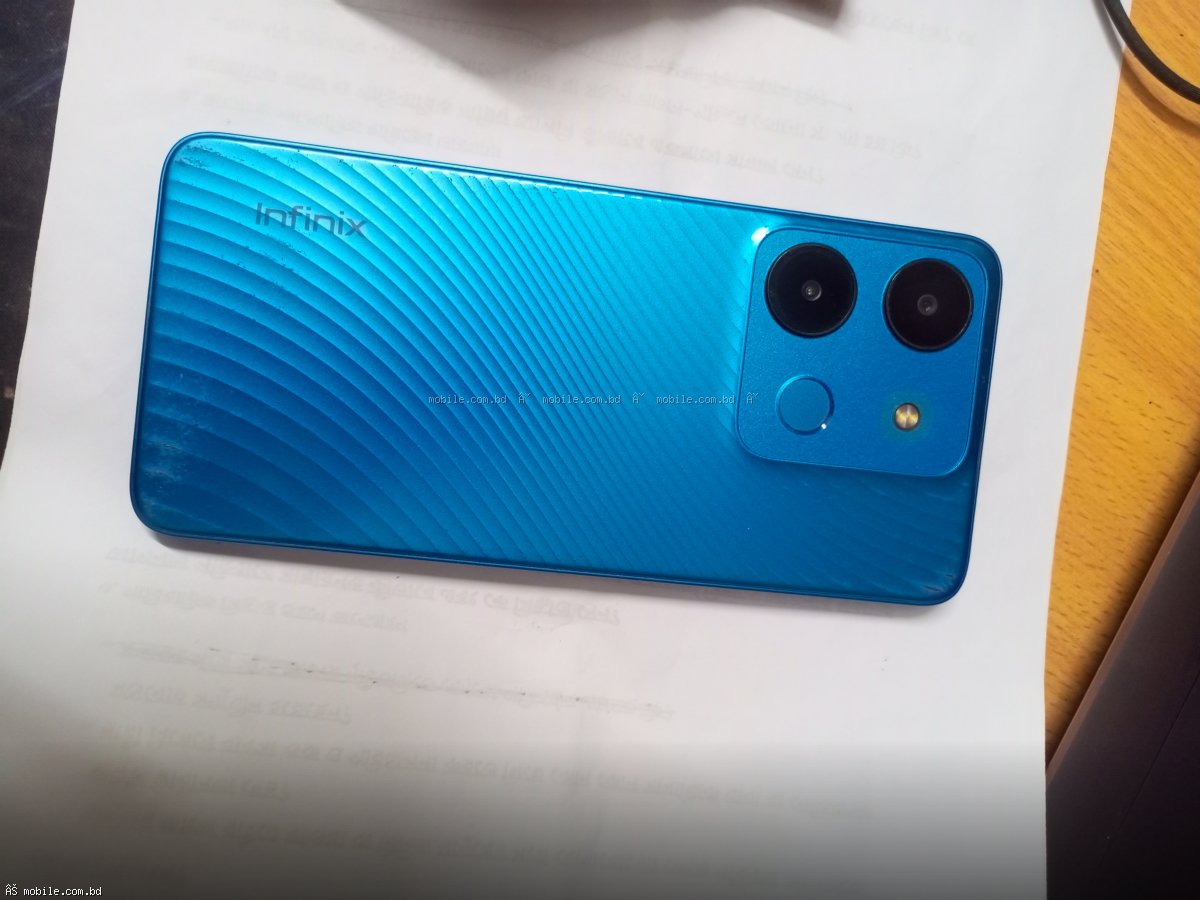
Under 15,000 BDT: Realme C85, Infinix Hot 70.
Under 20,000 BDT: Realme Narzo 90 Pro, Redmi Note 15 5G.
Flagship: Poco F6, Samsung A56 5G.
Find your gaming phone at mobile.com.bd.