How to Take Perfect Photos of Your Used Phone for Faster Sale
How to Take Perfect Photos of Your Used Phone for Faster Sale
Good photos are the most important factor in selling your used phone quickly. Bad photos mean no sales. Great photos mean multiple buyers competing. This guide teaches you how to take perfect phone photos.
Why Photos Matter
Buyers cannot touch your phone before buying. They decide based on photos only. Clear, detailed photos build trust. Blurry, dark photos make buyers suspicious. Good photos can increase your selling price by 10-15 percent.
Equipment You Need
You don't need a professional camera. A modern smartphone is enough. Use natural daylight near a window. No flash. Clean your phone lens before shooting. Use a clean, plain background like a white table or sheet.
Step by Step Photo Guide
Step 1: Clean your phone thoroughly. Wipe the screen, back, and sides. Remove dust from ports and speakers.
Step 2: Find good lighting. Shoot near a window during daytime. Natural light is best. Avoid direct sunlight which creates shadows. Avoid artificial light which creates yellow tint.
Step 3: Use a clean background. White table or white sheet works best. Plain backgrounds keep focus on the phone.
Step 4: Take these specific photos.
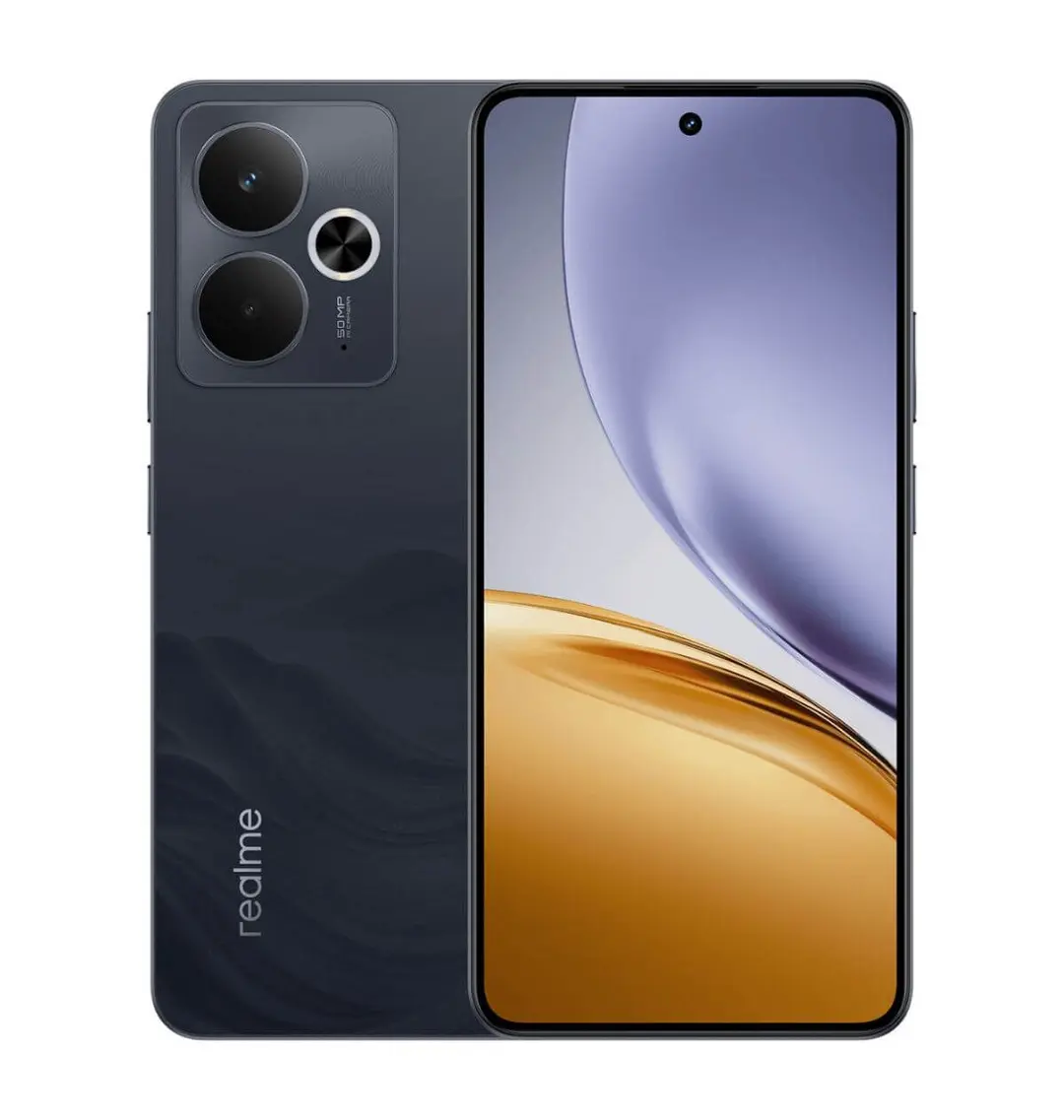
- Photo 1: Front of phone with screen turned on
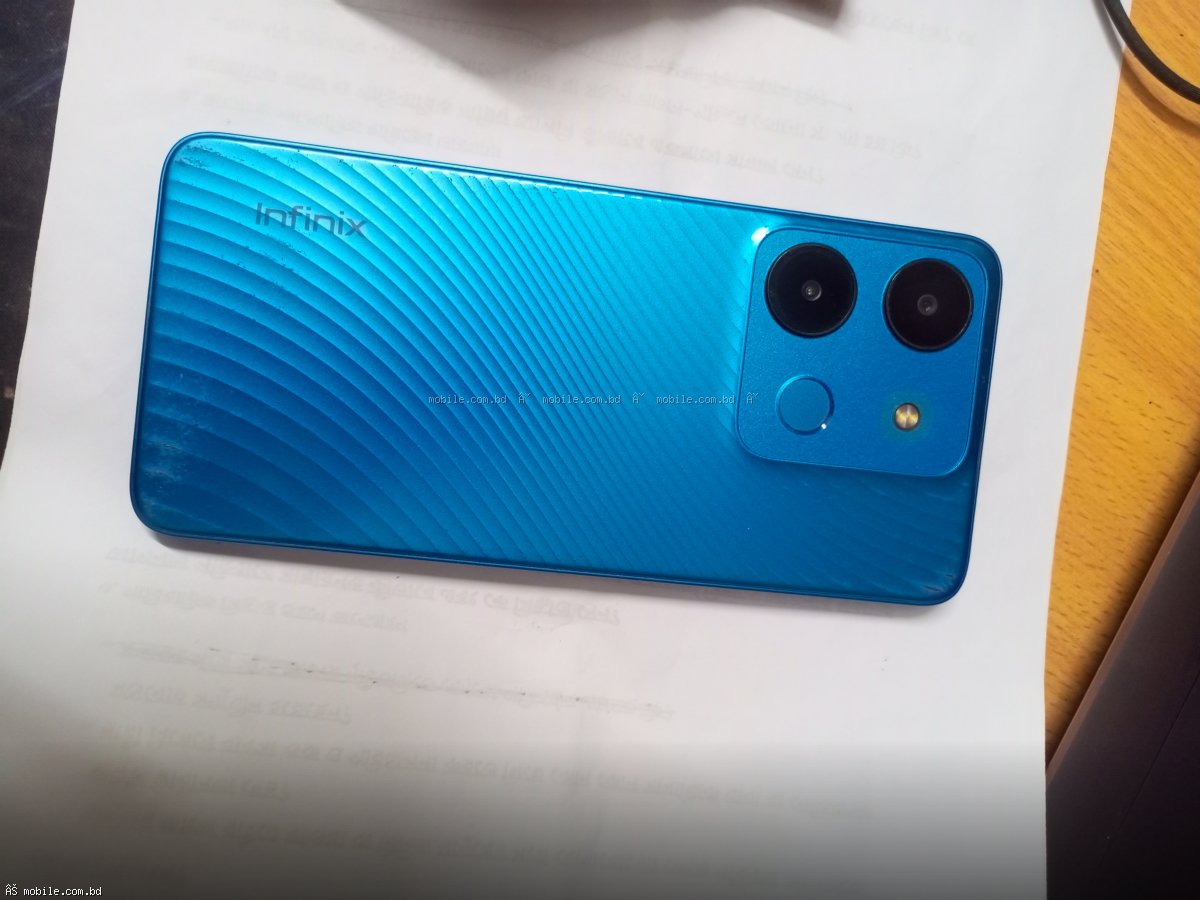
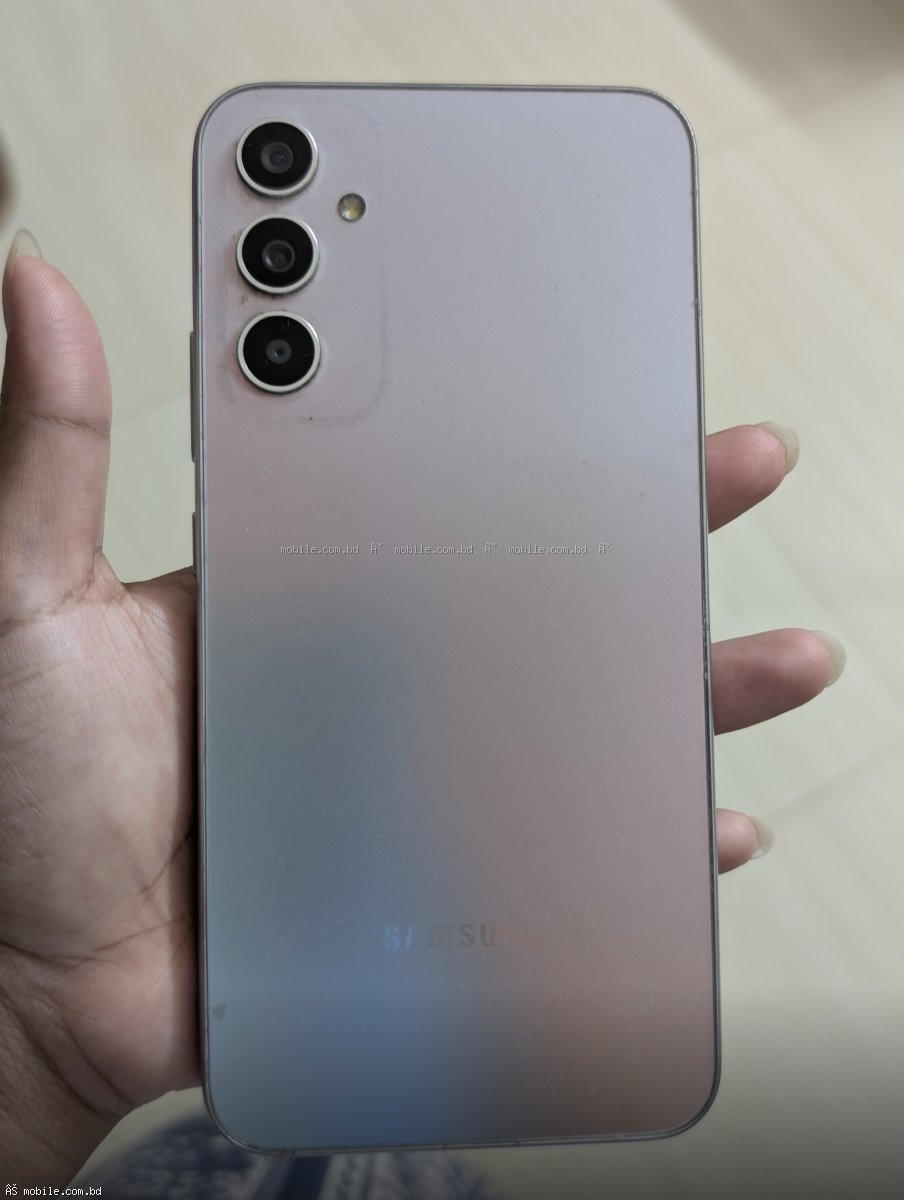
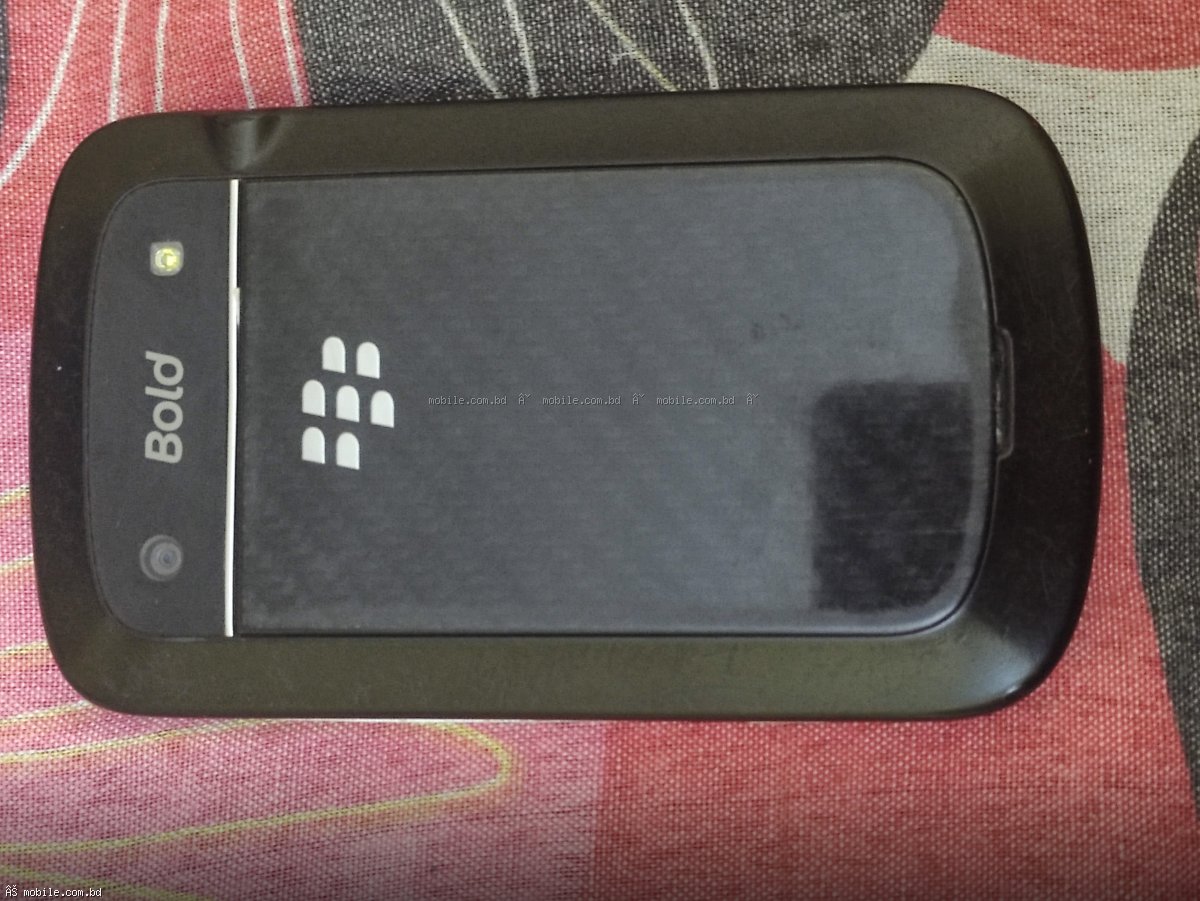
- Photo 2: Back of phone
- Photo 3: Left side of phone
- Photo 4: Right side of phone
- Photo 5: Top of phone
- Photo 6: Bottom of phone (charging port area)
- Photo 7: Screen turned on showing no dead pixels
- Photo 8: Any scratches or damage (be honest)
- Photo 9: Original box if available
- Photo 10: All accessories (charger, cable, earphones)
What to Avoid in Phone Photos
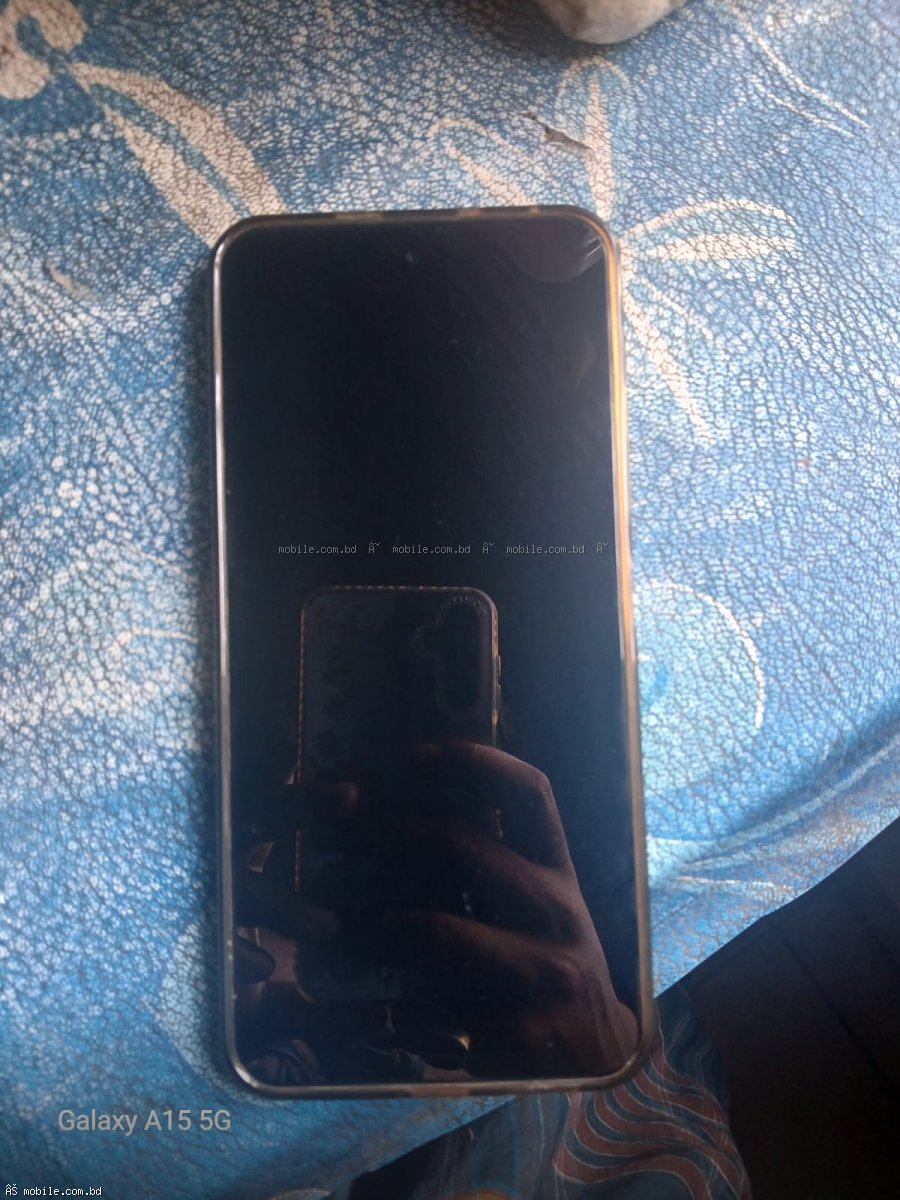
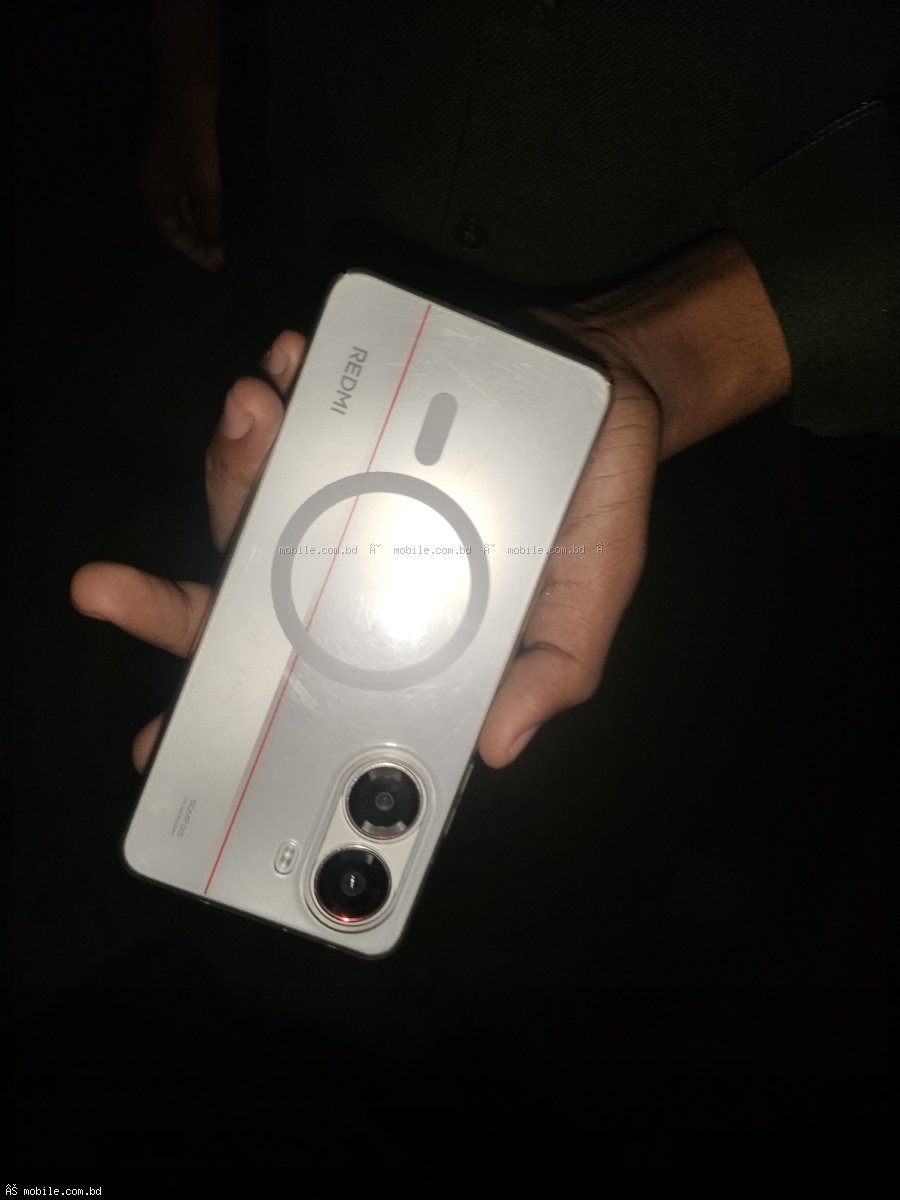
Do not take photos in dark rooms. Do not use flash which creates glare. Do not use messy backgrounds like dirty tables or beds. Do not take photos with fingers covering the phone. Do not use photos from the internet. Do not hide damage. Show it clearly.
How Many Photos Should You Take?
Take at least 7 to 10 photos. More photos build more trust. Sellers who take 10 photos sell 50 percent faster than sellers who take 3 photos.
How to Show Scratches and Damage
Be honest. Buyers will notice damage when they receive the phone. If you hide it, they will return the phone or leave bad reviews. Take close-up photos of any scratches, dents, or cracks. Use good lighting to make damage visible. Explain the damage in your description.
Photo Checklist Before Listing
Phone is clean. Lighting is natural daylight. Background is clean and plain. All angles are photographed (front, back, sides, top, bottom). Screen is turned on. Any damage is shown clearly. Box and accessories are photographed. Photos are clear and not blurry. You have at least 7 photos.
Upload Your Photos to mobile.com.bd
When you list your phone at mobile.com.bd/used-phones/sell, you can upload up to 10 photos. The first photo becomes your cover image. Choose your best photo as the cover.
Good photos lead to quick sales at good prices. Take your time. Take great photos. Your phone will sell faster.