How to Sell Your Used Phone Fast on mobile.com.bd – Complete Seller Guide 2026
How to Sell Your Used Phone Fast on mobile.com.bd – Complete Seller Guide 2026
Got an old phone sitting in a drawer? Turn it into cash today. Selling your used phone on mobile.com.bd is fast, free, and easy. This guide walks you through every step.
Why Sell on mobile.com.bd?
mobile.com.bd is the best platform for selling used phones in Bangladesh. It is 100% free. No listing fees. No commission. You keep all the money. The platform also offers seller verification, IMEI privacy, and delivery support. You never need to meet strangers in person.
Step 1: Clean Your Phone
Before taking photos, clean your phone thoroughly. Wipe the screen, back, and sides. Remove dust from ports and speakers. A clean phone looks more valuable and sells faster.
Step 2: Take Quality Photos
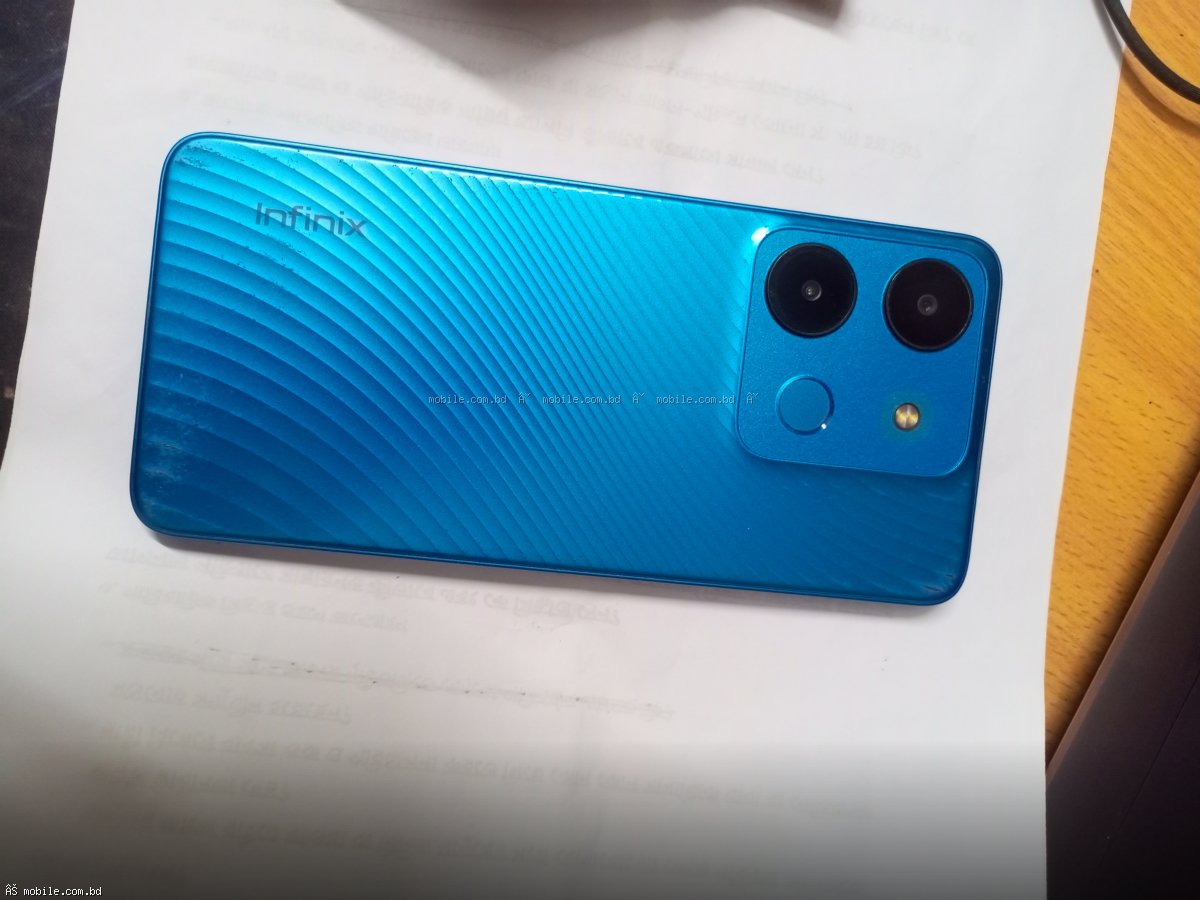
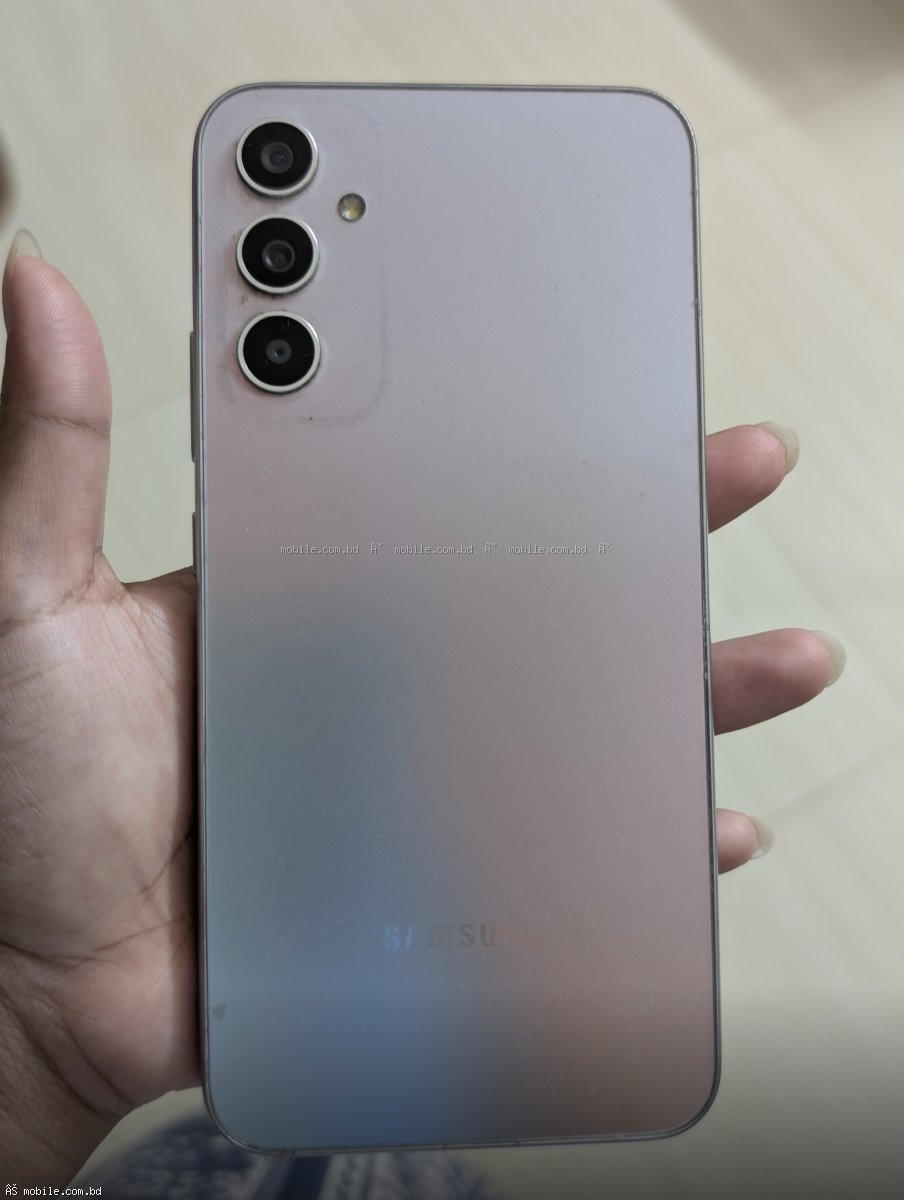
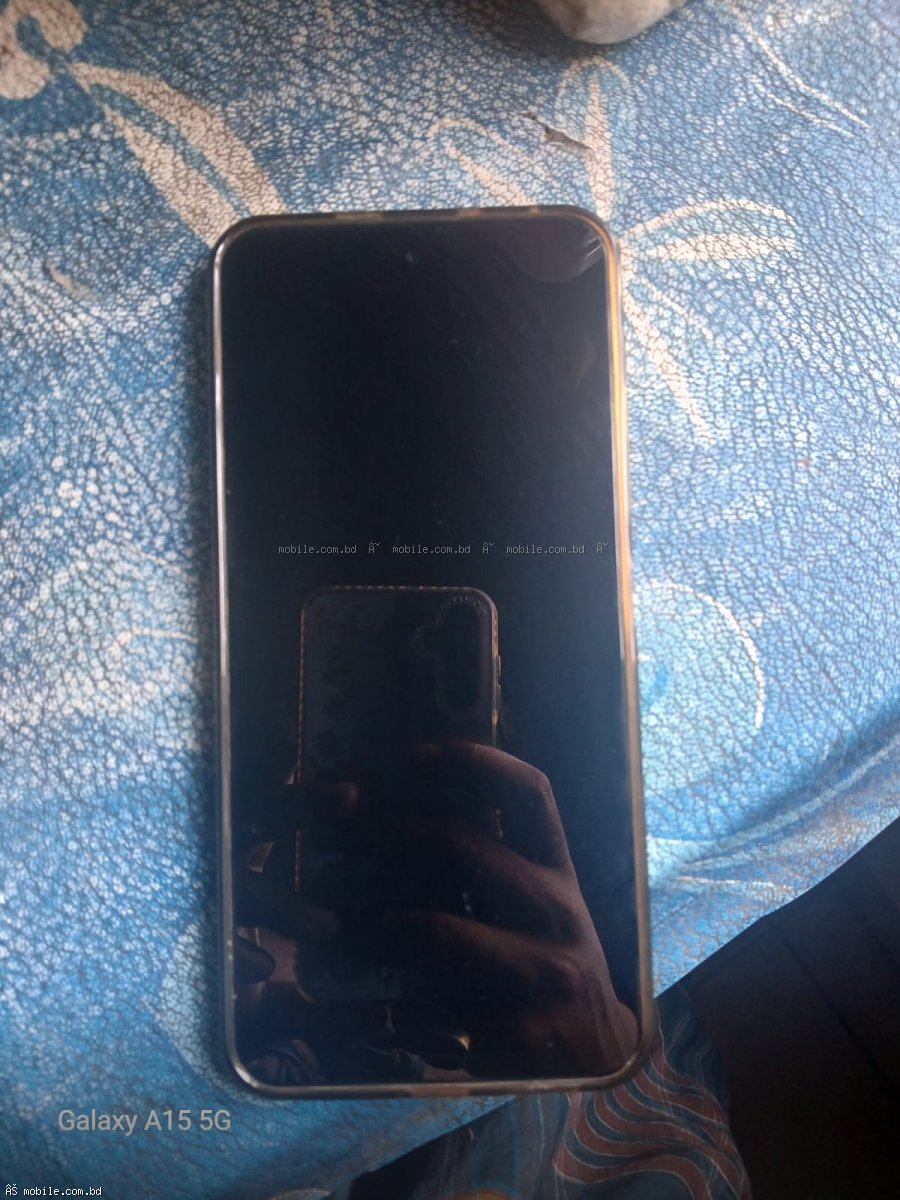
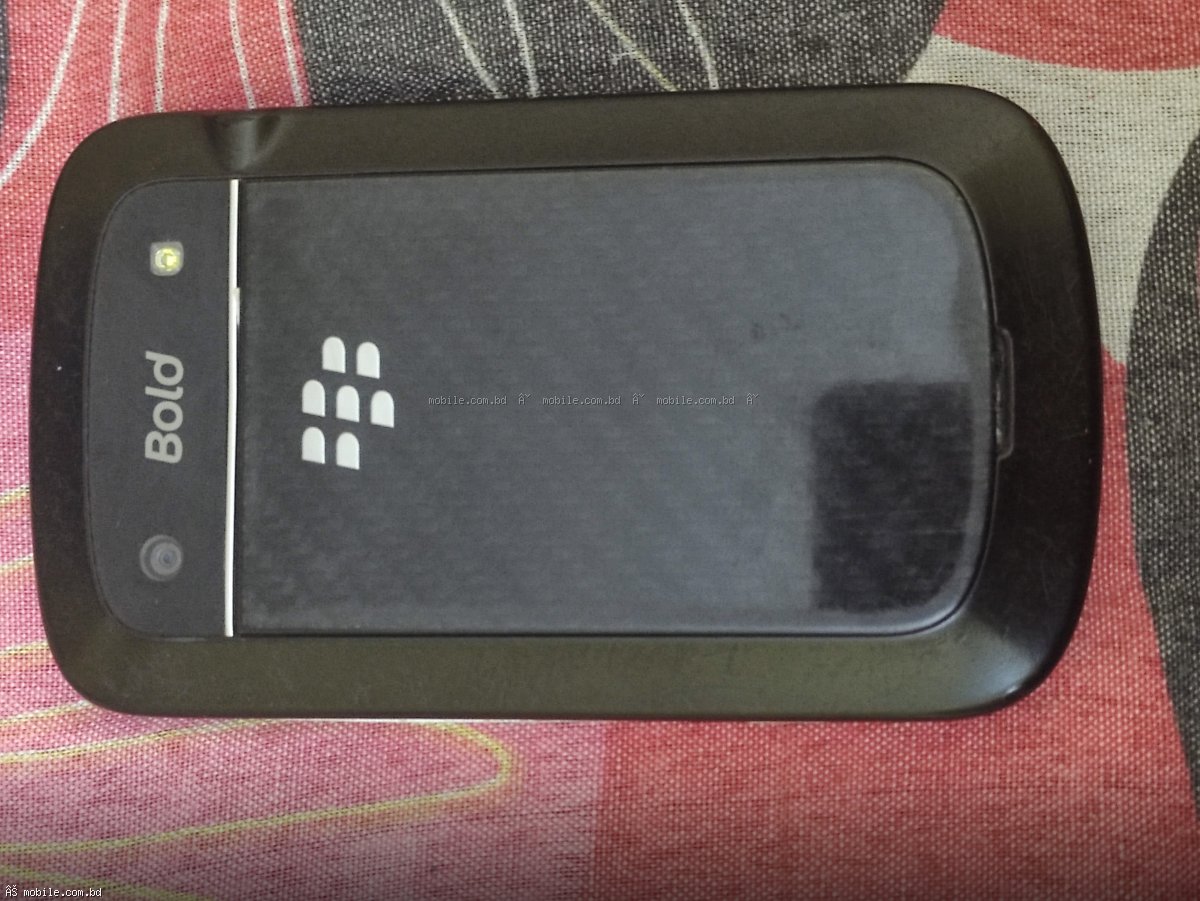
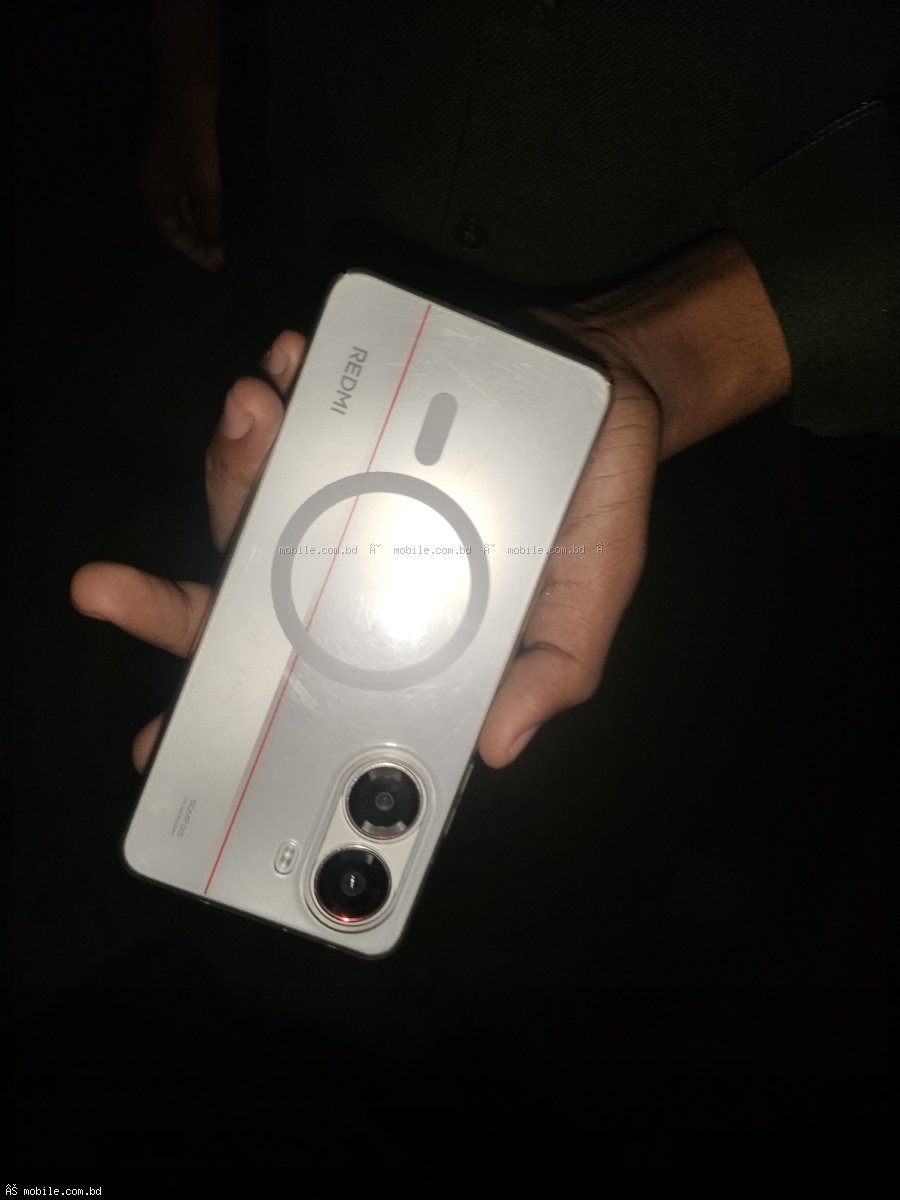
Photos are the most important part of your listing. Take clear photos in natural daylight. Include front, back, both sides, and screen turned on. Show any scratches or damage honestly. Take at least 5-7 photos.
Step 3: Set the Right Price
Check similar phones on mobile.com.bd to see current prices. Price your phone 5-10 percent lower than similar listings for a quick sale. Include original box and accessories to get 5-10 percent higher price.
Step 4: Write a Detailed Description
Include brand, exact model, RAM, storage, battery health percentage, any scratches or damage, what is included in the box, and reason for selling. Honest descriptions build trust and lead to faster sales.
Step 5: List Your Phone for Free
Go to mobile.com.bd/used-phones/sell. Create a free account. Enter your phone details. Add IMEI numbers (dial star hash 06 hash on your phone). Upload your photos. Set your price. Submit for review. Your listing will go live within 24 hours.
Step 6: Respond to Buyers Quickly
When buyers message, respond fast. The first buyer often gets the sale. Keep your phone nearby after listing. Answer all questions honestly and promptly.
How Long Does It Take to Sell?
Popular phones in good condition sell within 1 to 7 days. Less popular phones may take 2 to 3 weeks. Price competitively and take good photos to sell faster.
Common Mistakes to Avoid
Bad photos kill sales. Take clear, well-lit photos. Overpricing leads to no inquiries. Check market prices. Hiding damage breaks trust. Always disclose scratches or issues. Listing on only one platform limits exposure. mobile.com.bd is the best choice.
Start Selling Today
List your used phone for free at mobile.com.bd/used-phones/sell. Thousands of buyers are waiting. Your phone could sell today.