Complete Guide to Selling Your Used Phone Online in Bangladesh – Get Maximum Value
Complete Guide to Selling Your Used Phone Online in Bangladesh – Get Maximum Value
Selling your used phone can be profitable if you do it right. This comprehensive guide shows you exactly how to prepare, price, list, and sell your used phone for the best possible price in Bangladesh.
Step 1: Prepare Your Phone for Sale
First impressions matter. A clean phone looks more valuable and sells faster. Here is how to prepare your phone.
Clean thoroughly: Wipe the screen with a microfiber cloth. Clean the back and sides. Remove dust from ports and speakers. Pay special attention to the camera lens – clean it carefully.
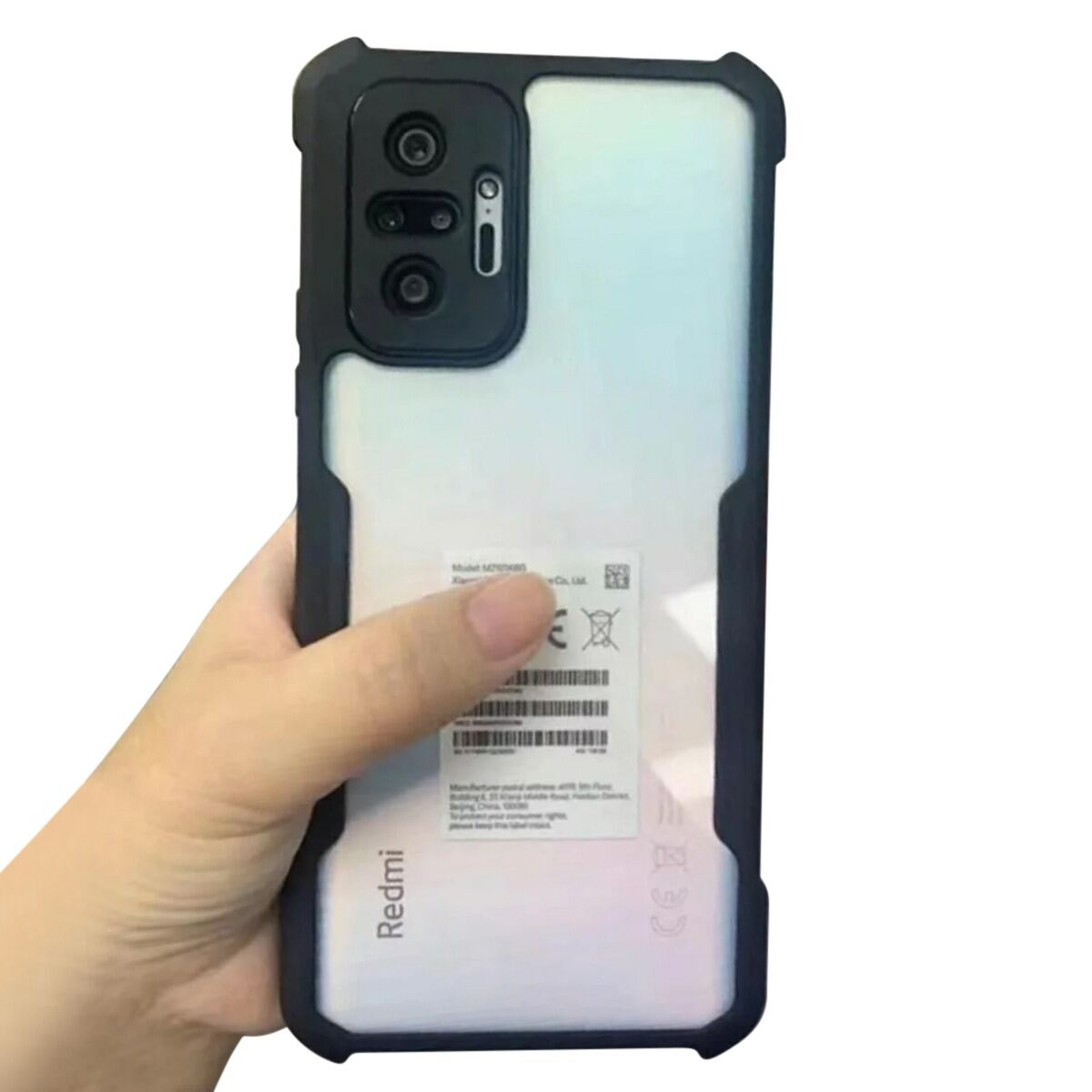
Remove case and screen protector: Buyers want to see the actual condition of the phone. Remove any case or screen protector before taking photos.
Factory reset: Back up your data first (photos, contacts, messages). Then go to Settings > Factory Reset. Remove your Google account (Android) or iCloud account (iPhone). Verify the phone is unlocked and ready for a new owner.
Step 2: Take High-Quality Photos
Photos are the most important part of your listing. Bad photos = no sales. Good photos = quick sales. Here is a photo checklist.
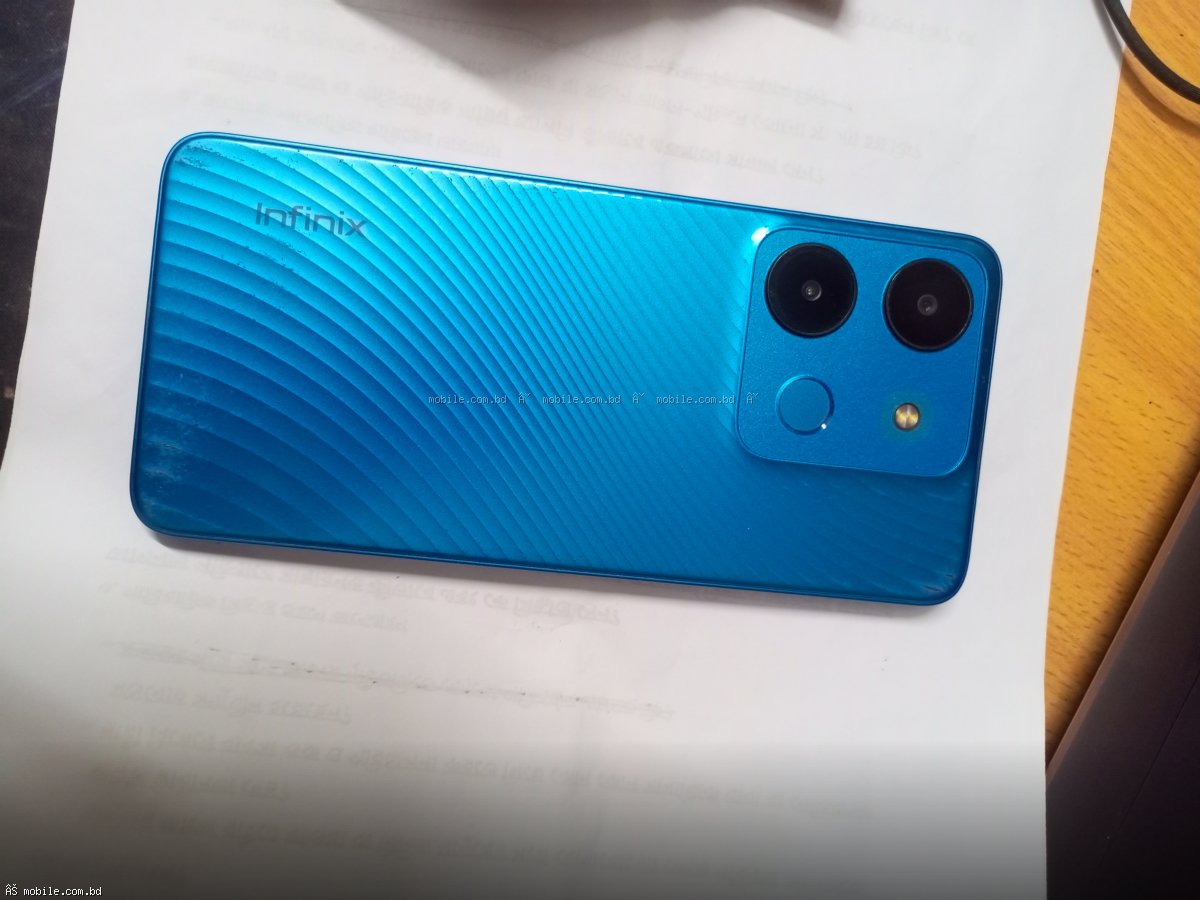
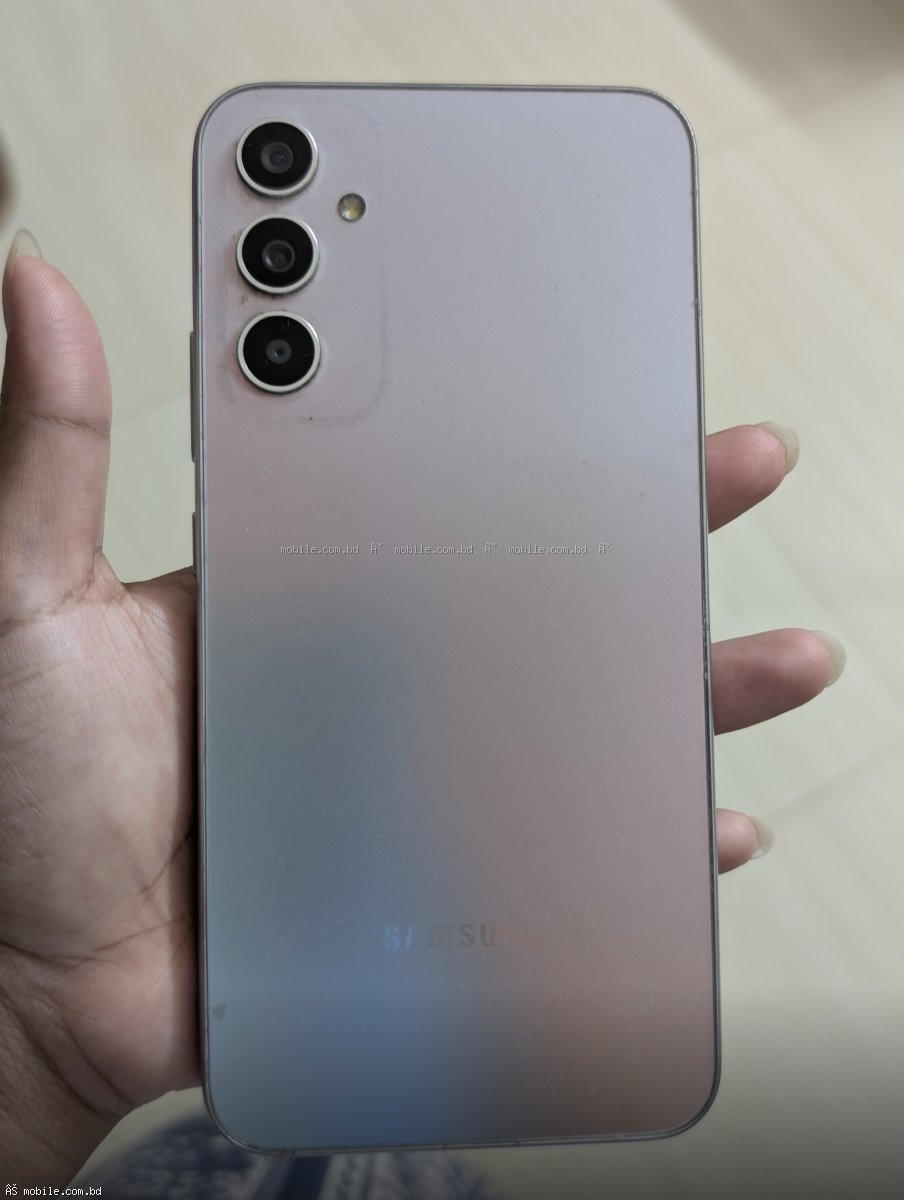
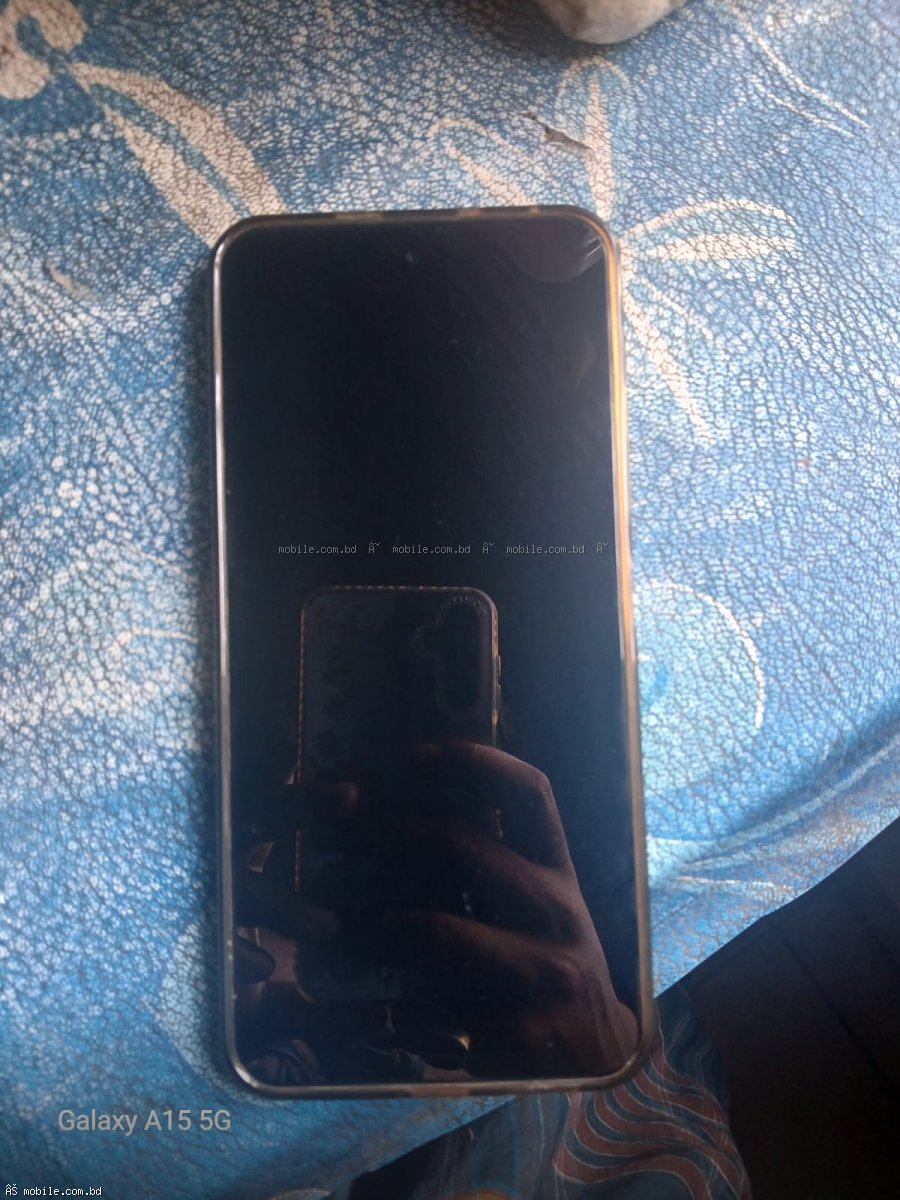
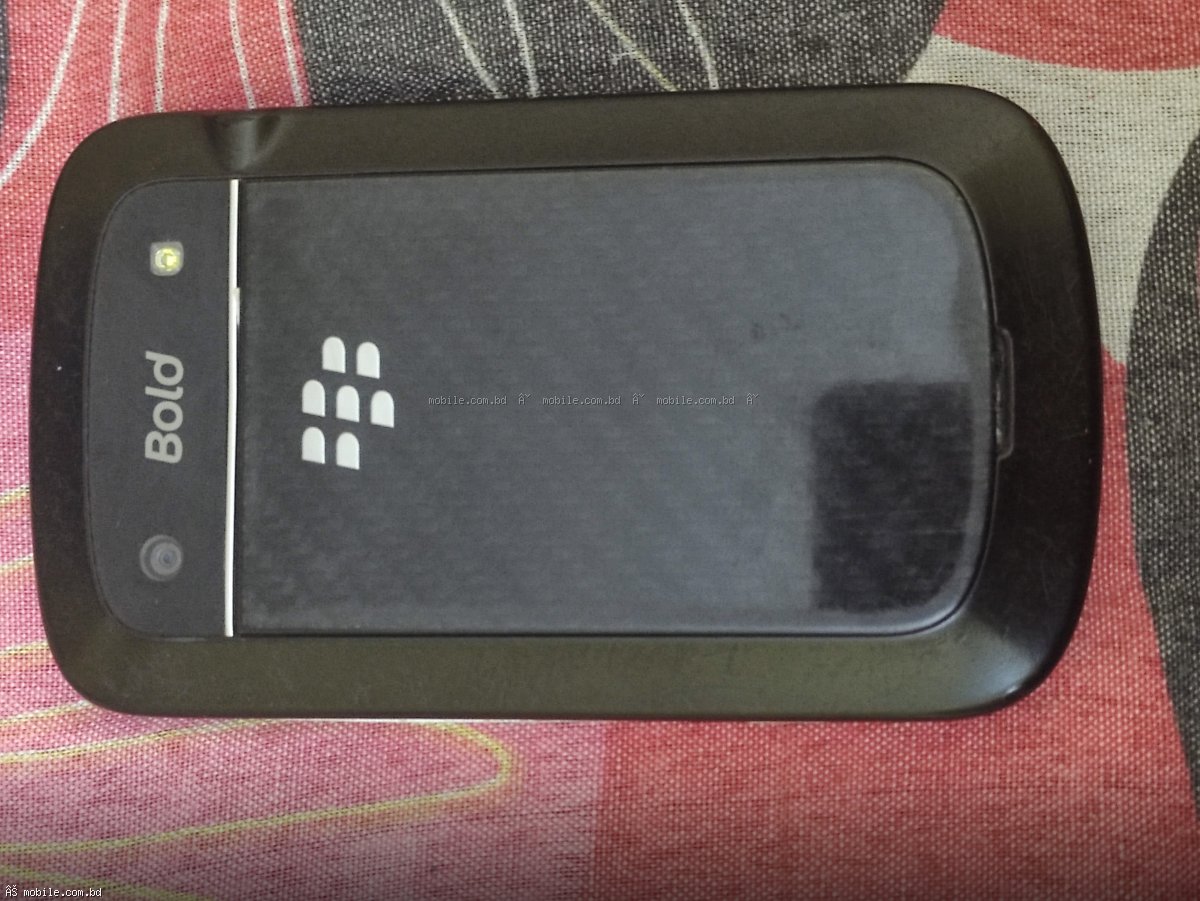
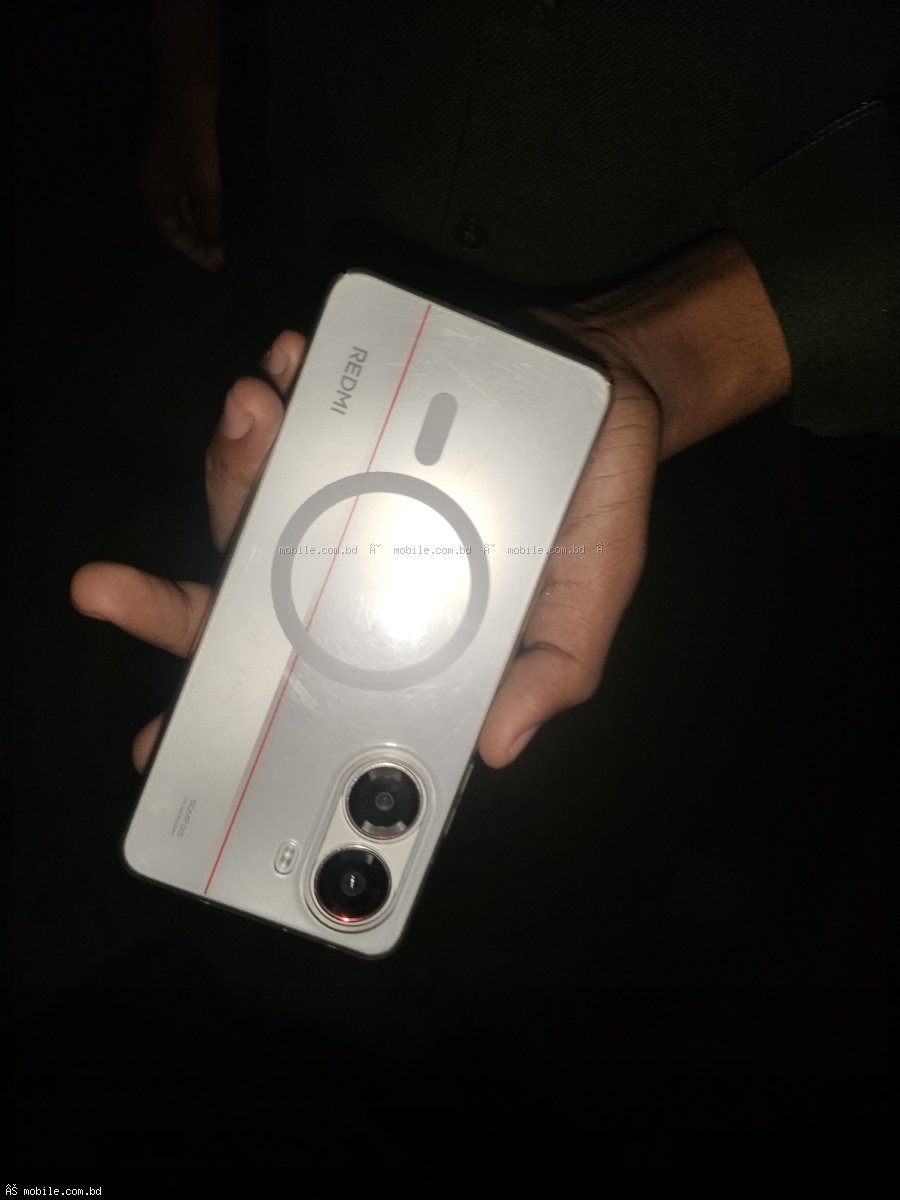
Photo 1: Front of the phone with screen turned on. Photo 2: Back of the phone. Photo 3: Left side. Photo 4: Right side. Photo 5: Top of the phone. Photo 6: Bottom of the phone (charging port area). Photo 7: Screen turned off (show any scratches). Photo 8: Any scratches or damage close-up. Photo 9: Original box if available. Photo 10: All accessories (charger, cable, earphones).
Take photos in natural daylight near a window. Avoid flash which creates glare. Use a clean, plain background like a white table or sheet. Take at least 7 photos. More photos build more trust.
Step 3: Determine the Right Price
Setting the right price is critical. Price too high – no one buys. Price too low – you lose money. Here is how to find the right price.
Check similar phones on mobile.com.bd/used-phones. See what similar phones are selling for. Price 5-10% lower than similar listings for a quick sale. Include original box and accessories to add 5-10% to your price. Be honest about condition – deduct 15-25% for fair condition.
Step 4: Write a Winning Description
Your description should include: Brand and exact model name. RAM and storage capacity. Battery health percentage (use AccuBattery app). Any scratches, dents, or damage (be honest). What is included (charger, cable, box, earphones). Purchase date and warranty status. Reason for selling (upgraded, need cash, etc.). Honest descriptions build trust. Trust leads to faster sales at better prices.
Step 5: List Your Phone for Free
Go to mobile.com.bd/used-phones/sell. Create a free account with your phone number or email. Enter phone details (brand, model, RAM, storage, condition). Add IMEI numbers – dial *#06# on your phone to get them. Upload your photos (min 3, max 10). Set your asking price. Select your location. Submit for review – your listing will go live within 24 hours.
Step 6: Respond to Buyers Quickly
When buyers message, respond within minutes. The first buyer often gets the sale. Keep your phone nearby after listing. Answer all questions honestly and promptly. Be prepared to negotiate – set your minimum price before negotiations start.
Step 7: Complete the Sale Safely
On mobile.com.bd, delivery is handled by the platform. You do not need to meet strangers. Pack the phone properly using bubble wrap and a sturdy box. Include all accessories. Ship within 24 hours of sale. Keep tracking number and delivery proof.
How Long Does It Take to Sell
Popular phones in good condition sell within 1 to 7 days. Less popular phones may take 2 to 3 weeks. Price competitively and take good photos to sell faster. Respond to buyers quickly to close deals.
Common Mistakes to Avoid
Bad photos kill sales. Take clear, well-lit photos. Overpricing leads to no inquiries. Check market prices. Hiding damage breaks trust. Always disclose scratches or issues. Listing on only one platform limits exposure – list on mobile.com.bd. Slow responses lose buyers – respond within minutes.
List your used phone for free at mobile.com.bd/used-phones/sell today.