How to Remove Bloatware and Ads from Xiaomi, realme, Samsung Phones - Complete Guide 2026
How to Remove Bloatware and Ads from Xiaomi, realme, Samsung Phones - Complete Guide 2026
Bloatware (pre-installed apps you never use) and ads can slow down your phone and be annoying. This guide shows you how to remove bloatware and disable ads on Xiaomi, realme, and Samsung phones without rooting.
Xiaomi (MIUI / HyperOS) - Remove Bloatware and Ads
Disable Ads in MIUI/HyperOS
Step 1: Go to Settings > Passwords and Security > Authorization and Revocation
Step 2: Revoke authorization for MSA (MIUI System Ads)
Step 3: Go to Settings > Additional Settings > Privacy > Ad Services > Disable Personalized Ads
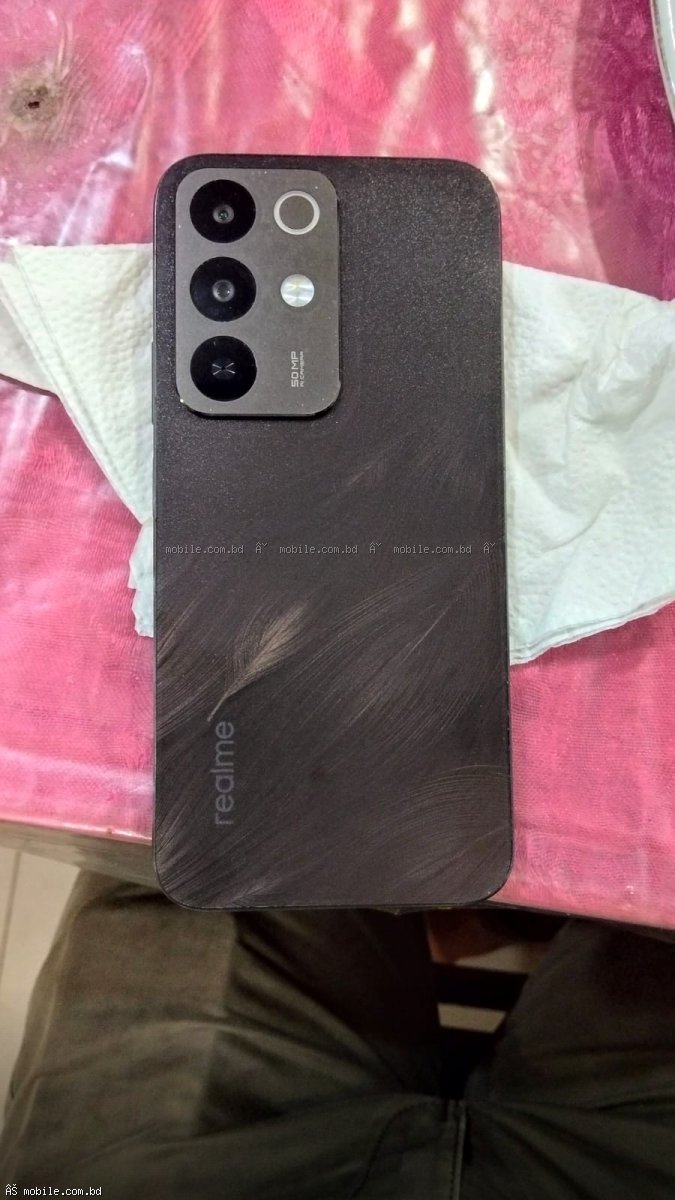
realme (realme UI) - Remove Bloatware and Ads
Disable Ads in realme UI
Step 1: Go to Settings > Additional Settings > Privacy > Ad Services > Disable Personalized Ads
Step 2: Go to Settings > Security > Revoke authorization for MSA
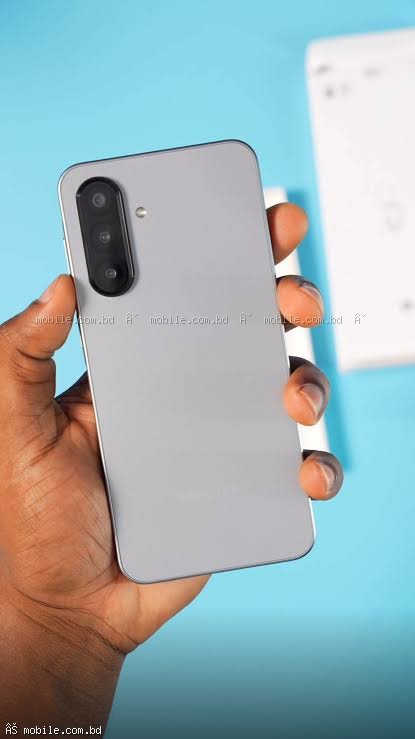
Samsung (One UI) - Remove Bloatware and Ads
Samsung has significantly fewer ads. To disable personalized ads:
Step 1: Go to Settings > Security and Privacy > Privacy > Other privacy settings
Step 2: Disable Send diagnostic data and Customization Service
Benefits of Removing Bloatware
- More free storage space
- Better battery life
- Faster performance
- Cleaner app drawer
- Fewer annoying notifications
Where to Buy Bloatware-Free Phones
Samsung phones have the least bloatware. All phones on mobile.com.bd are 100 percent original.
Frequently Asked Questions
Question 1: Is removing bloatware safe?
Answer: Disabling apps is completely safe.
Question 2: Will disabling apps void my warranty?
Answer: No, disabling apps does not void warranty.
Question 3: Which brand has the least bloatware?
Answer: Samsung has the least bloatware and no system ads.