How to Increase Phone Storage Without Deleting Apps - Complete Guide 2026
How to Increase Phone Storage Without Deleting Apps - Complete Guide 2026
Running out of storage space is a common problem. This guide shows you how to increase available storage without deleting apps.
Method 1: Use a microSD Card
The easiest way to increase storage is adding a microSD card. Many phones support microSD cards up to 1TB.
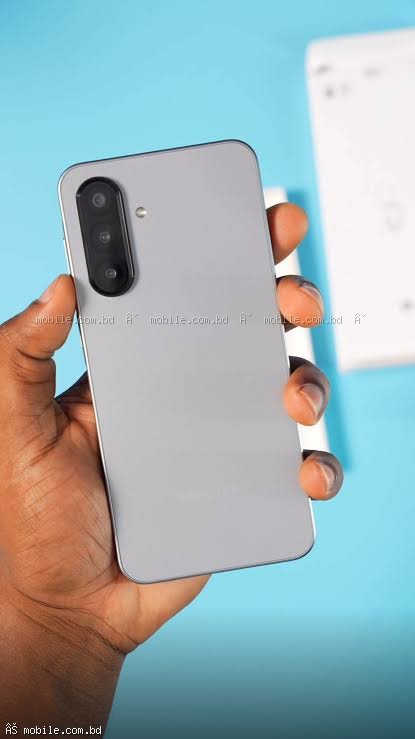
Phones with microSD card support: Samsung Galaxy A06, A16 5G, A26 5G, A36 5G, A56 5G, Infinix Note 60, Redmi Note 15 5G
Method 2: Move Photos and Videos to Cloud Storage
Google Photos: Free 15GB backup. Enable Backup and Sync then tap Free up space.
Google Drive: Free 15GB for documents and files.
OneDrive: Free 5GB, 100GB with Microsoft 365.
Method 3: Clear App Cache and Data
Apps store temporary files (cache) that can grow to several gigabytes.
Samsung: Settings > Device care > Storage > Clean now
Xiaomi: Settings > Storage > Cleaner > Clean
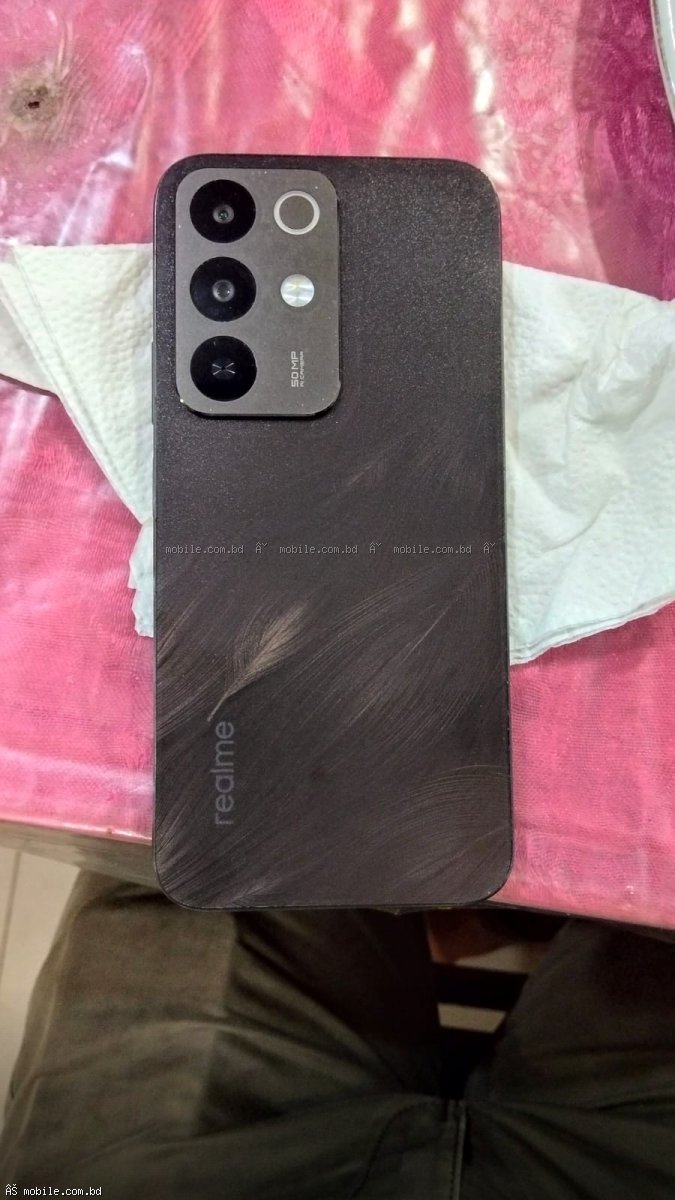
realme: Settings > Additional Settings > Storage > Clean
Method 4: Use Lite Versions of Apps
Lite apps take significantly less storage:
- Facebook Lite: 5-10 MB vs 200-300 MB for full app
- Instagram Lite: 10-15 MB vs 150-200 MB for full app
- YouTube Go: 15-20 MB vs 150-200 MB for full app
Method 5: Delete Old WhatsApp Media
WhatsApp can consume 10-50GB over time.
Steps: WhatsApp > Settings > Storage and Data > Manage Storage > Delete large files
Phones with Expandable Storage at mobile.com.bd
- Samsung Galaxy A06 - microSD up to 1TB
- Infinix Note 60 - microSD up to 2TB
Where to Buy microSD Cards
Frequently Asked Questions
Question 1: How much storage do I really need?
Answer: 128GB is sufficient for most users. 256GB is recommended for heavy photo/video users.
Question 2: Does moving apps to SD card slow down the phone?
Answer: Yes, SD cards are slower than internal storage. Keep frequently used apps on internal storage.