How to Extend Your Smartphone Battery Life - 20 Tips and Tricks
How to Extend Your Smartphone Battery Life - 20 Tips and Tricks
Battery life is a constant concern for smartphone users. No matter how good your phone is, heavy use can drain the battery before the day ends. This guide provides 20 practical tips to extend your smartphone's battery life.
Settings Adjustments (10 Tips)
1. Reduce Screen Brightness
The display is the biggest battery drain. Keep brightness at 40-50% instead of 100%. Use auto-brightness so the phone adjusts to your environment.
2. Enable Dark Mode
On AMOLED displays, dark mode turns off black pixels completely, saving significant battery power. Use dark mode in apps and system-wide.
3. Reduce Screen Timeout
Set your screen to turn off after 30 seconds instead of 1-2 minutes. This prevents the display from staying on when you forget to lock it.
4. Lower Refresh Rate
120Hz displays consume more battery than 60Hz. For everyday use, set your phone to 60Hz or adaptive refresh rate.
5. Turn Off Always-On Display
Always-On Display (AOD) keeps part of the screen lit constantly. Turn it off if you don't need it. If you use it, set it to tap-to-show instead of always on.
6. Disable Unnecessary Connectivity
Turn off Bluetooth, Wi-Fi, GPS, and mobile data when not needed. These radios consume power even when not actively used.
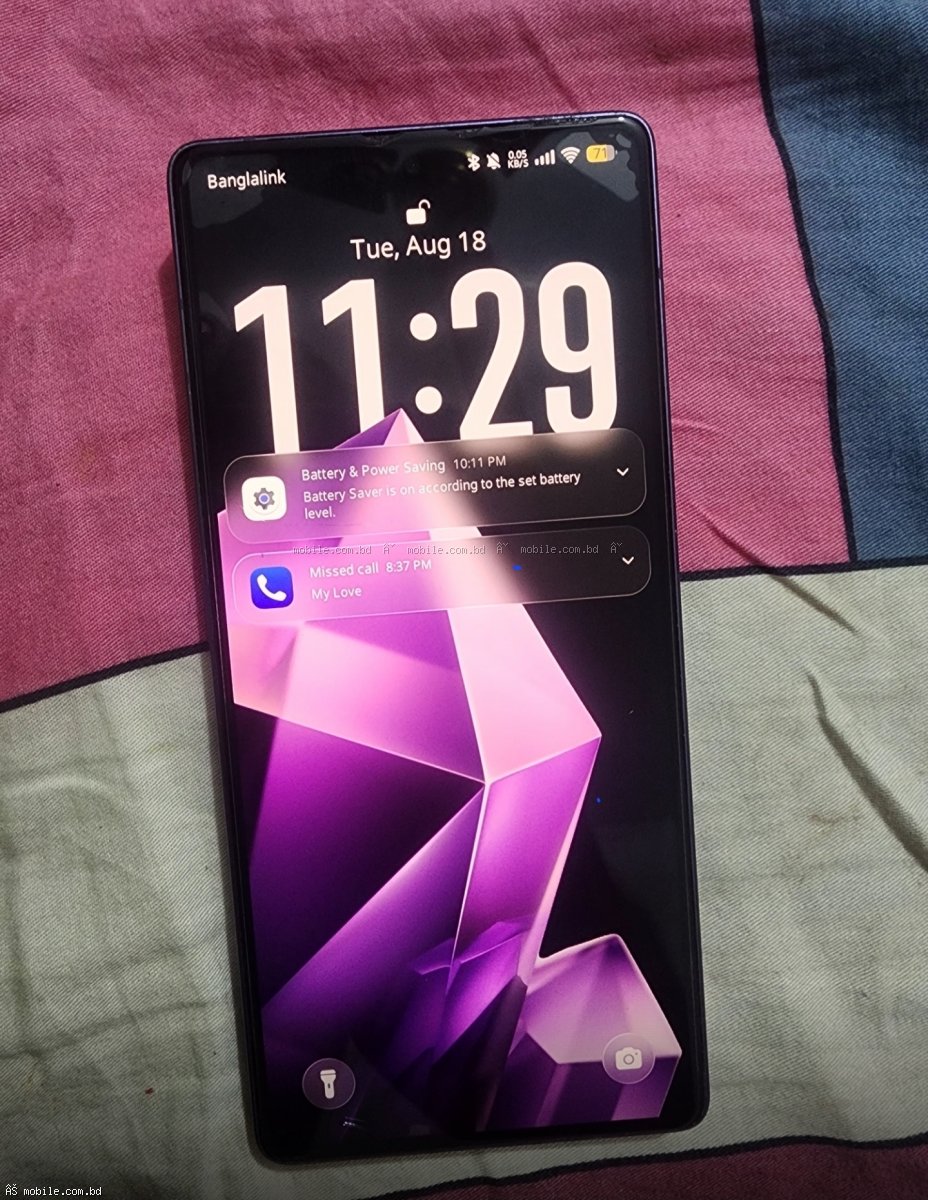
7. Use Battery Saver Mode
Most phones have a battery saver mode that limits background activity and reduces performance slightly. This can extend battery life by 20-30%.
8. Turn Off Vibration
Vibration motors consume significant power. Turn off keyboard vibration, haptic feedback, and vibration for notifications.
9. Disable Unnecessary Notifications
Every notification wakes up your phone's processor and display. Disable notifications for apps you don't need alerts from.
10. Use Airplane Mode in Low Signal Areas
When your phone has poor signal, it increases power to the cellular radio to maintain connection. Use Airplane mode in areas with no signal.
App Management (5 Tips)
11. Uninstall Unused Apps
Unused apps run background processes and consume battery. Delete apps you haven't used in the last month.
12. Restrict Background Activity
Go to Settings > Apps > [App Name] > Battery > Restrict background activity. Do this for apps you don't need real-time updates from.
13. Disable Auto-Sync
Auto-sync keeps apps like Gmail, Facebook, and Instagram constantly checking for updates. Disable auto-sync and sync manually when needed.
14. Use Lite Versions of Apps
Facebook Lite, Messenger Lite, and YouTube Go use significantly less battery than full versions.
15. Close Apps When Done
Don't leave games and heavy apps running in the background. Close them when you're finished.
Charging Habits (3 Tips)
16. Avoid 0% and 100%
Lithium-ion batteries last longest when kept between 20% and 80%. Avoid regularly draining to 0% or charging to 100%.
17. Use Original Chargers
Cheap third-party chargers can damage your battery. Use the original charger or a quality certified replacement.
18. Avoid Heat
Heat is the biggest enemy of battery health. Don't leave your phone in direct sunlight, in a hot car, or on your car dashboard. Remove the case while charging if the phone gets hot.
Other Tips (2 Tips)
19. Update Your Software
Software updates often include battery optimizations. Keep your phone updated to the latest version.
20. Check Battery Health
On Samsung phones, go to Settings > Battery and Device Care > Battery > More battery settings to check battery health. If health is below 80%, consider a battery replacement.
Quick Reference - Battery Saving Checklist
| Action | Battery Saved (Estimated) | Reduce brightness from 100% to 50% | 15-20% |
|---|---|
| Enable dark mode (on AMOLED) | 10-15% | Turn off Always-On Display | 5-10% | Enable battery saver mode | 20-30% | Restrict background apps | 10-15% |
Best Long Battery Life Phones
If battery life is your top priority, these phones have the best battery life:
- Infinix Note 60 (19,990 BDT) - 5000 mAh, 45W charging
- Samsung Galaxy A06 (14,499 BDT) - 5000 mAh, efficient processor
- Samsung Galaxy A16 5G (24,999 BDT) - 5000 mAh, 5G
When to Consider a New Phone
If your phone's battery health is below 70-80% and it's more than 2-3 years old, a new phone may be more cost-effective than a battery replacement. Consider upgrading to one of the phones above.
Where to Buy Phones with Good Battery Life
mobile.com.bd offers all these phones with official warranty.
? Shop long battery life phones ?
Frequently Asked Questions
Question 1: Is it bad to leave my phone charging overnight?
Answer: Modern phones stop charging at 100%, so it's not dangerous. However, keeping the battery at 100% for long periods slightly reduces long-term lifespan.
Question 2: Does fast charging damage the battery?
Answer: Modern phones manage heat and current to protect the battery. 25W-45W charging is safe. Very high speeds (100W+) may cause slightly faster degradation over 2+ years.
Question 3: How often should I calibrate my battery?
Answer: Once every 2-3 months, let the battery drain to 0% until the phone turns off, then charge to 100% without interruption. This helps the phone accurately measure battery percentage.
Question 4: Which phone has the longest battery life?
Answer: Among phones on mobile.com.bd, the Infinix Note 60 offers the best combination of large battery and efficient processor.