What to Do If Your Phone Gets Water Damaged - Emergency Guide for Bangladesh
What to Do If Your Phone Gets Water Damaged - Emergency Guide for Bangladesh
Water damage is one of the most common causes of phone failure, especially during monsoon season in Bangladesh. Knowing what to do immediately can save your phone. This guide provides emergency steps for water-damaged phones.
Important Note: Water Damage Not Covered by Warranty
Water damage is considered physical damage and is NOT covered under manufacturer warranty. Water damage indicators inside your phone will show if liquid entered the device.
Emergency Steps - What to Do Immediately
Step 1: Remove from Water Immediately
Act quickly. The longer the phone is in water, the more damage occurs.
Step 2: Turn Off the Phone
If the phone is still on, turn it off immediately. Do not press any buttons (which could short circuit components).
Step 3: Remove Case and Accessories
Remove the phone case, SIM card tray, and any cables.
Step 4: Wipe Dry
Use a soft, lint-free cloth to wipe the exterior of the phone. Do not use heat (hair dryer) which can damage internal components.
Step 5: Do NOT Charge the Phone
Do not plug in the charger. This can cause a short circuit and permanent damage.
Step 6: Do NOT Use Rice - Use Silica Gel
Contrary to popular belief, rice is not effective and can leave dust inside ports. Use silica gel packets (often found in shoe boxes) or commercial phone drying kits.
Step 7: Leave to Dry for 48-72 Hours
Place the phone with silica gel in a sealed container. Leave for at least 48-72 hours. Do not attempt to turn it on during this time.
Step 8: Take to Service Center
After drying, if the phone doesn't turn on or has issues, take it to an authorized service center for inspection.
What NOT to Do
- Do NOT press any buttons
- Do NOT charge the phone
- Do NOT use a hair dryer (heat damages components)
- Do NOT shake the phone (spreads water inside)
- Do NOT use rice (dust can enter ports)
- Do NOT try to disassemble the phone yourself
Phones with IP67/IP68 Water Resistance
Water-resistant phones can survive splashes and brief submersion. However, water resistance decreases over time and with drops.
| Model | IP Rating | Water Resistance Level | Buy Link | Samsung Galaxy A16 5G | IP67 | 1m for 30 minutes | Buy | Galaxy A56 5G | IP67 | 1m for 30 minutes | Buy | Galaxy S25 FE | IP68 | 1.5m for 30 minutes | Buy |
|---|
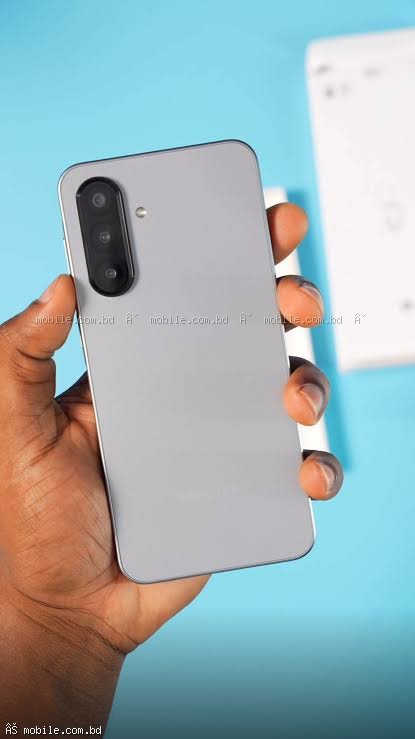
Samsung Galaxy A16 5G - IP67 Water Resistant
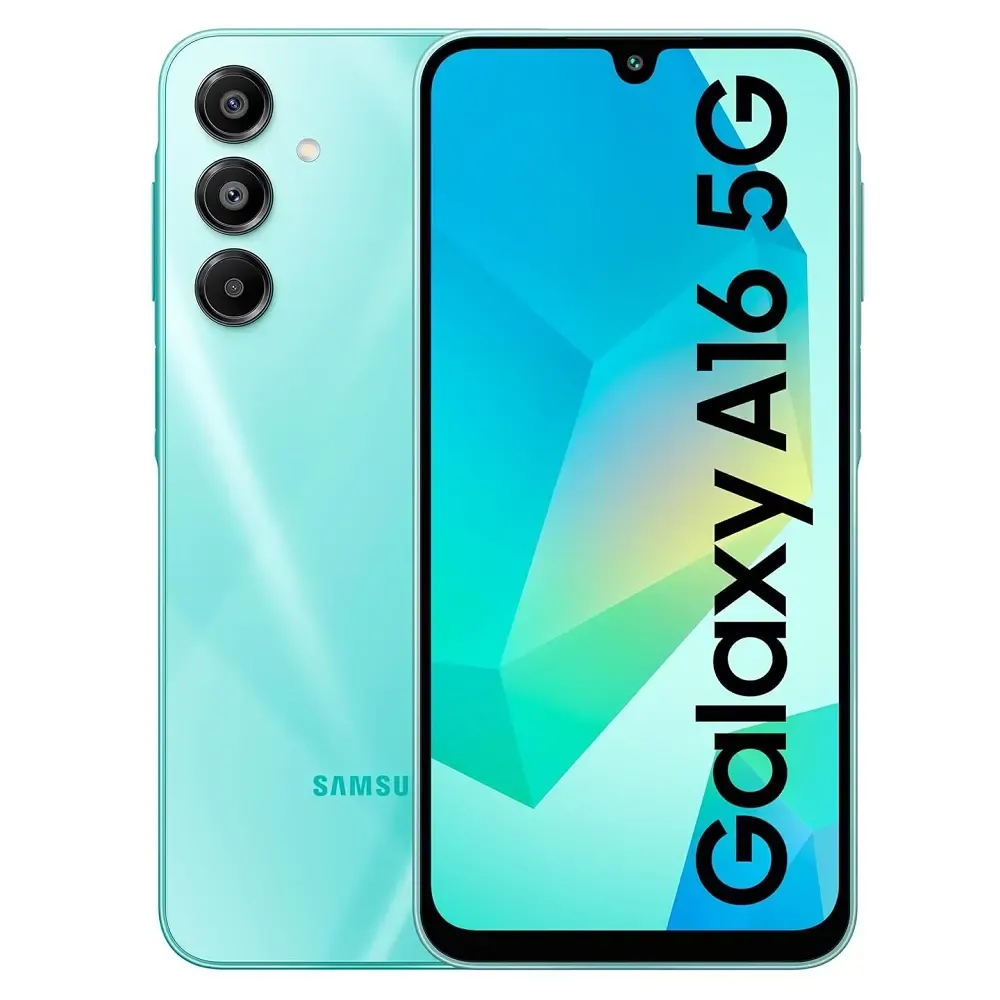
Price: 24,999 BDT
IP67 rating - protected against immersion in 1m water for 30 minutes.
Galaxy S25 FE - IP68 Water Resistant
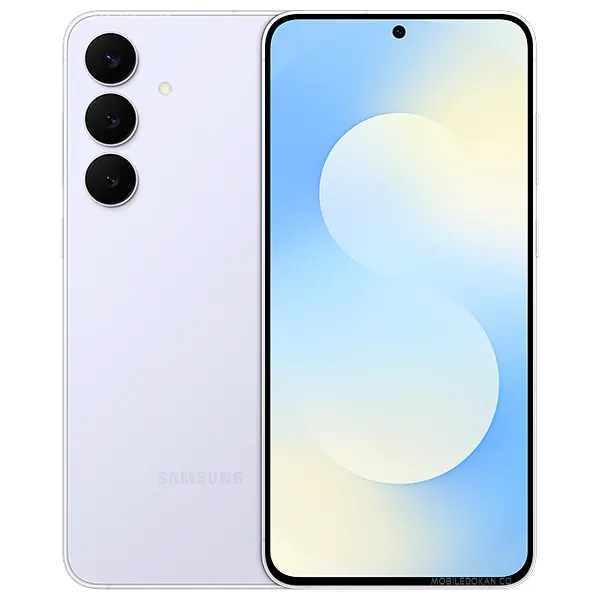
Price: 48,999 BDT
IP68 rating - protected against immersion in 1.5m water for 30 minutes.
Buy Premium Water Resistant Phone ?
? Shop Water Resistant Phones ?
Frequently Asked Questions
Question 1: Is water damage covered under warranty?
Answer: No, water damage is considered physical damage and is not covered.
Question 2: How much does water damage repair cost?
Answer: 1,000-5,000 BDT for cleaning. 5,000-15,000 BDT if motherboard is damaged.
Question 3: Can a water-damaged phone be repaired?
Answer: Sometimes, if caught early. Corrosion continues even after drying.
Question 4: Does IP68 mean my phone is waterproof?
Answer: No, it means water resistant, not waterproof. IP ratings are for fresh water only, not salt water or soapy water.







![For Apple Iphone 14 /Iphone 14 Plus Camera Lens Protector,[Night Shooting Mode] Hd Tempered Metal Glass Camera Screen Protector Cover Film Accessories](https://mobile.com.bd/uploads/products/import_bae7111d9eea545e123cbcef69ed9a60.webp)