Phone Overheating? Causes and Solutions - Complete Guide 2026
Phone Overheating? Causes and Solutions - Complete Guide 2026
Is your phone getting hot to the touch? Overheating is a common problem that can damage your battery and other components. This guide explains why phones overheat and how to fix it.
Why Do Phones Overheat?
Phones generate heat during normal operation. But excessive heat is caused by:
- Intensive gaming (PUBG, Free Fire, BGMI)
- Video recording for long periods (especially 4K)
- Fast charging while using the phone
- Direct sunlight exposure
- Too many apps running in background
- Malware or rogue apps
- Old battery
- Defective hardware
Is Overheating Dangerous?
Mild warmth (30-40°C) is normal. Excessive heat (50°C+) can:
- Permanently damage battery (reduces lifespan)
- Damage processor and other components
- Cause screen discoloration
- In rare cases, cause battery swelling or fire
Normal Phone Temperatures
| Usage | Normal Temperature | Warning Temperature | Idle / Basic use | 25-35°C | 40°C+ | Gaming (30 minutes) | 35-42°C | 45°C+ | Video recording (4K) | 38-45°C | 48°C+ | Fast charging | 30-38°C | 42°C+ |
|---|
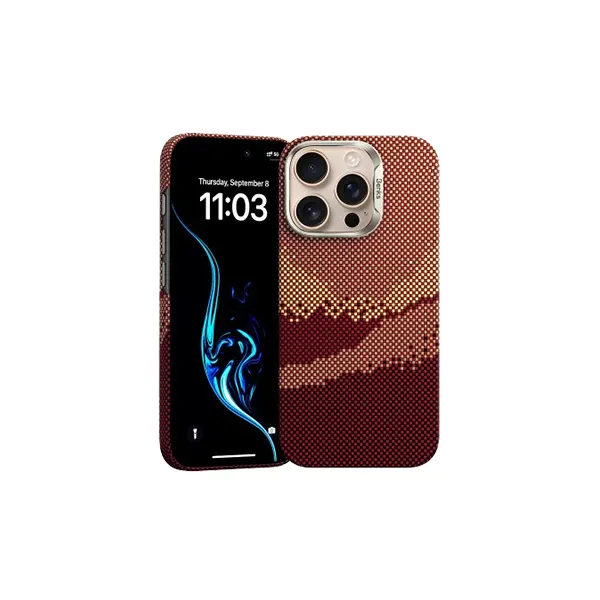
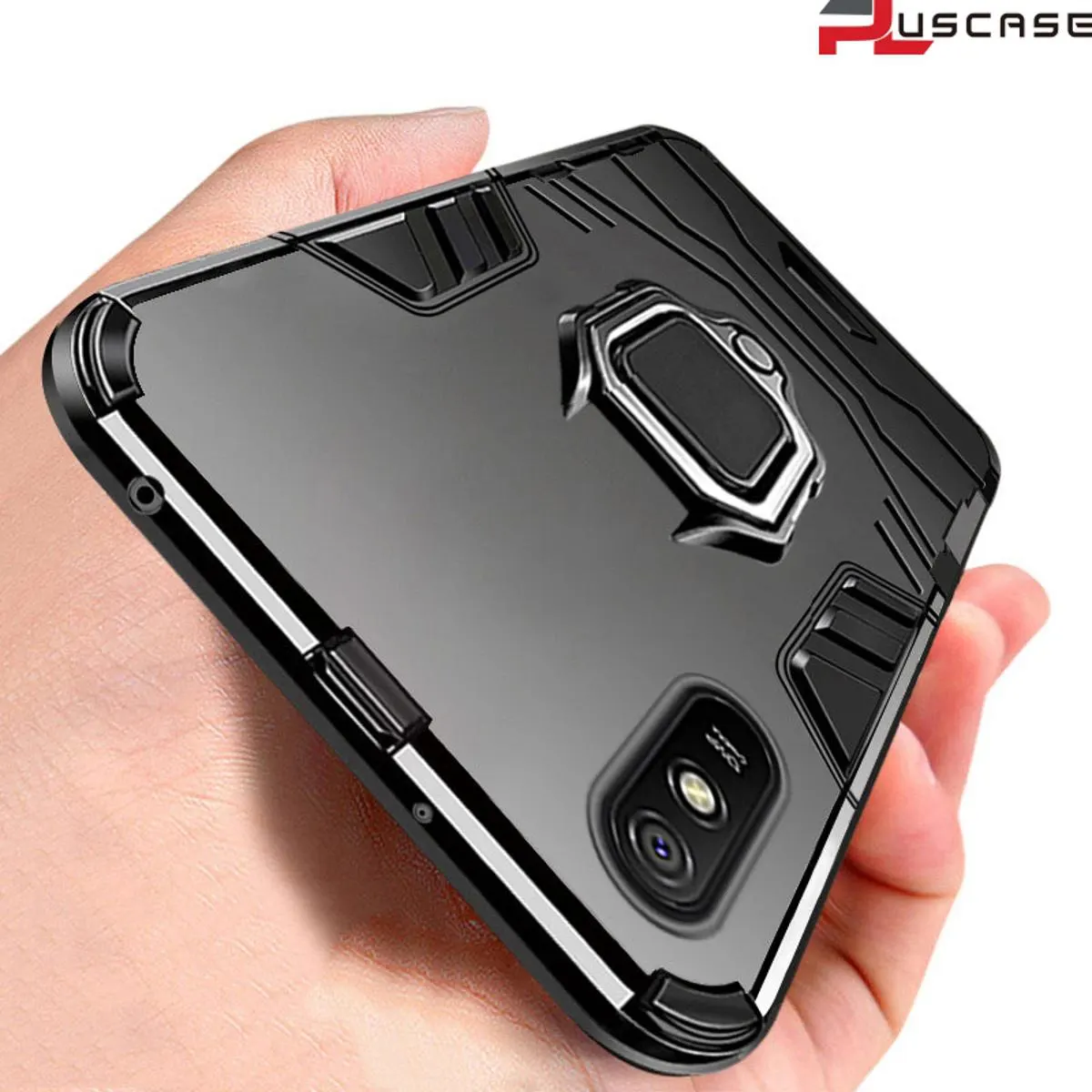
1. Remove Phone Case While Gaming or Charging
Phone cases trap heat. Remove the case when gaming, charging, or recording video.
2. Avoid Direct Sunlight
Don't leave your phone in direct sunlight or on a car dashboard. Use a windshield shade for your car.
3. Don't Use Phone While Fast Charging
Fast charging generates heat. Using the phone while charging adds more heat. Let it charge undisturbed.
4. Close Unused Apps
Background apps use processor and generate heat. Close apps you're not using.
5. Lower Screen Brightness
High brightness generates heat. Reduce brightness to 40-50%.
6. Turn Off Unnecessary Features
Disable Bluetooth, GPS, hotspot, and Wi-Fi when not needed.
7. Use a Phone Cooler for Gaming
External phone coolers (1,500-2,500 BDT) actively cool your phone during gaming.
8. Enable Battery Saver Mode
Battery saver reduces processor load and heat generation.
9. Lower Game Graphics Settings
High graphics settings make the processor work harder. Lower to medium or low for cooler operation.
10. Update Your Software
Software updates often include thermal management improvements.
11. Avoid Using Phone in Hot Environments
Don't use your phone in a hot car or direct sunlight. Ambient temperature affects phone temperature.
12. Use Original Charger
Fake chargers can cause overheating. Always use original or certified chargers.
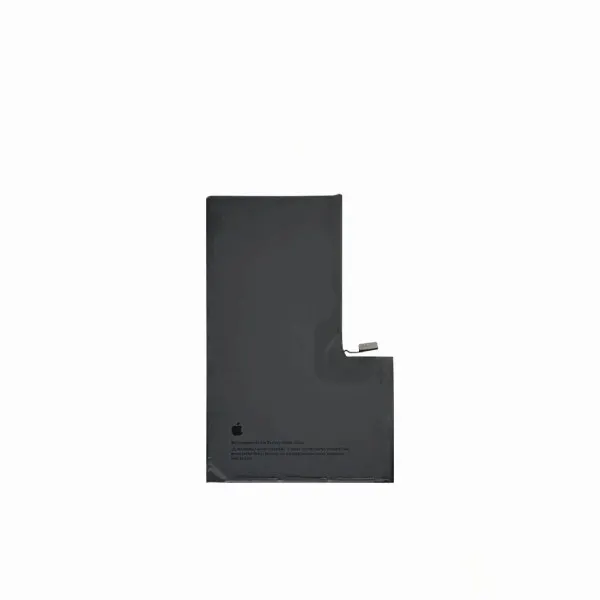
13. Replace Old Battery
Old batteries (2-3 years) generate more heat. Replace if battery health is below 80%.
14. Scan for Malware
Malware can cause processor to run constantly. Scan with antivirus app.
15. Take Breaks During Gaming
Take 5-minute breaks every 30-45 minutes of gaming to let the phone cool down.
What to Do If Your Phone Overheats
- Stop using the phone immediately
- Remove the case
- Move to a cooler environment (shade or air conditioning)
- Turn off the phone if very hot
- Let it cool for 15-30 minutes
- Don't put it in the refrigerator (condensation damage)
Best Phones for Heat Management (Cooling Systems)
Some phones have better cooling systems than others:
- RedMagic 10 Pro - Active cooling fan, stays cool during gaming
- Galaxy A56 5G - Vapor chamber cooling
- Galaxy S25 FE - Large vapor chamber
Where to Buy Cooler Phones
mobile.com.bd offers all these phones with official warranty.
? Shop phones with good cooling ?
Frequently Asked Questions
Question 1: Is it normal for a phone to get warm?
Answer: Yes, mild warmth (30-40°C) is normal during gaming, recording, or fast charging.
Question 2: Can overheating damage my phone permanently?
Answer: Yes, repeated overheating can permanently reduce battery life and damage components.
Question 3: Should I buy a phone cooler?
Answer: Yes, if you are a heavy gamer (2+ hours daily) or live in a hot environment.
Question 4: My phone overheats even when not in use. What to do?
Answer: Check for malware, background apps, or a faulty battery. Factory reset may help.