Mobile Phone Warranty Check - How to Verify Your Phone's Warranty Status Online
Mobile Phone Warranty Check - How to Verify Your Phone's Warranty Status Online
Knowing your phone's warranty status is important before buying a used phone or when you need service. This guide shows you how to check warranty status for all major brands online.
Why You Should Check Phone Warranty
- Before buying a used phone
- To verify if your phone is original
- Before sending for repair
- To know if you're covered for free repairs
- To check if the phone is under manufacturer warranty
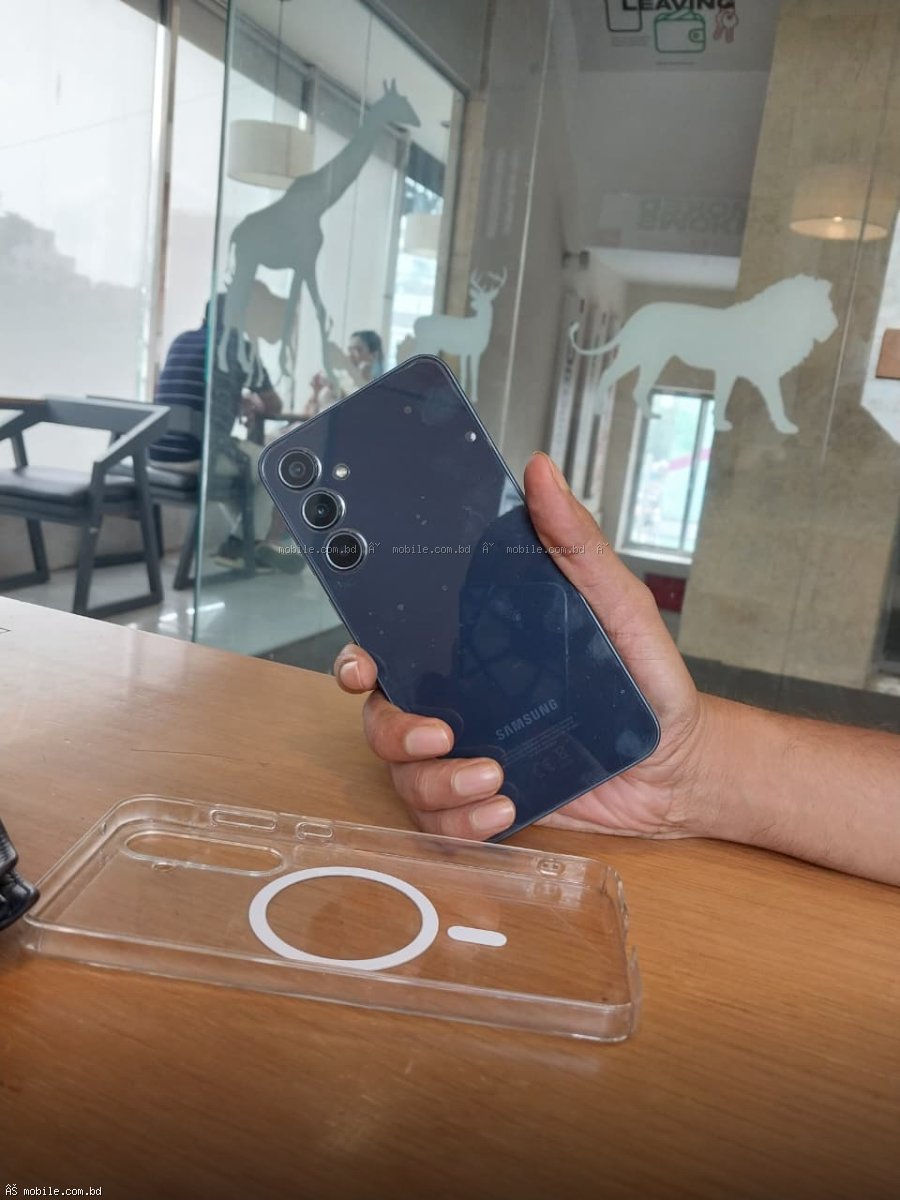
Samsung Warranty Check
Method 1: Samsung Members App
Open Samsung Members app > Support > Phone Care > Battery. The app will show warranty status.
Method 2: Samsung Website
Visit Samsung's official warranty check page. Enter your phone's IMEI number (dial *#06#) and serial number. The page will show warranty status, model information, and regional validity.
Method 3: Visit Service Center
Take your phone to any authorized Samsung service center. They can instantly verify warranty status.
realme Warranty Check
realme Official Website
Visit realme's official warranty check page. Enter your IMEI number. The page will show warranty status and authenticity.
realme Service Center
Visit any authorized realme service center for warranty verification.
Xiaomi Warranty Check
Xiaomi Official Website
Visit Xiaomi's official verification page. Enter your IMEI number to check if the phone is genuine and has warranty.
Mi Store App
Open Mi Store app > Account > My Products. Registered products will show warranty status.
Apple iPhone Warranty Check
Apple Coverage Check
Visit Apple's coverage check page. Enter your iPhone's serial number (Settings > General > About). The page will show warranty status and Apple Care coverage.
Check in Settings
Settings > General > About > Limited Warranty (if available) shows remaining coverage.
Infinix and Tecno Warranty Check
Visit Service Center
The most reliable way is to visit an authorized Infinix or Tecno service center with your phone and purchase receipt.
How to Find Your IMEI Number
Method 1: Dial *#06# on your phone. The IMEI number(s) will appear on screen.
Method 2: Go to Settings > About Phone > IMEI
Method 3: Check the box label or under the battery (if removable)
What Warranty Information You Can Get
- Warranty status (active/expired)
- Warranty start and end dates
- Remaining coverage period
- Product authenticity
- Regional validity
Warranty Check by Brand
| Brand | Check Method | Information Needed | Samsung | Samsung Members app or website | IMEI + Serial Number | realme | realme website | IMEI | Xiaomi | Xiaomi website or Mi Store | IMEI | Apple | Apple coverage page | Serial Number |
|---|
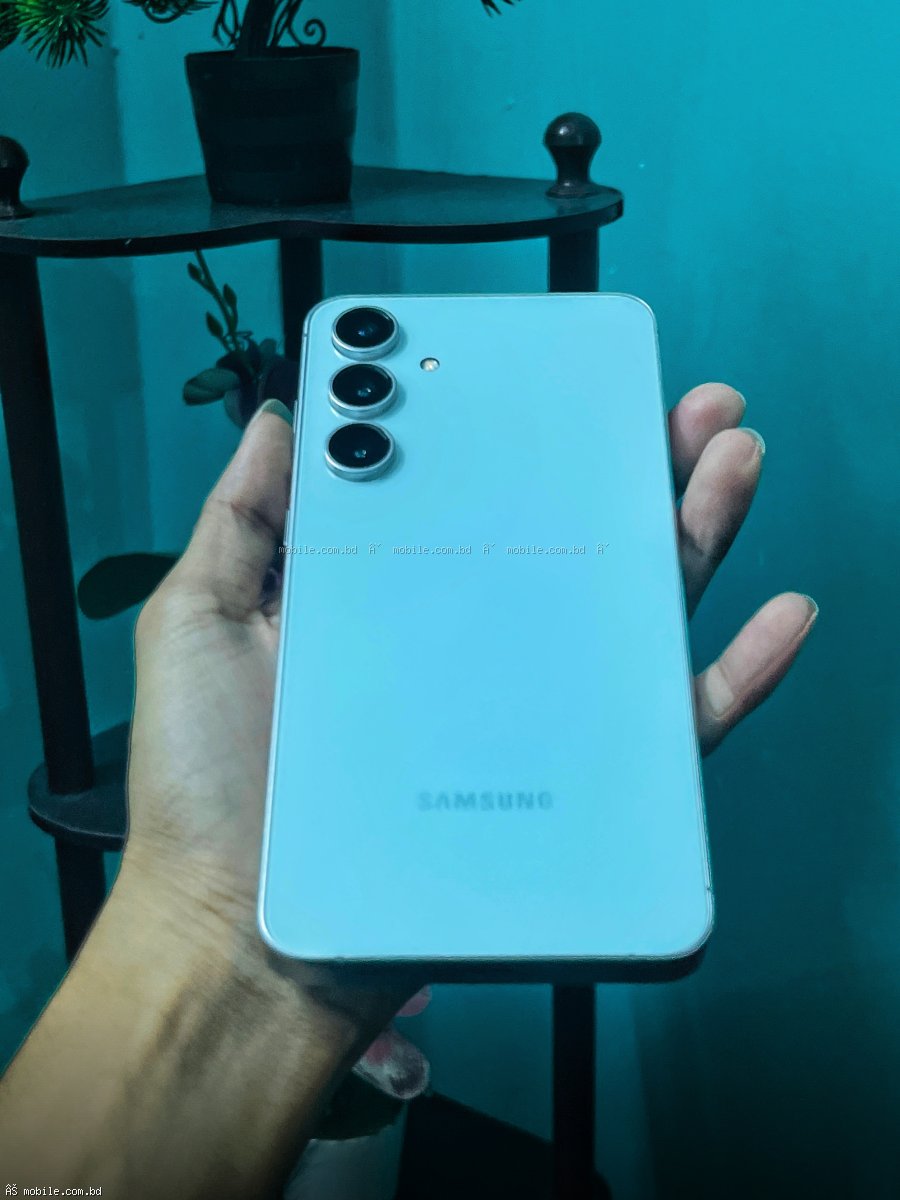
Samsung Galaxy A06 - Check Warranty
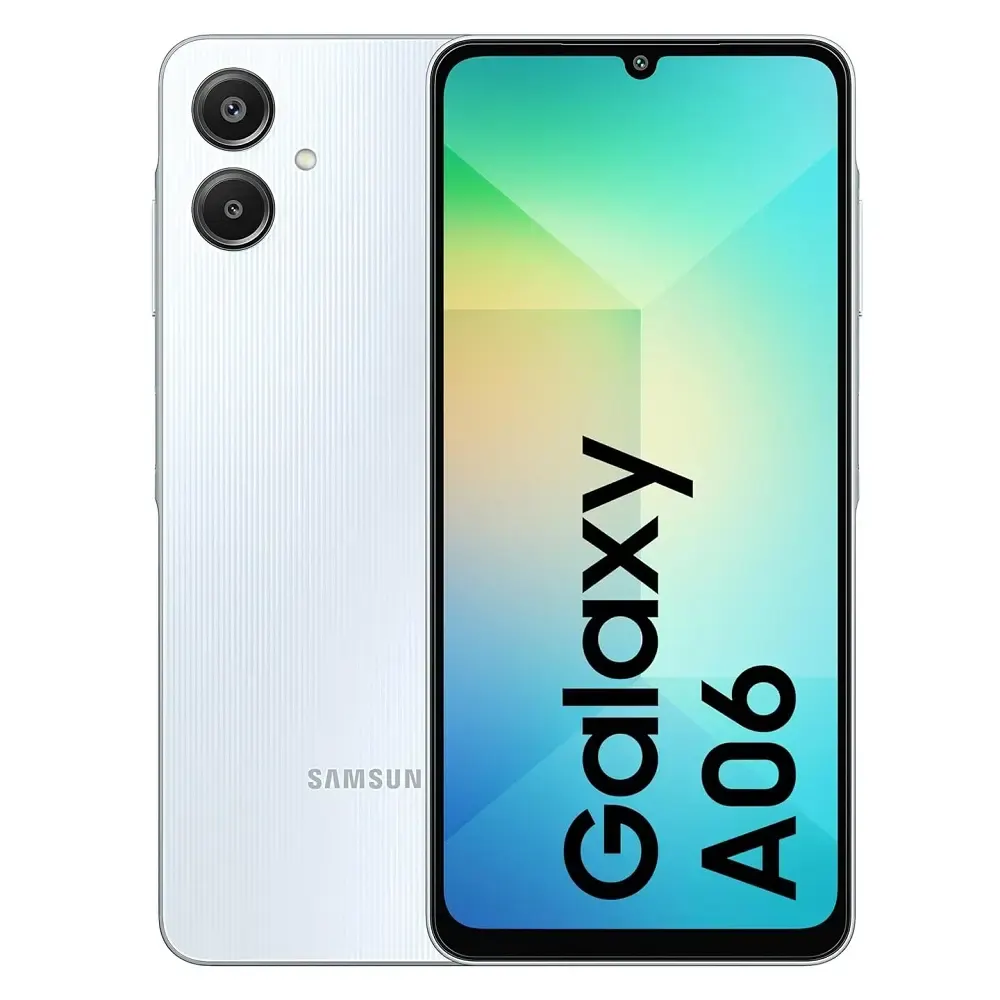
Price: 14,499 BDT
Official Samsung warranty. Valid IMEI for warranty check.
Buy with Verifiable Warranty ?
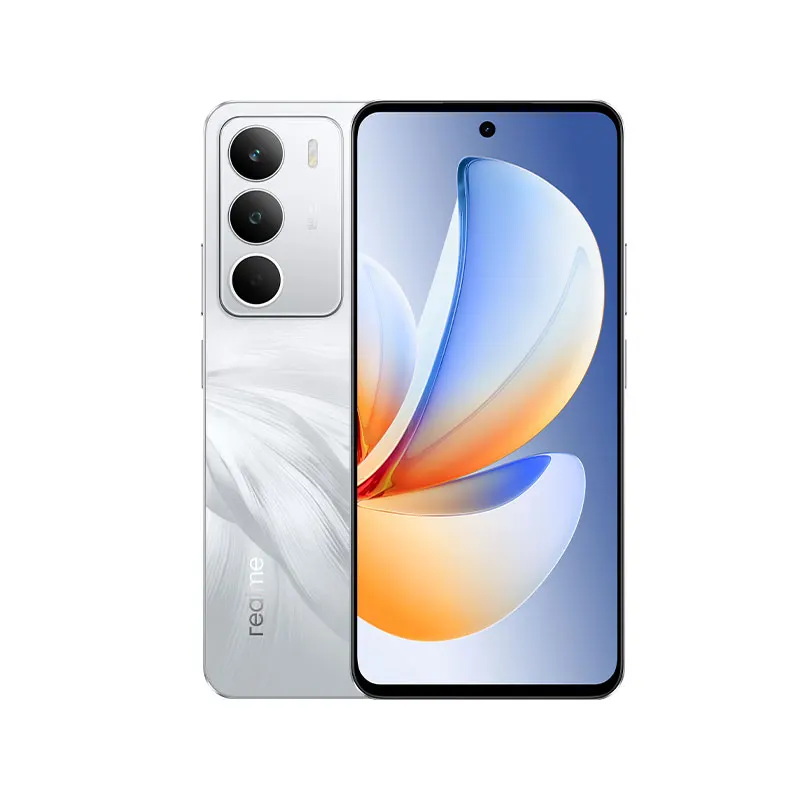
realme C85 Pro - Check Warranty
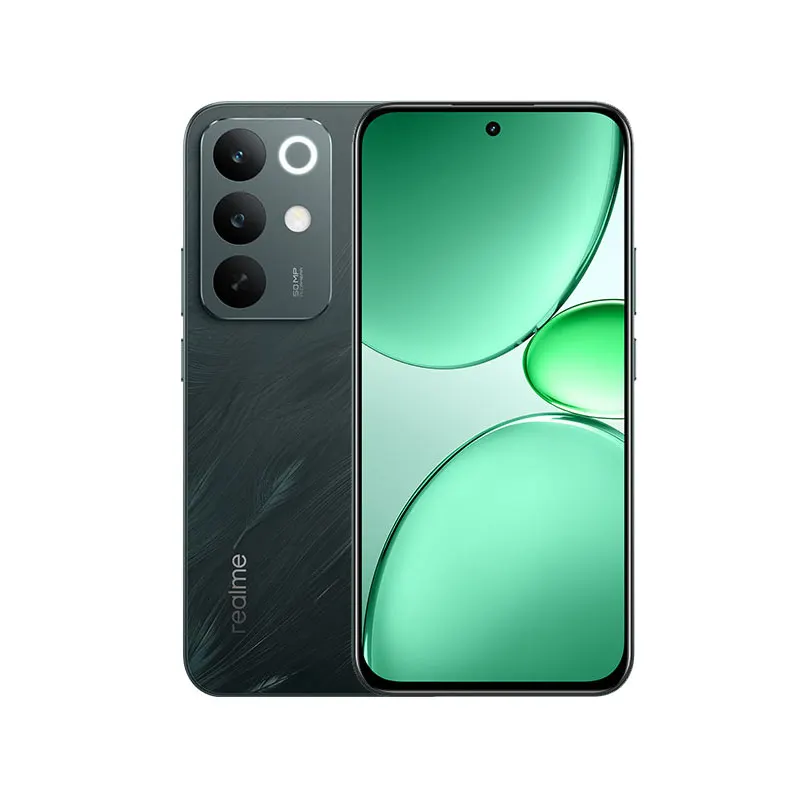
Price: 22,990 BDT
Official realme warranty. IMEI verifiable online.
Buy with Verifiable Warranty ?
What to Do If Warranty Check Fails
- Contact the seller immediately
- If the phone was bought from mobile.com.bd, contact our support
- If the phone is grey market, you have no warranty recourse
- Consider buying an official warranty phone next time
Why Buy from mobile.com.bd
- All phones have verifiable official warranty
- Valid IMEI numbers registered in Bangladesh
- Warranty cards included
- Free delivery nationwide
- Zero percent EMI available
? Buy Phones with Verifiable Warranty ?
Frequently Asked Questions
Question 1: Can I check warranty without IMEI?
Answer: No, IMEI is required for warranty verification.
Question 2: Does mobile.com.bd provide warranty cards?
Answer: Yes, all phones come with official manufacturer warranty cards.
Question 3: How long does Samsung warranty last?
Answer: 1 year for most models. Some premium models may have extended warranty.
Question 4: What if my warranty check shows no warranty?
Answer: The phone may be grey market or refurbished. Buy only from mobile.com.bd for verifiable warranty.