Best Screen Recorder Apps for Gaming and Tutorials in Bangladesh 2026 - Free and Premium
Best Screen Recorder Apps for Gaming and Tutorials in Bangladesh 2026 - Free and Premium
Whether you want to record gaming highlights or create tutorial videos, a good screen recorder is essential. This guide covers the best screen recorder apps available in 2026.
Built-in Screen Recorders vs Third-Party Apps
Most modern smartphones have built-in screen recorders. However, third-party apps offer more features like facecam overlay and better editing tools.
Phones with Excellent Built-in Screen Recorders
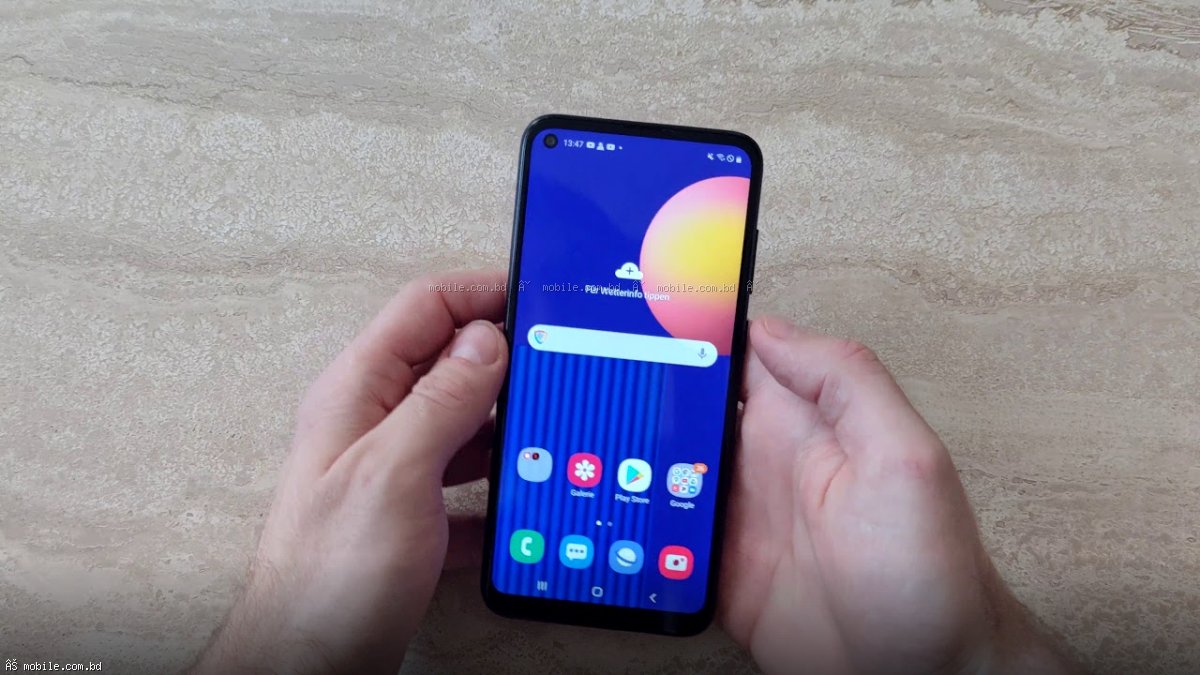
Samsung Galaxy (One UI)
Features: 1080p recording, internal audio, selfie video overlay, draw on screen
How to use: Swipe down for Quick Panel > Tap Screen Recorder
Xiaomi (MIUI/HyperOS)
Features: 1080p, screen touch visualization, pause/resume
How to use: Swipe down for Control Center > Tap Screen Recorder
Best Third-Party Screen Recorder Apps
| App Name | Best For | Free Version | Key Features | AZ Screen Recorder | Overall best | Yes (with ads) | 1080p 60fps, facecam, edit | Mobizen | Gaming highlights | Yes (with ads) | Game mode, facecam, GIF maker | XRecorder | Easy to use | Yes (with ads) | Clean interface, trim videos |
|---|
Tips for High-Quality Screen Recordings
- Close background apps to free up RAM
- Turn on Do Not Disturb to avoid notifications
- Clean your phone storage - recording takes space
- Enable high-performance mode if available
Best Phones for Screen Recording at mobile.com.bd
- Galaxy A56 5G - Best for recording with facecam
- RedMagic 10 Pro - Best for recording high-FPS gaming
Frequently Asked Questions
Question 1: Does screen recording affect game performance?
Answer: Yes, on budget phones you may see frame rate drops.
Question 2: How much storage does a 10-minute screen recording take?
Answer: 1080p 30fps: approximately 500MB. 1080p 60fps: approximately 1GB.