Best Phone for Video Editing on Mobile in Bangladesh 2026 - CapCut, KineMaster, InShot
Best Phone for Video Editing on Mobile in Bangladesh 2026 - CapCut, KineMaster, InShot
Video editing on mobile has become incredibly powerful. Apps like CapCut, KineMaster, and InShot allow you to edit professional-quality videos entirely on your phone. But you need a phone with a powerful processor, ample RAM, and a good display. This guide covers the best phones for mobile video editing in Bangladesh.
What Makes a Phone Great for Video Editing
When choosing a phone for video editing, look for these features:
- Powerful processor (Snapdragon 8 Gen 2/3, Dimensity 7200+, Exynos 1480)
- 8GB to 12GB RAM for smooth multitasking
- Large, color-accurate display for seeing details
- Ample storage (256GB recommended for 4K projects)
- Fast storage (UFS 3.1 or UFS 4.0) for quick loading
- Good battery life for long editing sessions
- 5G for fast uploads to cloud storage
Top 5 Phones for Video Editing in Bangladesh 2026
| Rank | Model | Price (BDT) | Processor | RAM | Storage | Display | Best For | Buy Link | 1 | ZTE nubia RedMagic 10 Pro | 29,999 | Snapdragon 8 Gen 3 | 12GB | 256GB | 6.8" 120Hz AMOLED | Fastest rendering | Buy Now | 2 | Galaxy S25 FE | 48,999 | Snapdragon 7+ Gen 3 | 8GB | 128GB | 6.7" 120Hz Dynamic AMOLED | Best color accuracy | Buy Now | 3 | realme 15 5G | 27,990 | Dimensity 7200 | 12GB | 256GB | 6.72" 120Hz AMOLED | Best value | Buy Now | 4 | Galaxy A56 5G | 34,999 | Exynos 1480 | 8GB | 128GB | 6.7" 120Hz Super AMOLED+ | Best display | Buy Now | 5 | ZTE nubia RedMagic 10 Air | 27,999 | Snapdragon 8 Gen 2 | 8GB | 256GB | 6.8" 120Hz AMOLED | Best budget editor | Buy Now |
|---|
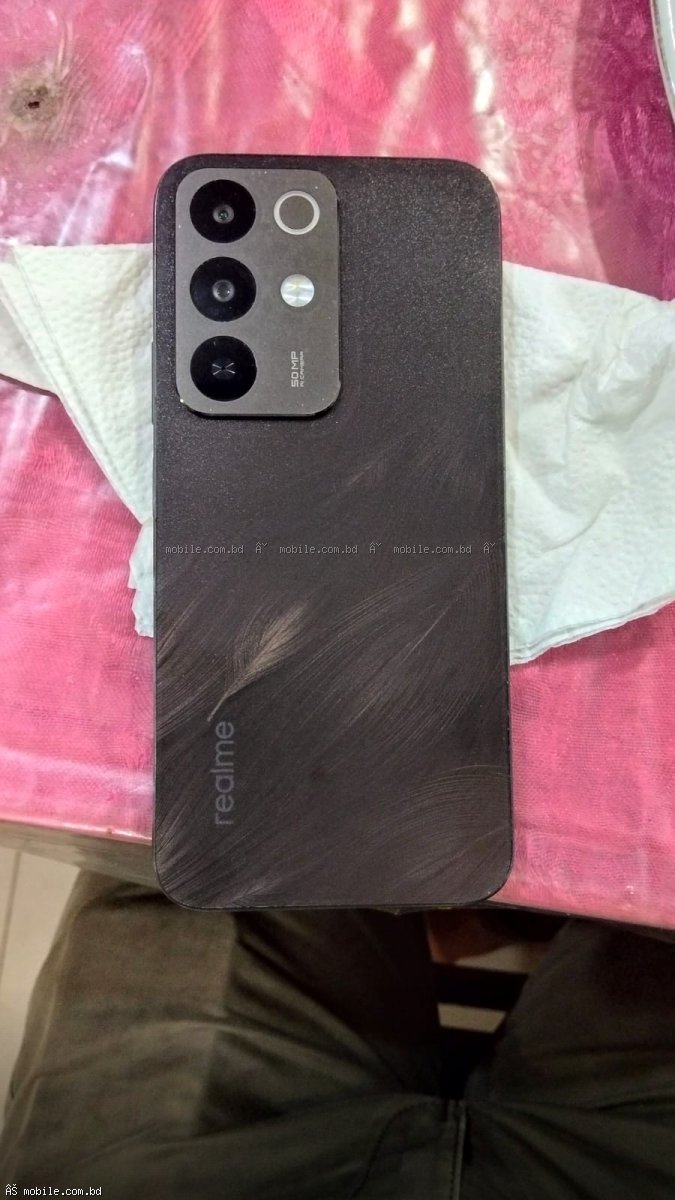
ZTE nubia RedMagic 10 Pro - Fastest Rendering
The RedMagic 10 Pro features the Snapdragon 8 Gen 3 processor - the most powerful processor under 30,000 BDT. In CapCut, 4K video renders in record time. The 12GB RAM allows you to have multiple layers of effects without lag. The 256GB storage is perfect for storing 4K footage. The active cooling fan prevents thermal throttling during long editing sessions. UFS 4.0 storage loads projects instantly.
Export Times (4K 60s video): Approximately 45-60 seconds in CapCut
Buy RedMagic 10 Pro for video editing ?
realme 15 5G - Best Value for Editors
At 27,990 BDT, the realme 15 5G offers 12GB RAM and 256GB storage - perfect for serious video editing. The Dimensity 7200 processor handles 4K editing smoothly. The 67W charging means you can quickly top up between editing sessions. The 120Hz AMOLED display is color-accurate.
Buy realme 15 5G for editing ?
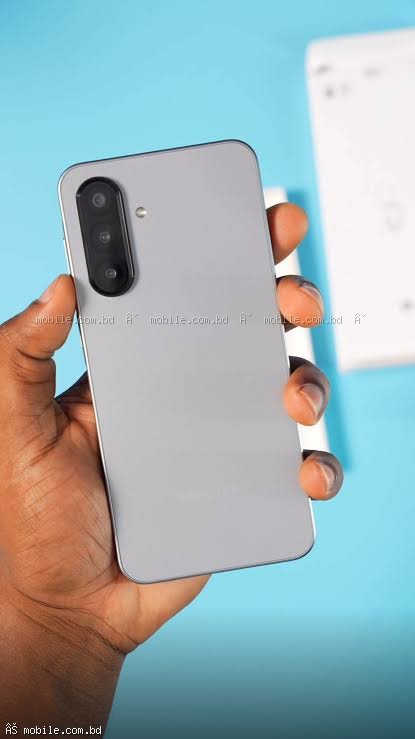
Galaxy S25 FE - Best Display for Color Grading
The Dynamic AMOLED display on the S25 FE is color-calibrated, making it excellent for color grading. The 8K video recording capability means you can capture footage on the same phone. Samsung's "Expert RAW" app gives you pro-level controls.
Buy Galaxy S25 FE for color grading ?
Video Editing Performance Comparison
| Phone | Processor | RAM | Storage Type | 4K Export Time (60s video) | Editing Smoothness | RedMagic 10 Pro | Snapdragon 8 Gen 3 | 12GB | UFS 4.0 | 45-60 seconds | Excellent | realme 15 5G | Dimensity 7200 | 12GB | UFS 3.1 | 60-75 seconds | Very Good | Galaxy S25 FE | Snapdragon 7+ Gen 3 | 8GB | UFS 3.1 | 60-75 seconds | Very Good |
|---|
- CapCut: Free, most popular, excellent for TikTok/Reels
- KineMaster: Professional, multi-layer editing, watermark in free version
- InShot: Easy to use, great for beginners
- Adobe Premiere Rush: Cross-platform, cloud sync
- VN Editor: Free, no watermark, professional features
Storage Requirements for Video Editing
Video files take significant space. Here is a rough guide:
- 1 minute of 4K 30fps video: 400-500MB
- 1 minute of 1080p 30fps video: 100-150MB
- CapCut project with effects: 500MB - 2GB
Recommendation: 256GB storage minimum for regular video editors. Consider cloud storage for archiving completed projects.
Tips for Smoother Video Editing on Mobile
Use Proxy Editing
In KineMaster and Adobe Premiere Rush, you can edit with lower-resolution proxies for smoother playback, then export at full resolution.
Close Background Apps
Close all other apps before editing to free up RAM and processor resources.
Use a Phone Cooler
For long editing sessions, a phone cooler prevents thermal throttling and maintains performance.
Enable High-Performance Mode
On Samsung phones, go to Settings > Device care > Performance profile > High.
Which Phone Should You Buy for Video Editing
Fastest Rendering: ZTE nubia RedMagic 10 Pro - Snapdragon 8 Gen 3
Best for Color Grading: Galaxy S25 FE or Galaxy A56 5G - Color-accurate displays
Best Value: realme 15 5G - 12GB RAM, 256GB storage at 27,990 BDT
Best Budget: RedMagic 10 Air - Snapdragon 8 Gen 2 at 27,999 BDT
Where to Buy Video Editing Phones
mobile.com.bd offers all these phones with official warranty and the lowest prices in Bangladesh.
Frequently Asked Questions
Question 1: Can I edit 4K video on these phones?
Answer: Yes, all phones listed can edit 4K video smoothly in CapCut and KineMaster.
Question 2: Is 8GB RAM enough for video editing?
Answer: Yes, for most projects. 12GB is better for complex multi-layer edits.
Question 3: Which phone has the best display for color grading?
Answer: The Galaxy S25 FE and Galaxy A56 5G have the most color-accurate displays.
Question 4: Can I use an external monitor for editing?
Answer: Yes, all phones support USB-C to HDMI output for external monitors.