PUBG Mobile Best Settings for 60 FPS on Budget Gaming Phones in Bangladesh 2026
PUBG Mobile Best Settings for 60 FPS on Budget Gaming Phones in Bangladesh 2026
Getting 60 FPS in PUBG Mobile on a budget phone is possible with the right settings. Many players in Bangladesh have phones under 20,000 BDT but still want smooth gameplay. This guide shows you exactly how to optimize your phone for the best PUBG Mobile experience.
Best In-Game Graphics Settings for 60 FPS
Graphics Style: Smooth. Smooth graphics use less processing power and give higher FPS. Do not use HD or HDR.
Frame Rate: Extreme or Ultra. Extreme gives 60 FPS. Ultra gives 50-55 FPS. Choose the highest available.
Style: Classic or Colorful. Classic is better for spotting enemies.
Anti-aliasing: OFF. This kills FPS on budget phones.
Shadows: OFF. Shadows look nice but reduce performance.
Render Quality: Low or Medium. Higher settings look better but lower FPS.
Phone Settings for Better PUBG Performance
Enable Developer Options: Go to Settings > About Phone > Tap Build Number 7 times.
Adjust Animation Scales: Set Window animation scale to 0.5x. Set Transition animation scale to 0.5x. Set Animator duration scale to 0.5x.
Force GPU Rendering: Enable this in Developer Options.
Disable Background Processes: Set Background process limit to 3 or 4 processes.
Game Mode Settings
Most phones have a Game Mode or Game Turbo feature. Enable it before playing. Game Mode blocks notifications, optimizes CPU and GPU performance, prevents accidental touches, and reduces lag and frame drops.
Best Budget Phones for 60 FPS PUBG
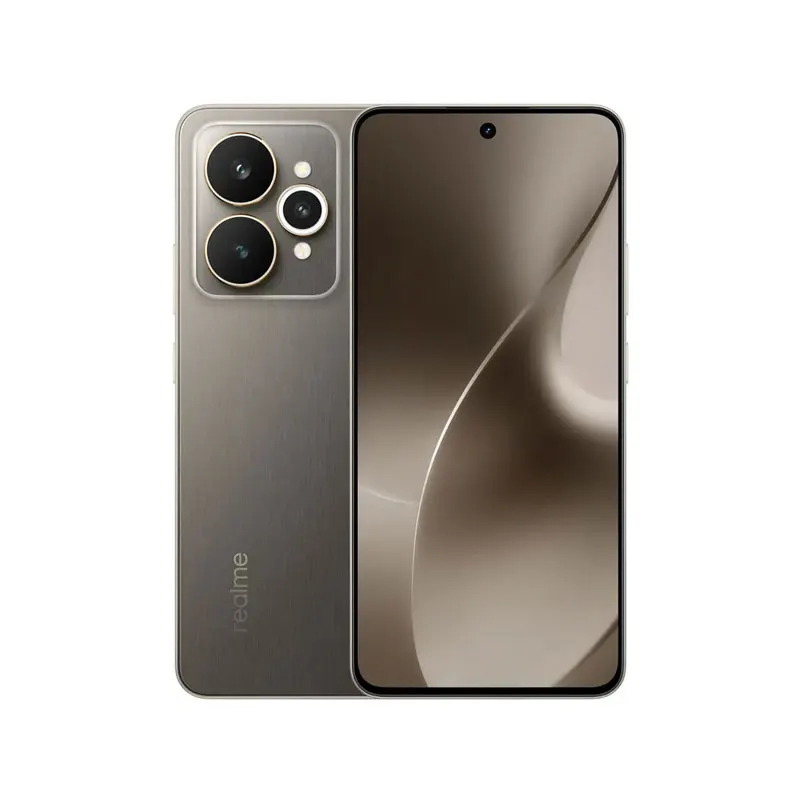
Realme Narzo 90 Pro: 16,999 BDT. Expected FPS: 60-70. Best Settings: Smooth + Extreme.
Redmi Note 15 5G: 19,999 BDT. Expected FPS: 50-60. Best Settings: Smooth + Ultra.
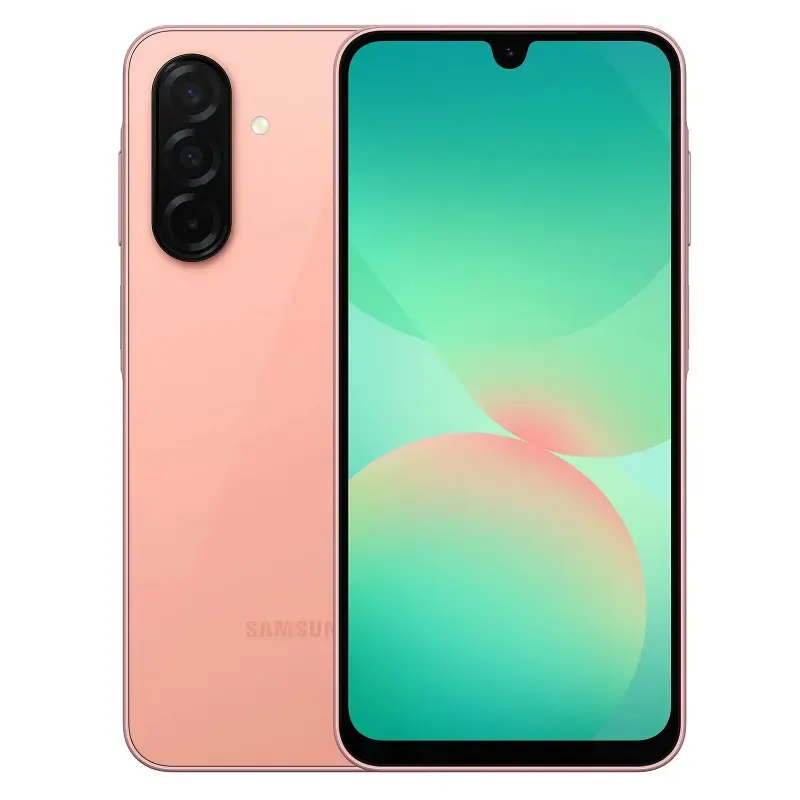
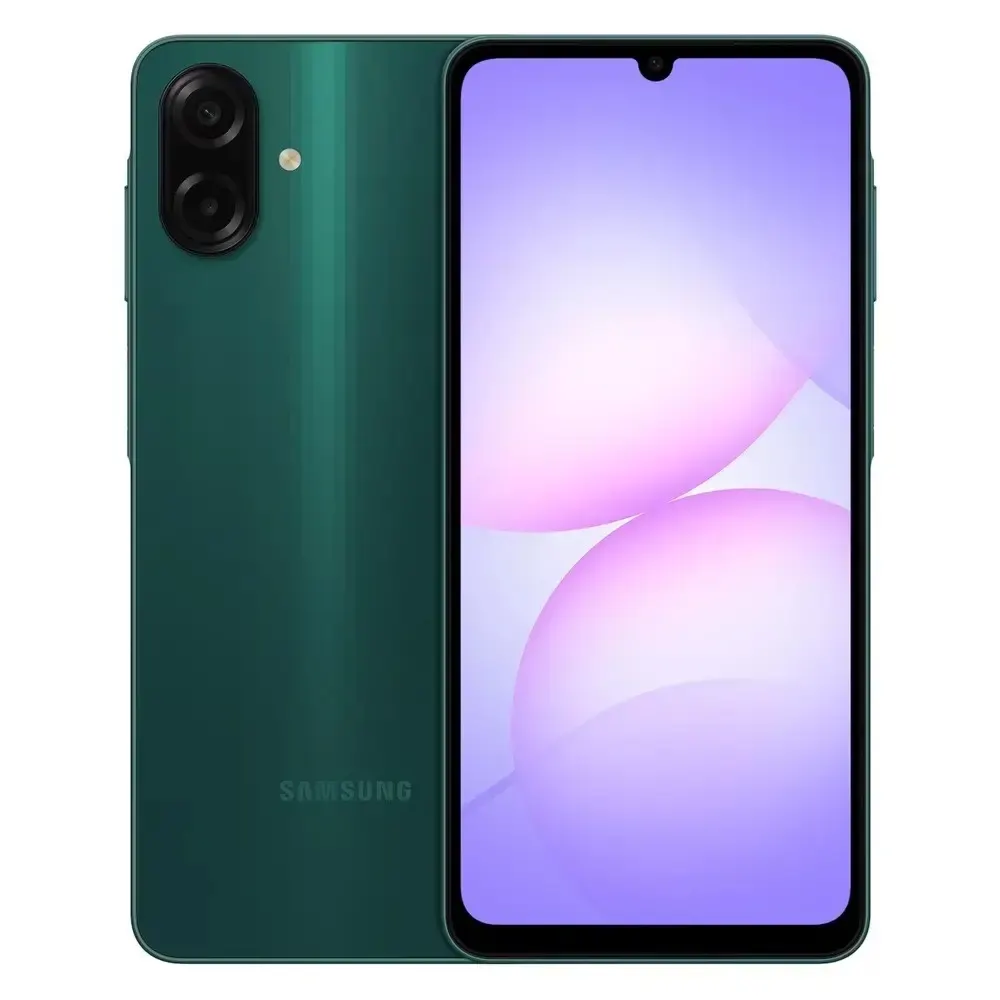
Samsung Galaxy A36 5G: 24,999 BDT. Expected FPS: 55-65. Best Settings: Smooth + Extreme.
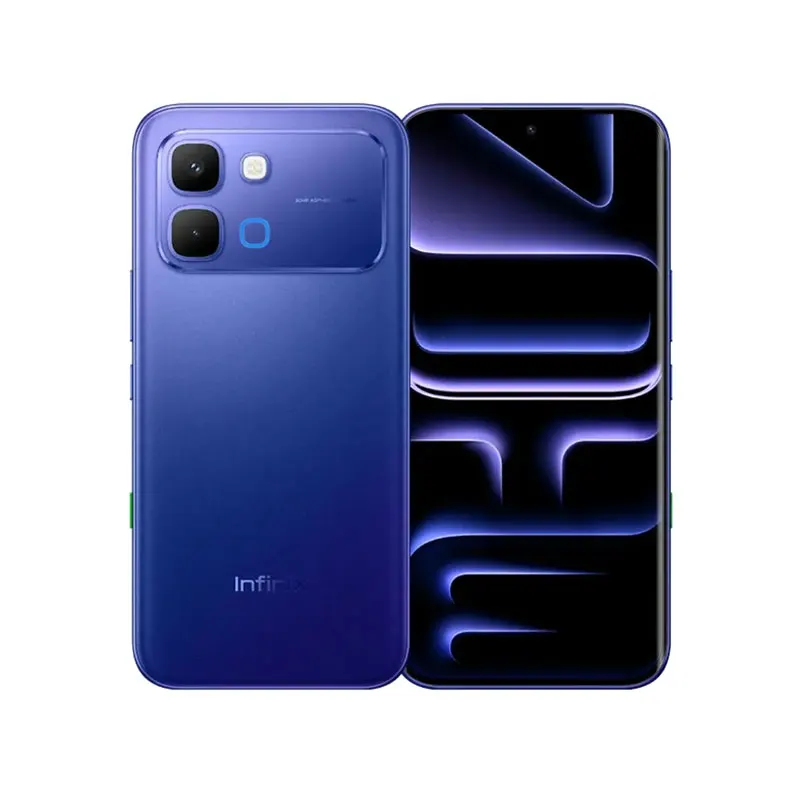
Infinix Hot 70: 11,999 BDT. Expected FPS: 40-48. Best Settings: Smooth + High.
Realme C85: 12,999 BDT. Expected FPS: 40-50. Best Settings: Smooth + High.
Find your next gaming phone at mobile.com.bd.