Best Mobile Phone for Elders and Parents in Bangladesh 2026 - Easy Mode Smartphones
Best Mobile Phone for Elders and Parents in Bangladesh 2026 - Easy Mode Smartphones
Choosing a phone for elderly parents requires special considerations. They need larger displays, louder speakers, simple interfaces, and long battery life. This guide covers the best phones for elders available at mobile.com.bd.
What to Look for in a Phone for Elders
- Large, clear display (6.5 inches or larger)
- Loud speaker volume for calls
- Simple software interface (Easy Mode)
- Long battery life (5000 mAh recommended)
- Durable build quality
- SOS or emergency button features
- Large font size options
- Easy charging (USB-C preferred)
Best Smartphones for Elders
1. Samsung Galaxy A06 with Easy Mode - Best Overall
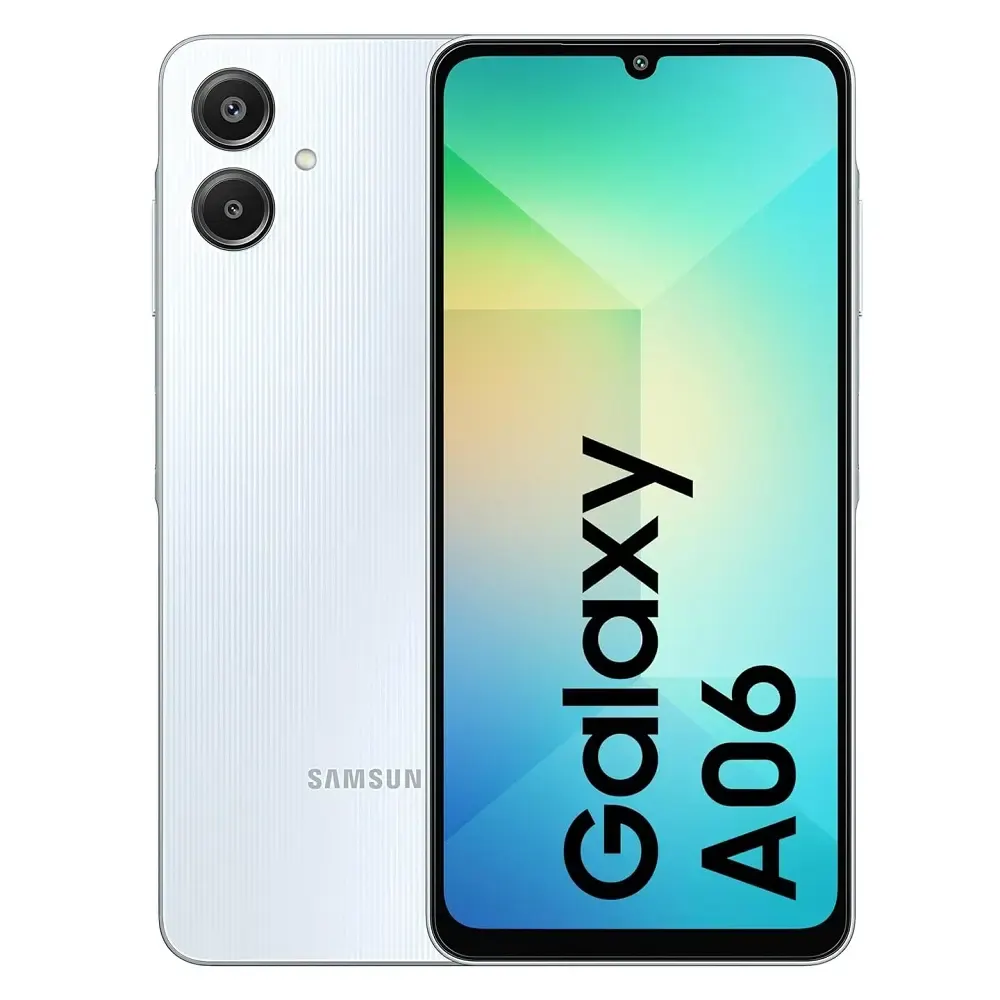
Price: 14,499 BDT
The Galaxy A06 with Easy Mode enabled is the best smartphone for elders. Easy Mode simplifies the interface with large icons, big fonts, and only essential apps. The 6.5-inch display is easy to read. The 5000 mAh battery lasts 2-3 days for senior usage patterns. The phone is durable with Gorilla Glass protection.
How to enable Easy Mode: Settings > Display > Easy Mode > Toggle on
2. Samsung Galaxy A16 5G - Premium Choice for Elders
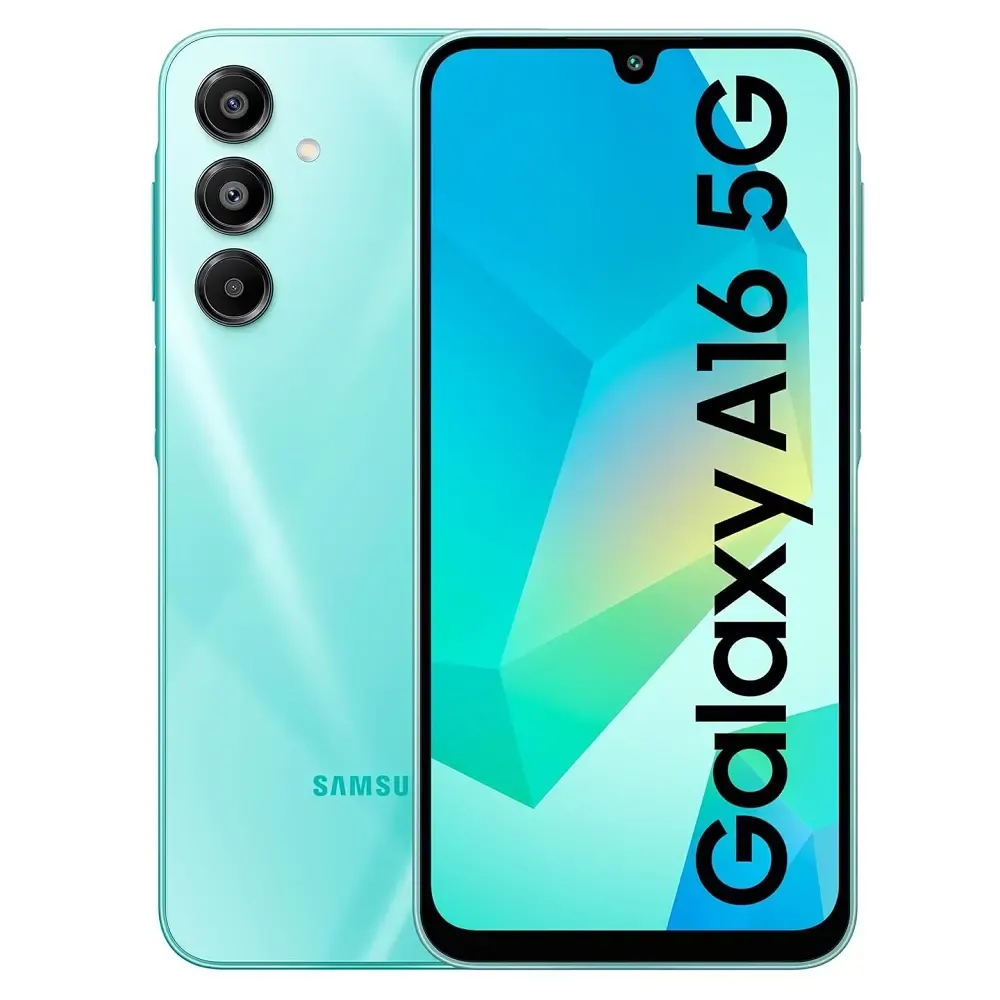
Price: 24,999 BDT
If budget allows, the Galaxy A16 5G offers a superior Super AMOLED display that is easier on the eyes. The Easy Mode feature is identical. The 5000 mAh battery with 25W charging provides excellent battery life.
Buy Galaxy A16 5G for parents ?
Best Feature Phones for Elders
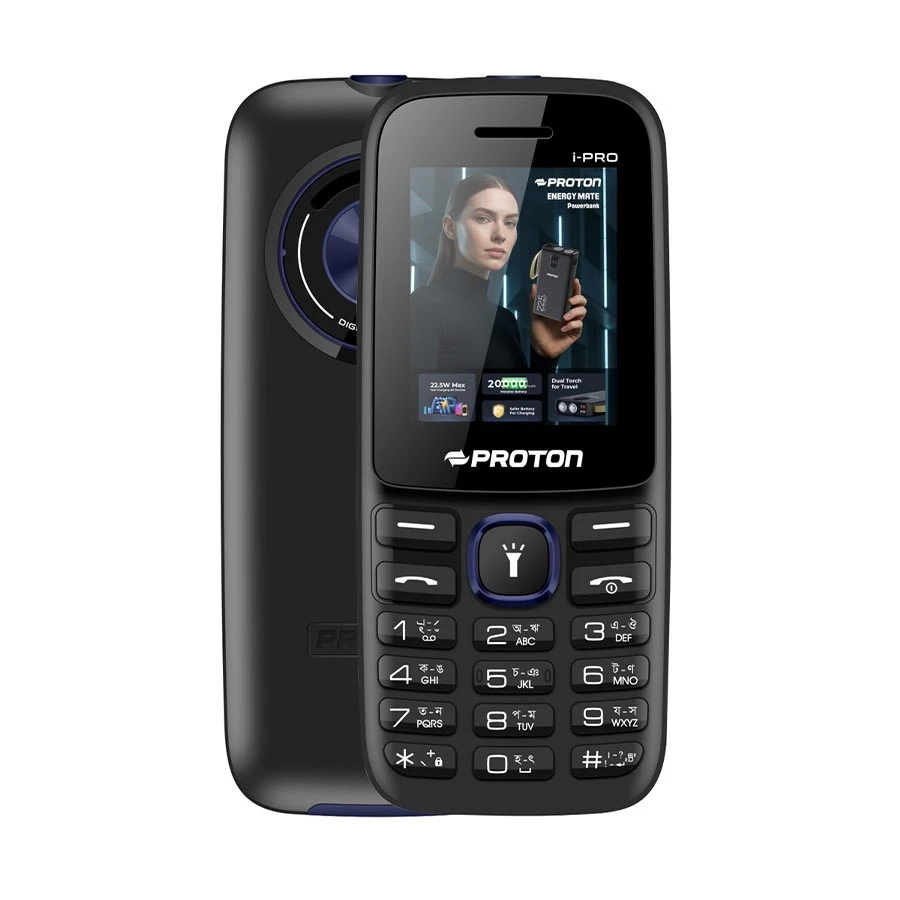
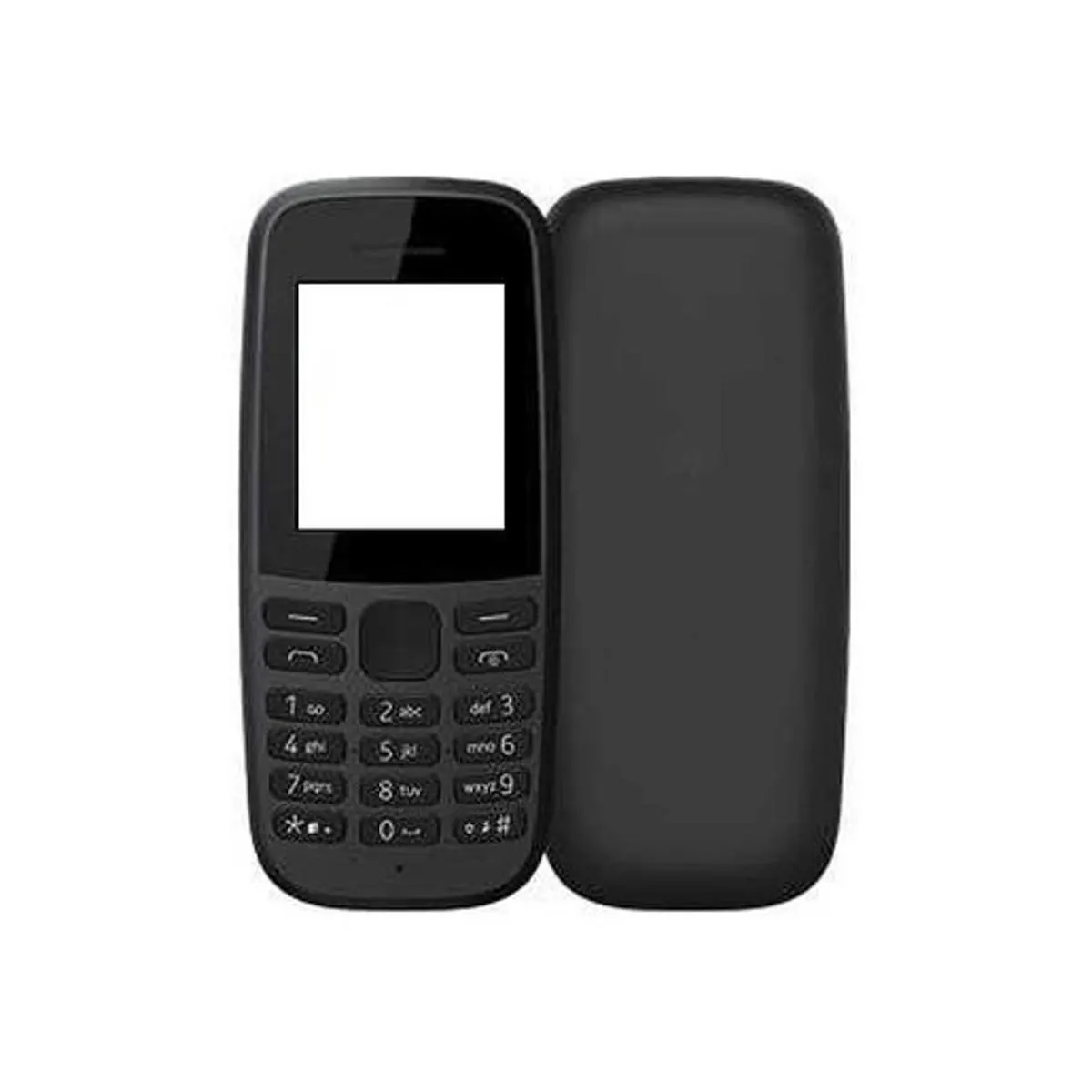
Nokia 105 - Best for Calls Only
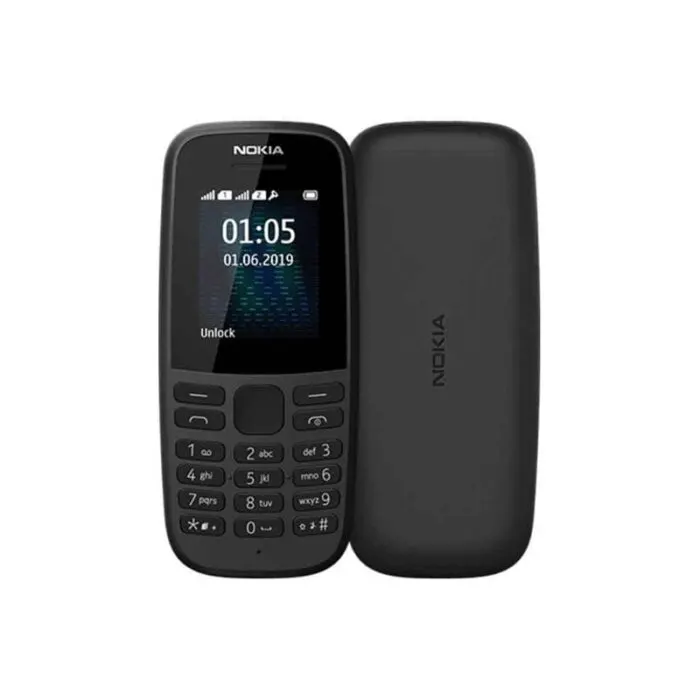
Price: 2,500 BDT (estimated)
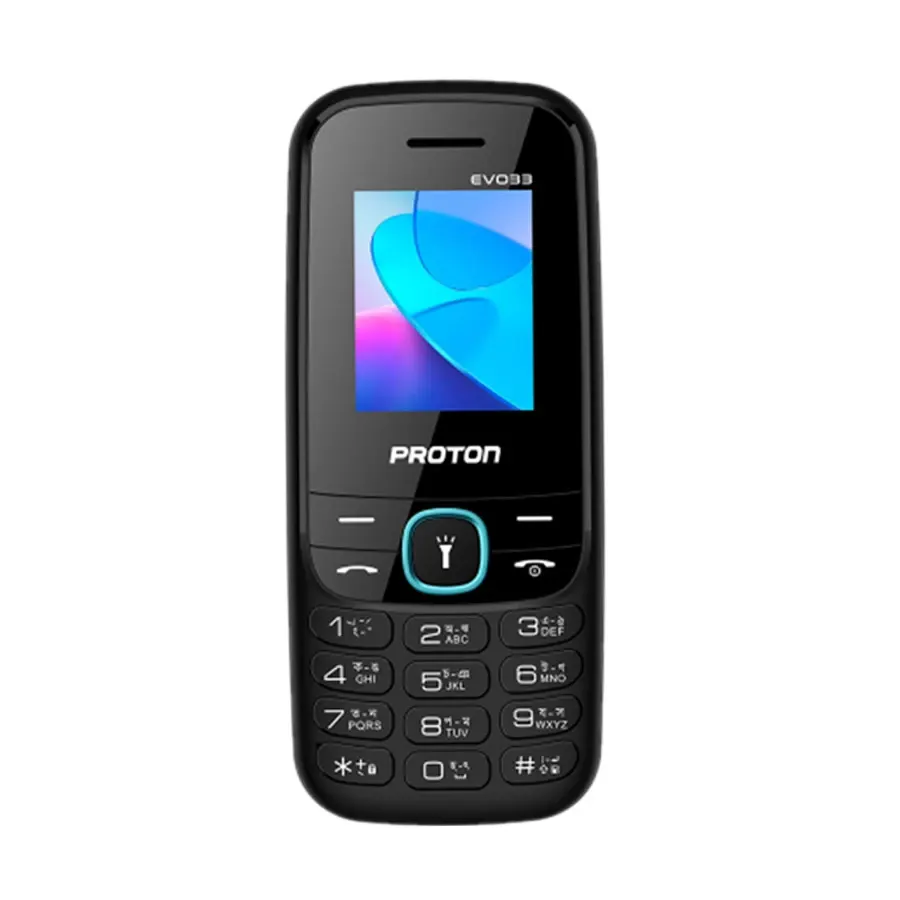
For elders who only need to make and receive calls, the Nokia 105 is perfect. It has large tactile buttons, a built-in torch, and FM radio. The battery lasts up to 15 days on standby.
How to Set Up a Samsung Phone for Elders
Enable Easy Mode
Settings > Display > Easy Mode > Toggle on. The interface will show larger icons and fonts.
Increase Font Size Further
Settings > Display > Font size and style > Drag slider to maximum
Set Up Emergency Contacts
Settings > Safety and emergency > Emergency contacts > Add trusted contacts
Set Up SOS Messages
On Samsung phones, pressing the power button 3 times sends an SOS message to emergency contacts with your location.
Remove Unnecessary Apps
Uninstall or disable apps that the elder will never use. Keep only Phone, Messages, Contacts, Camera, and WhatsApp on the home screen.
Comparison - Smartphone vs Feature Phone for Elders
| Criteria | Smartphone (Galaxy A06) | Feature Phone (Nokia 105) | Ease of Use | Good with Easy Mode | Excellent - physical buttons | Display Size | 6.5 inches | 1.8 inches | Camera | 50MP | None | WhatsApp Support | Yes | No | Video Call Support | Yes (Zoom, WhatsApp, Google Meet) | No | Battery Life | 2-3 days for senior usage | 10-15 days | Price | 14,499 BDT | 2,500 BDT |
|---|
- Write down passwords and keep them in a safe place
- Set up fingerprint or face unlock for easy access
- Show them how to make calls from contacts, not the dialer
- Install only essential apps to avoid confusion
- Use video calls to help them learn remotely
Frequently Asked Questions
Question 1: Which phone is easiest for elderly parents?
Answer: Samsung Galaxy A06 with Easy Mode enabled. For non-smartphone users, Nokia 105.
Question 2: Do elders need a 5G phone?
Answer: No, 4G is sufficient for calls, WhatsApp, and YouTube.
Question 3: Can elders use WhatsApp on feature phones?
Answer: No, WhatsApp is not available on basic feature phones. They need a smartphone.
Question 4: What is the best budget phone for seniors?
Answer: Samsung Galaxy A06 at 14,499 BDT or Nokia 105 at 2,500 BDT for calls only.