Used Phone Photos Guide – How to Spot Real Photos vs Stock Images
Used Phone Photos Guide – How to Spot Real Photos vs Stock Images
When buying a used phone online, the photos are often your first impression. Unfortunately, some sellers use stock images instead of real photos of the actual phone. This guide will help you spot real photos vs stock images and avoid being misled.
How to Spot Stock Images
1. Look for Watermarks
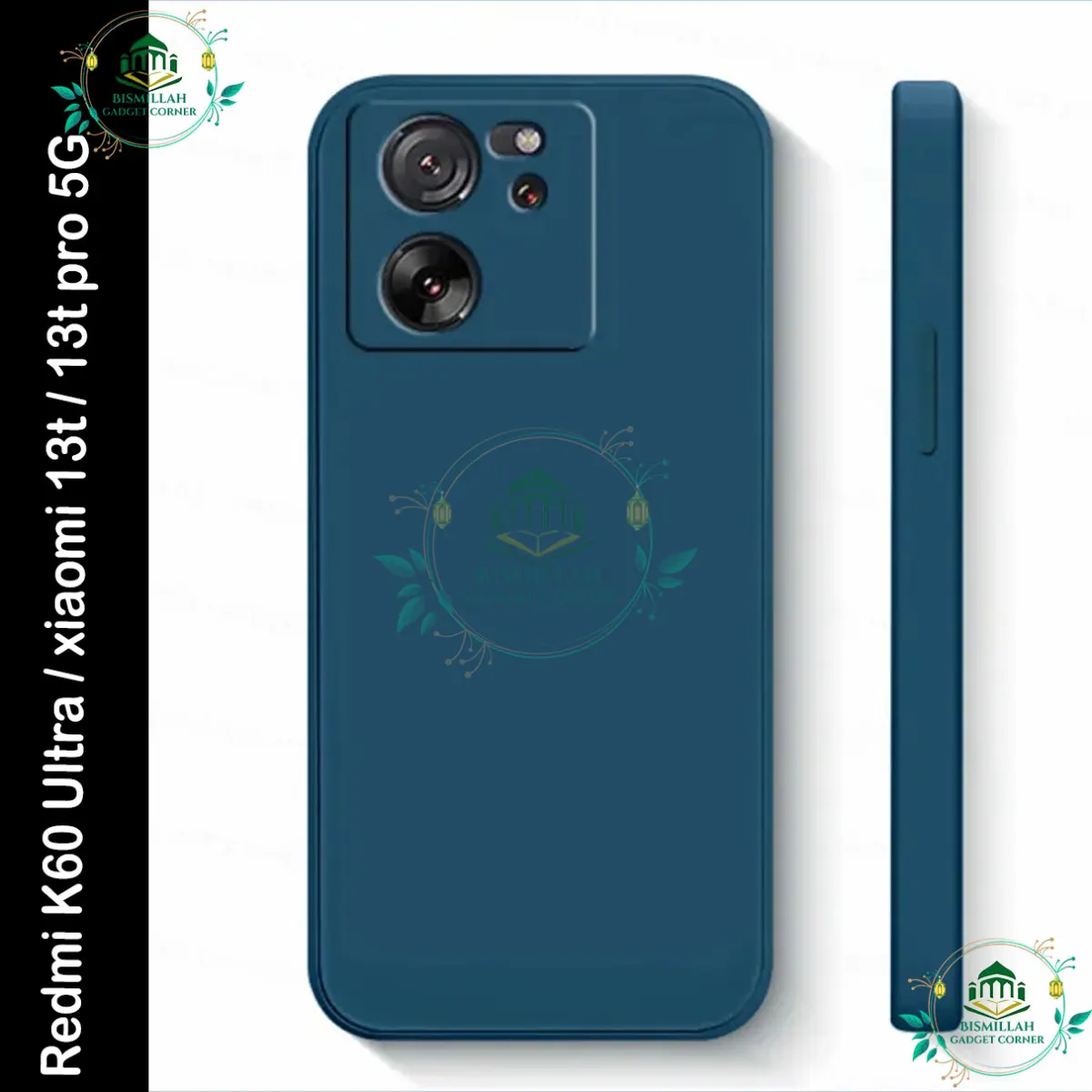
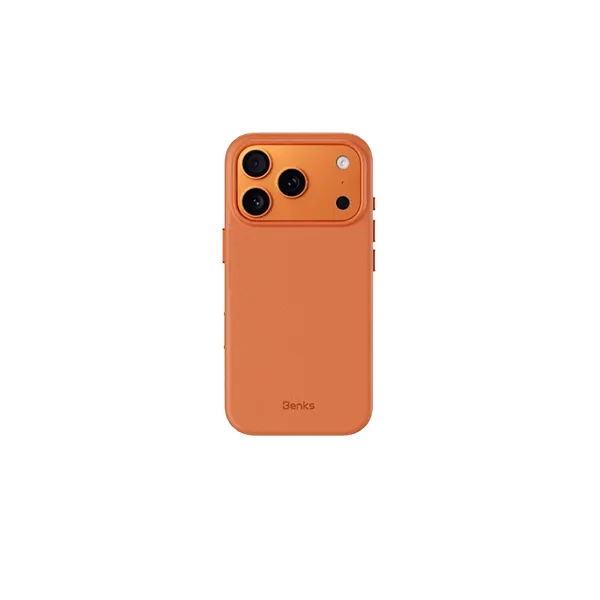
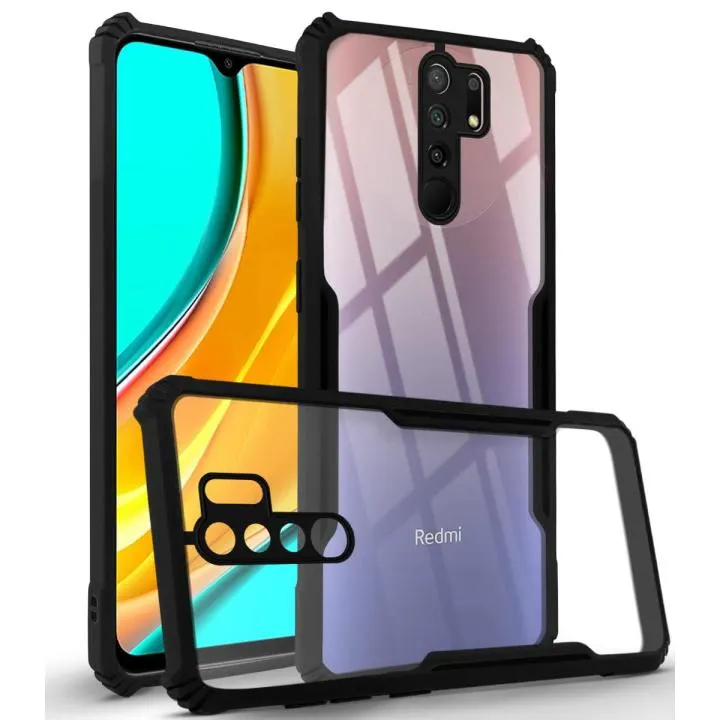
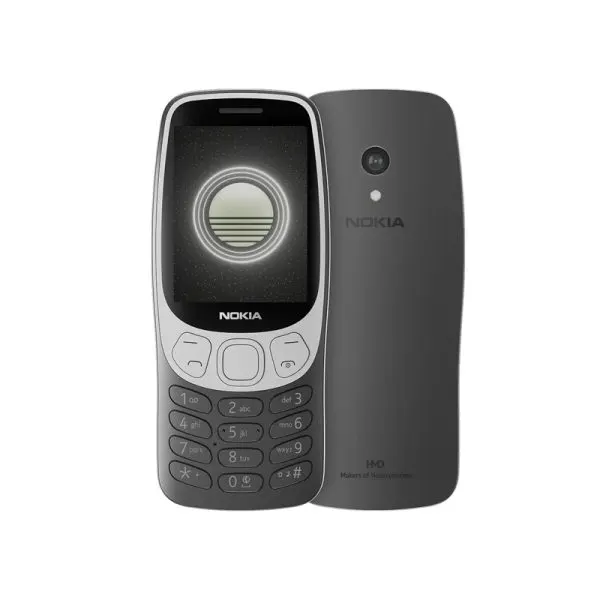
Stock images often have watermarks from sites like GSMArena, PhoneArena, or brand websites .
2. Check the Background
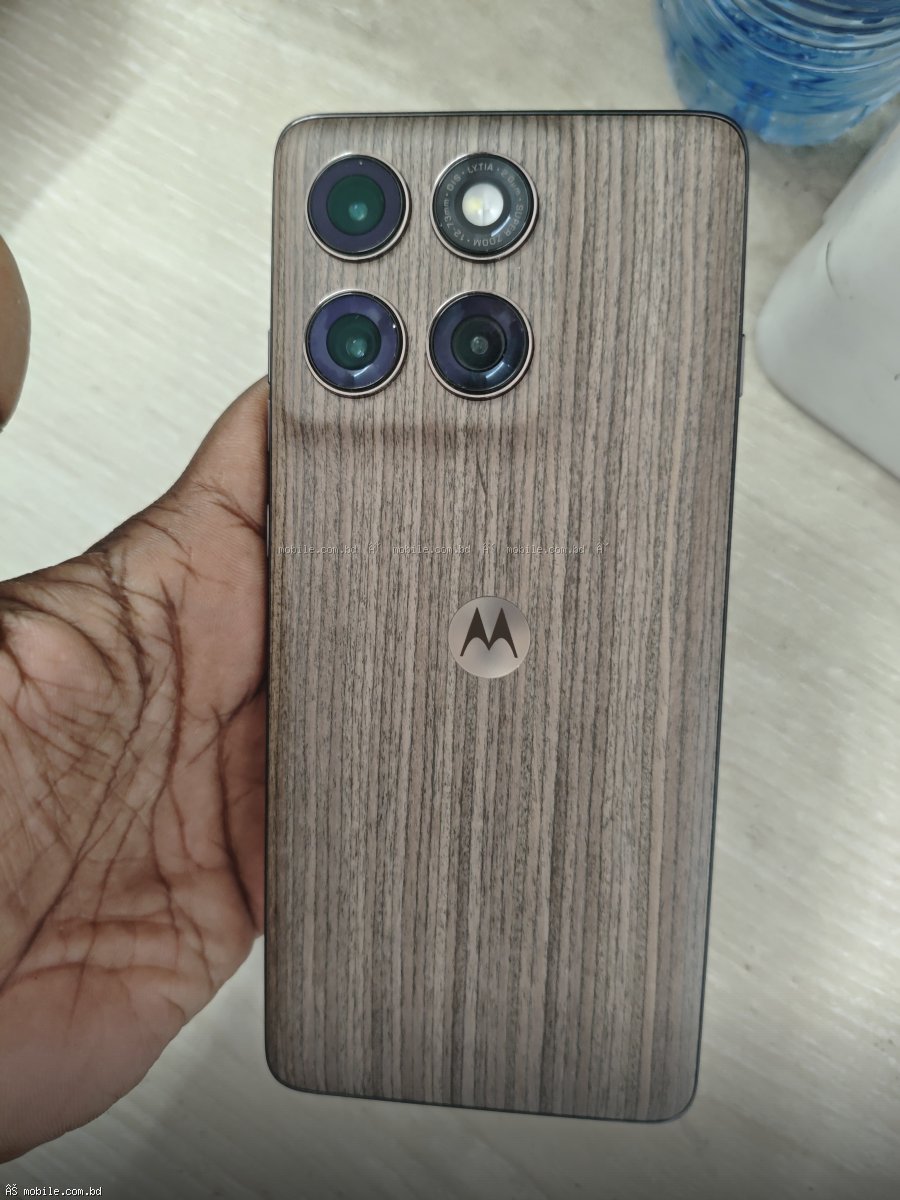
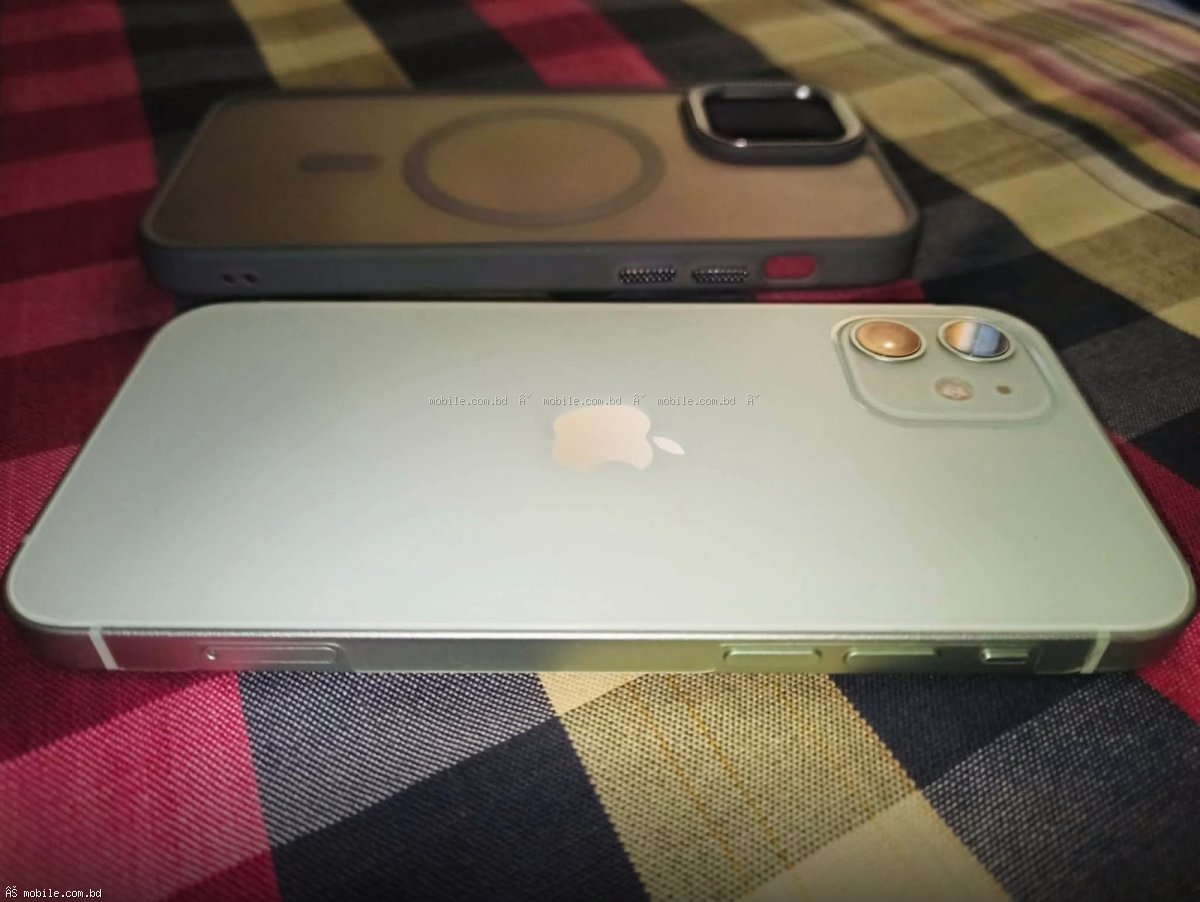
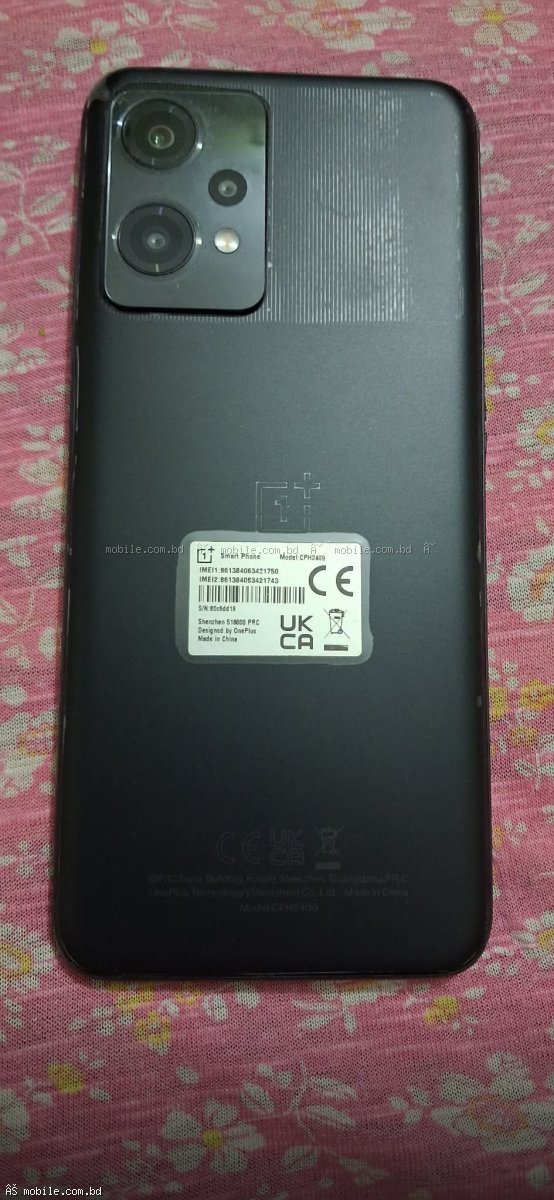
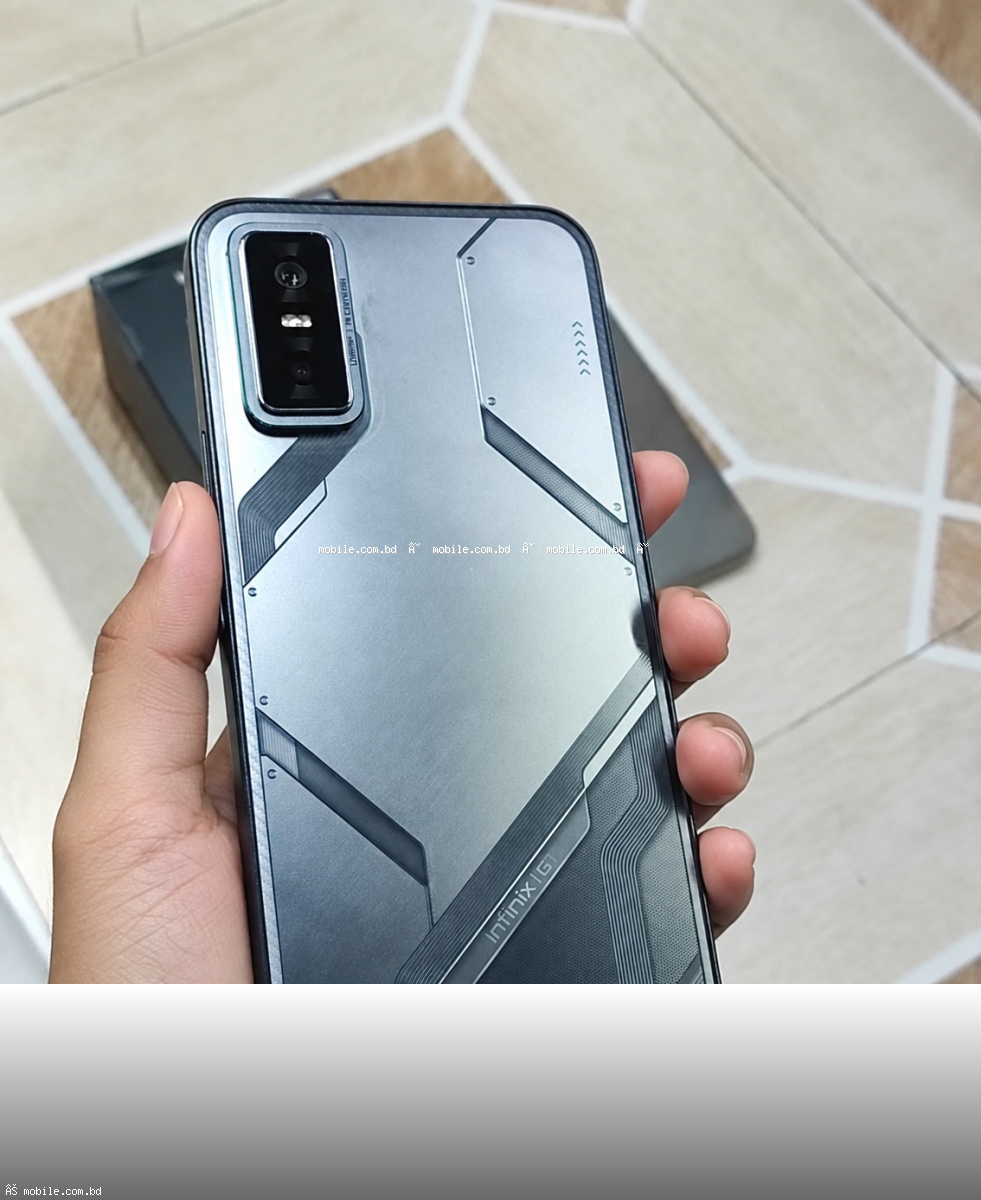
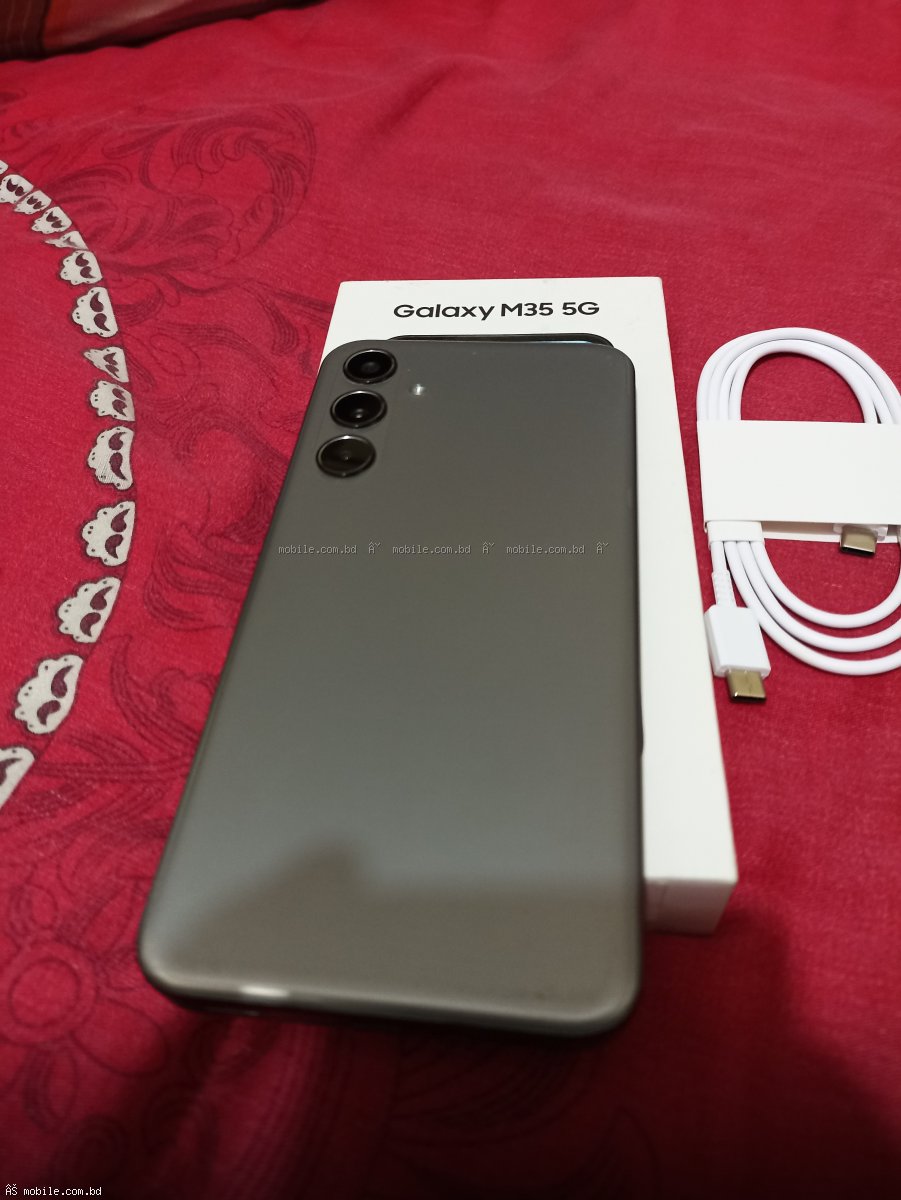
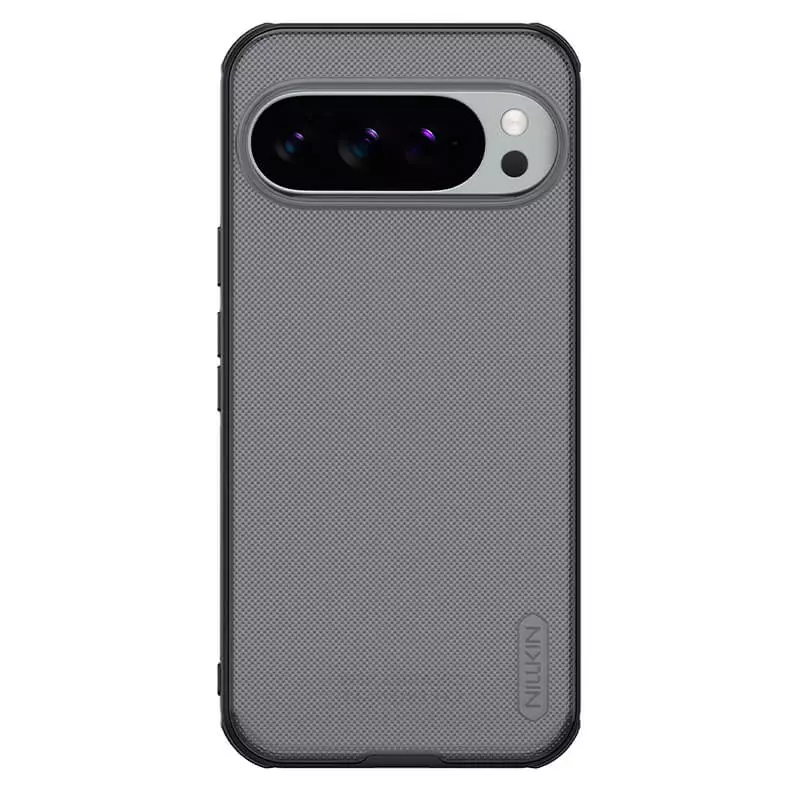
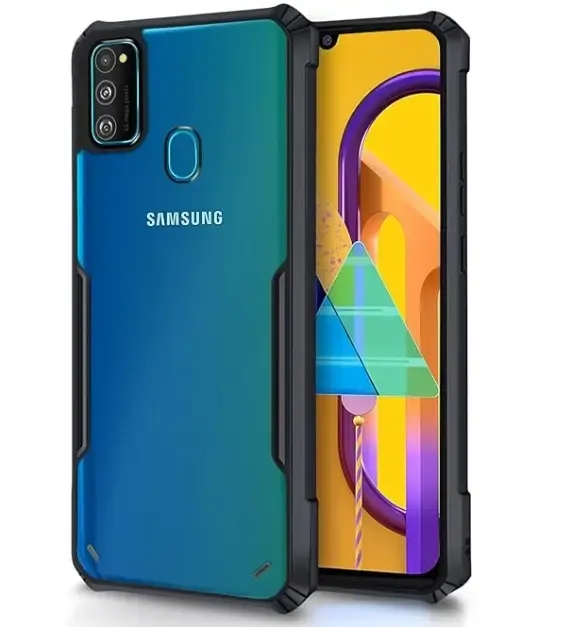
Stock images have perfect, professional backgrounds. Real photos have everyday backgrounds like tables, desks, or hands .
3. Look for Imperfections
Real photos show scratches, scuffs, or wear. Stock images are flawless .
4. Check the Lighting
Stock images have perfect studio lighting. Real photos have natural or household lighting .
5. Check the Angle
Stock images show perfect angles. Real photos show multiple angles including the sides and back .
6. Look for Reflections
Real photos show reflections from the environment. Stock images have controlled reflections .
7. Check the Box
Stock images of boxed phones are common. Real photos show the actual box with the phone .
Real Photos vs Stock Images – Comparison
| Feature | Real Photos | Stock Images |
|---|---|---|
| Imperfections | ✅ Visible | ❌ None |
| Background | Everyday | Professional |
| Lighting | Natural/Household | Studio |
| Watermarks | ❌ None | ✅ Often Present |
| Angles | Multiple | Professional |
| Scratches/Wear | ✅ Visible | ❌ None |
What to Ask the Seller
- Can you send photos of the actual phone?
- Can you send photos of the screen turned on?
- Can you send photos of the back and sides?
- Can you send photos of the box and accessories?
- Can you send a video of the phone working?
- Can you write your name on a paper next to the phone?
Red Flags in Phone Photos
- Only stock images: Seller may not have the actual phone
- Blurry photos: May be hiding defects
- No screen on photos: Screen may be damaged
- Only one angle: Hiding scratches on other sides
- Too good to be true: Probably not real
How to Take Good Used Phone Photos
For Sellers:
- Use natural daylight
- Show multiple angles
- Show the screen turned on
- Show scratches or wear honestly
- Include photos of the box and accessories
- Use a clean, neutral background
Where to Find Trusted Sellers with Real Photos
mobile.com.bd offers a trusted marketplace with verified sellers and real photos.
Buy Used Phones with Confidence
Browse the complete used phone marketplace at mobile.com.bd.