Buying Guide
Used Phone Maintenance Tips – How to Keep Your Second-Hand Phone Like New
Used Phone Maintenance Tips – How to Keep Your Second-Hand Phone Like New
Once you've bought a used phone, proper maintenance is key to keeping it in good condition. This guide covers essential used phone maintenance tips to extend your phone's life and keep it looking like new.
Key Takeaway: Regular cleaning, using a screen protector and case, avoiding extreme temperatures, and proper charging habits will extend your used phone's life significantly.
Essential Maintenance Tips
1. Use a Screen Protector
A good screen protector prevents scratches and cracks. Replace it every 6-12 months .
Recommended: Blueo 3D Airbag or ESR UltraFit
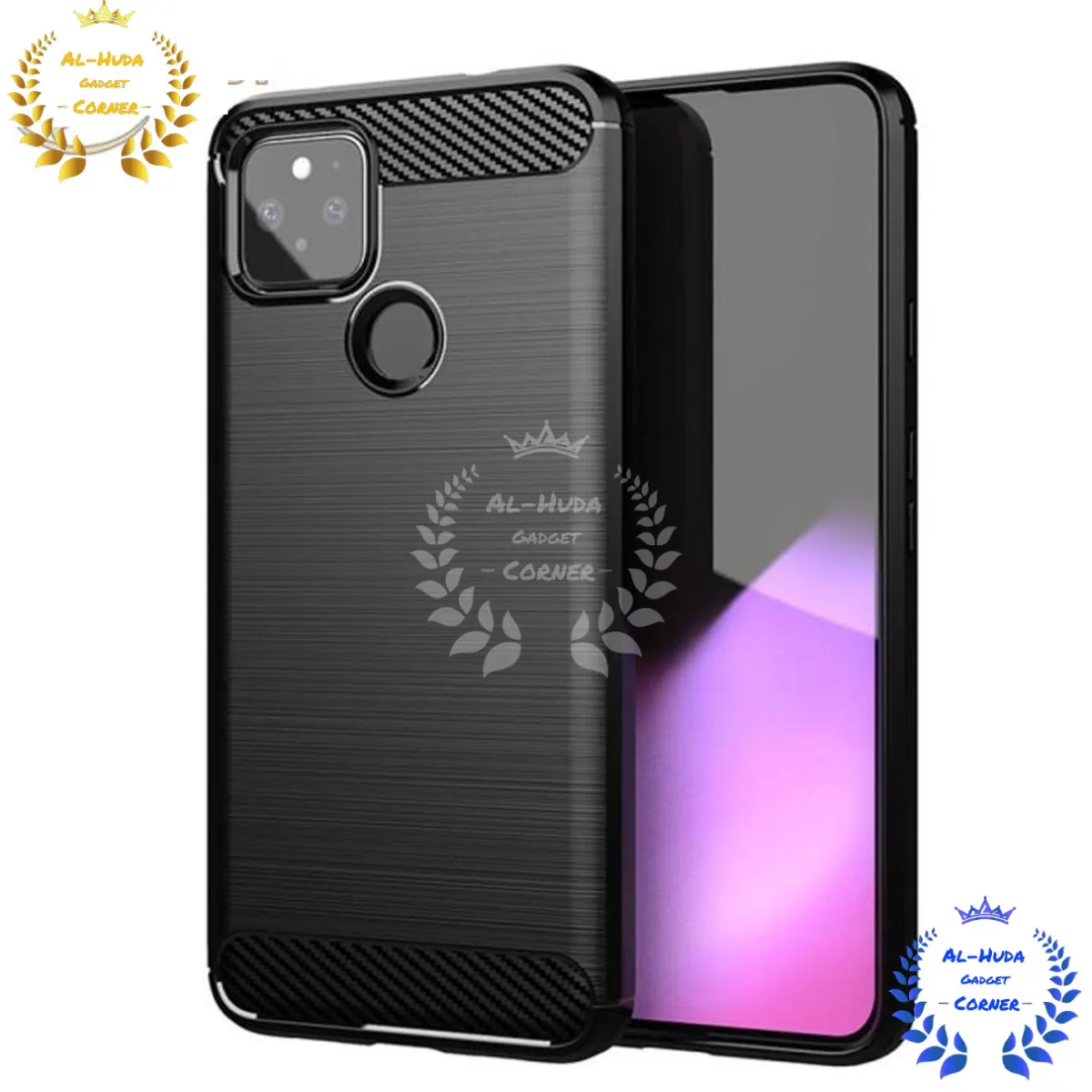
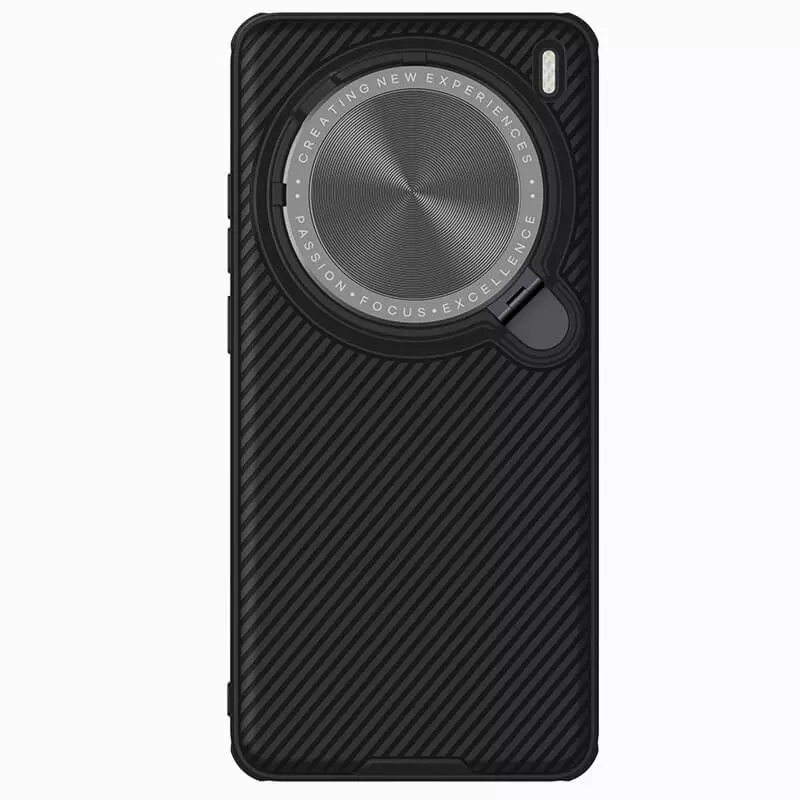
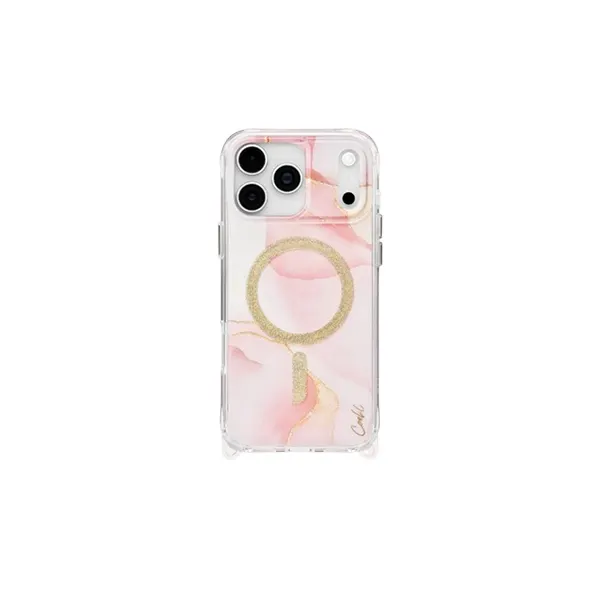
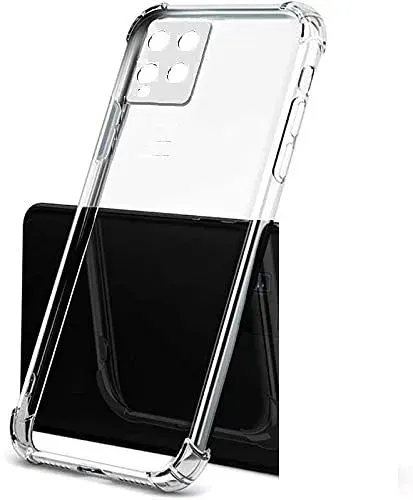
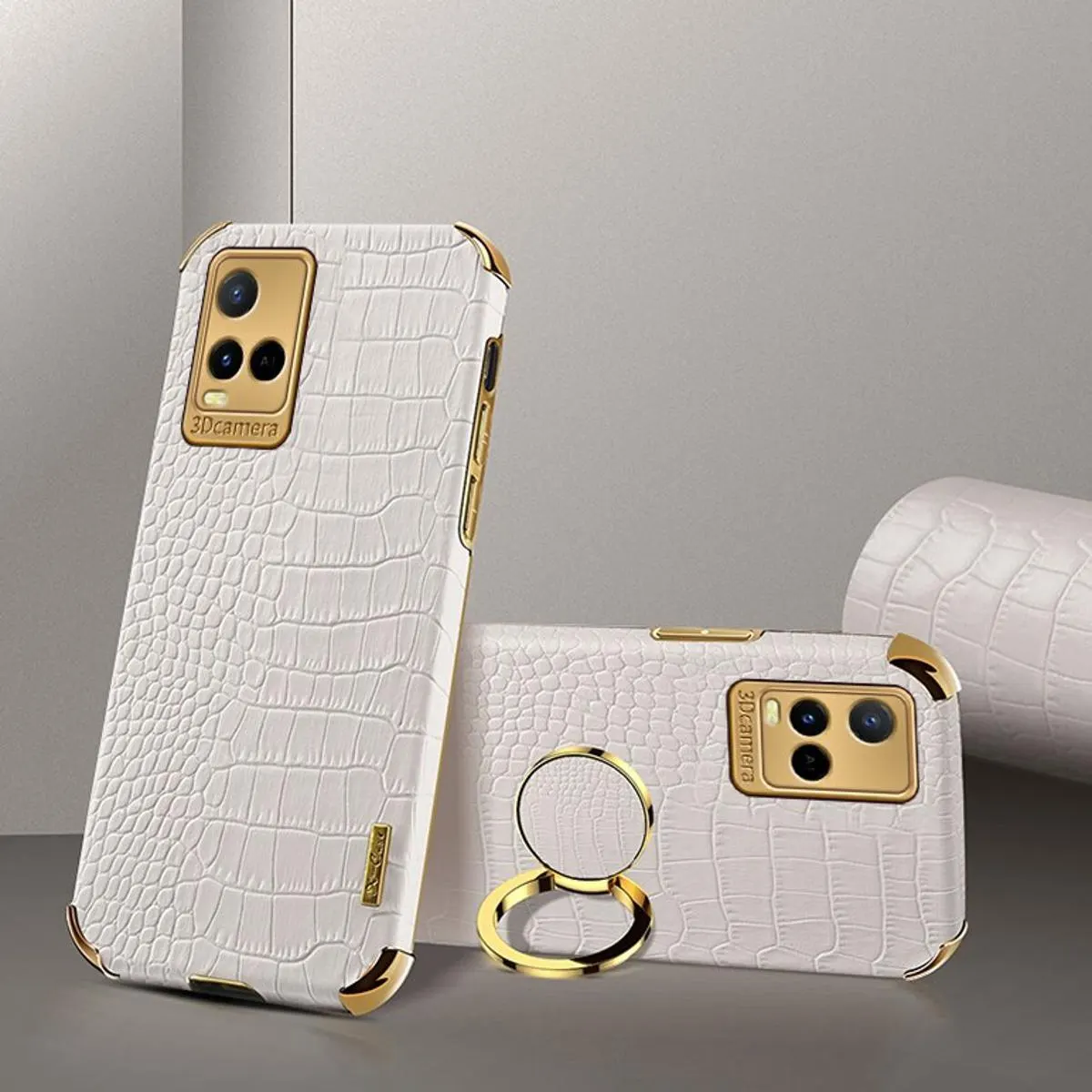
2. Use a Phone Case
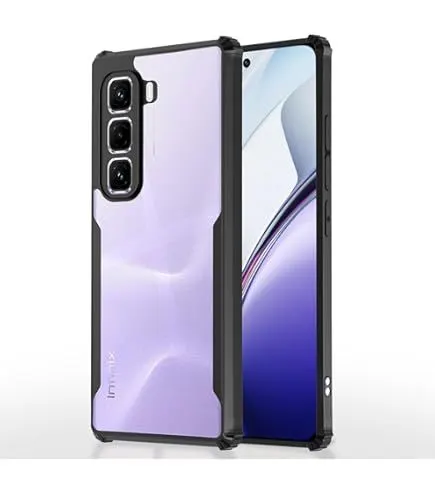
A case protects your phone from drops and scratches. Choose a case that fits your phone model .
Recommended: ESR Classic Hybrid or Nillkin Super Frosted
3. Clean Your Phone Regularly
- Wipe the screen with a microfiber cloth
- Clean ports with a soft brush
- Remove dust from the speaker grille
- Use isopropyl alcohol for stubborn dirt
- Clean the case regularly
4. Proper Charging Habits
- Avoid charging to 100% every time
- Keep battery between 20-80% for daily use
- Avoid extreme temperatures while charging
- Use original or high-quality chargers
- Avoid overnight charging
5. Update Software Regularly
- Keep the operating system updated
- Update all apps regularly
- Security updates protect your phone
- Updates improve performance and battery life
6. Manage Storage
- Delete unnecessary apps and files
- Use cloud storage for photos and videos
- Clear cache regularly
- Move files to SD card if available
7. Protect from Water
- Keep phone away from water sources
- Use waterproof cases for outdoor activities
- Avoid using phone in rain
- Check water damage indicators regularly
Maintenance Checklist
| Task | Frequency | Why It Matters |
|---|---|---|
| Screen cleaning | Daily | Maintains clarity and responsiveness |
| Port cleaning | Monthly | Ensures proper charging and connectivity |
| Case cleaning | Weekly | Prevents dirt buildup |
| Software updates | Monthly | Security and performance |
| Storage cleanup | Monthly | Maintains performance |
| Battery calibration | 3-6 months | Maintains battery accuracy |
Battery Health Tips
- Avoid using phone while charging
- Don't let battery drop below 20% regularly
- Avoid fast charging if not needed
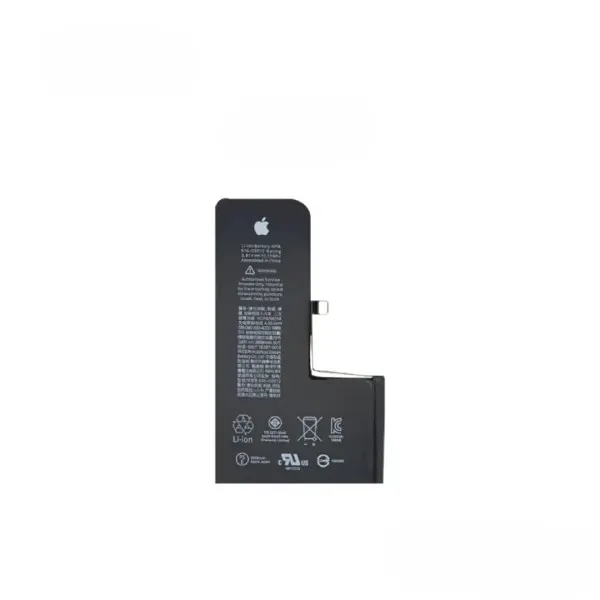
- Replace battery when health drops below 80%
- Use original charger and cable
How to Extend Phone Life
- Screen: Use tempered glass
- Camera: Clean lens before use
- Buttons: Press gently
- Ports: Handle carefully
- Speaker: Keep dust-free
- Battery: Follow proper charging habits
When to Replace Accessories
- Screen protector: Every 6-12 months
- Phone case: When loose or damaged
- Charging cable: When frayed or damaged
- Charger: When not working properly
- Battery: When health drops below 80%
Where to Buy Maintenance Accessories
mobile.com.bd offers a wide range of phone cases, screen protectors, chargers, and cables.
Keep Your Used Phone Like New
Browse the complete accessories collection at mobile.com.bd.