How to Check a Used Phone Before Buying – Complete Checklist for Bangladesh Buyers
How to Check a Used Phone Before Buying – Complete Checklist for Bangladesh Buyers
Buying a used phone without proper checking can lead to expensive mistakes. This complete checklist shows you exactly what to check before buying any used phone on mobile.com.bd/used-phones/.
1. IMEI Check – Most Important Step
Dial star hash 06 hash on the phone to get the 15-digit IMEI number. Check this IMEI on the brand's official Bangladesh website. This confirms if the phone is original, has warranty, and is not stolen. If the seller refuses to provide IMEI, don't buy the phone.
2. Physical Condition Check
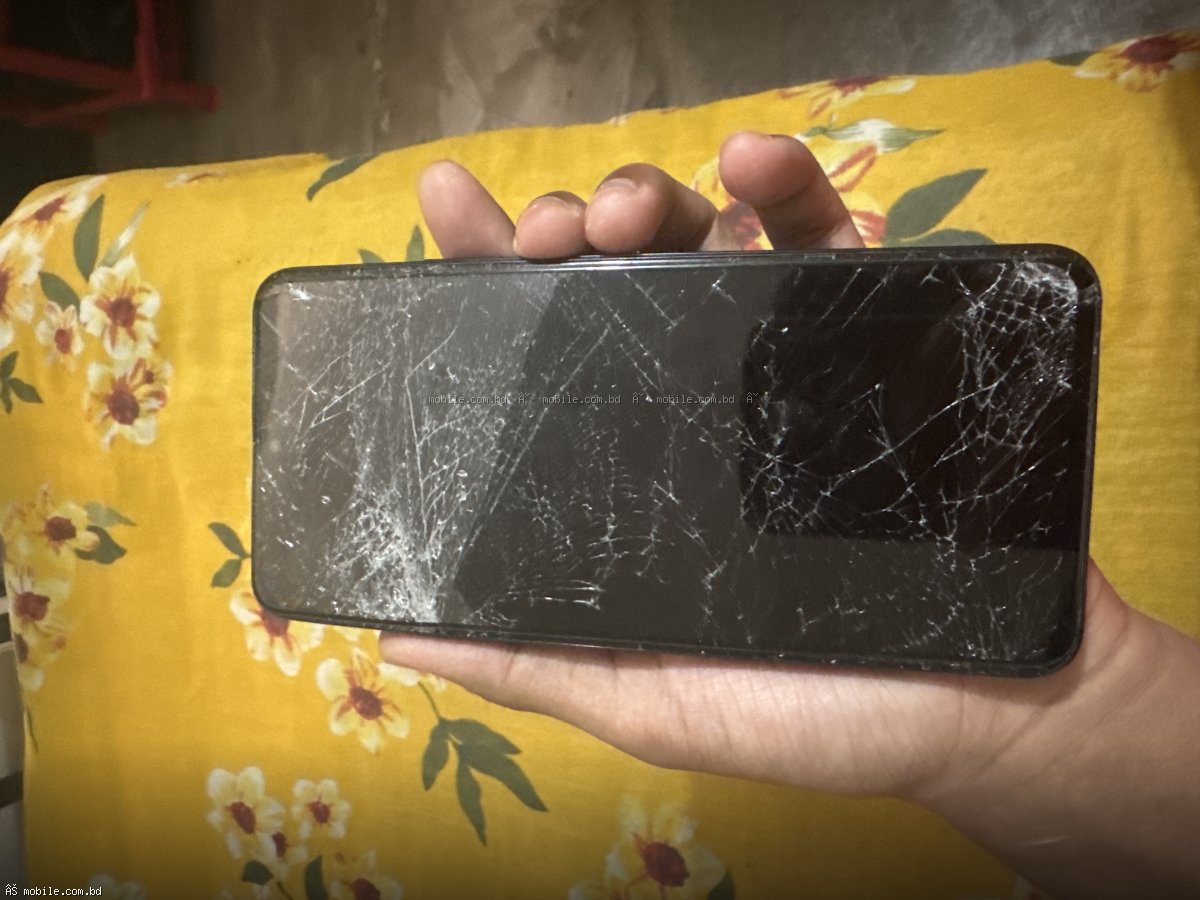
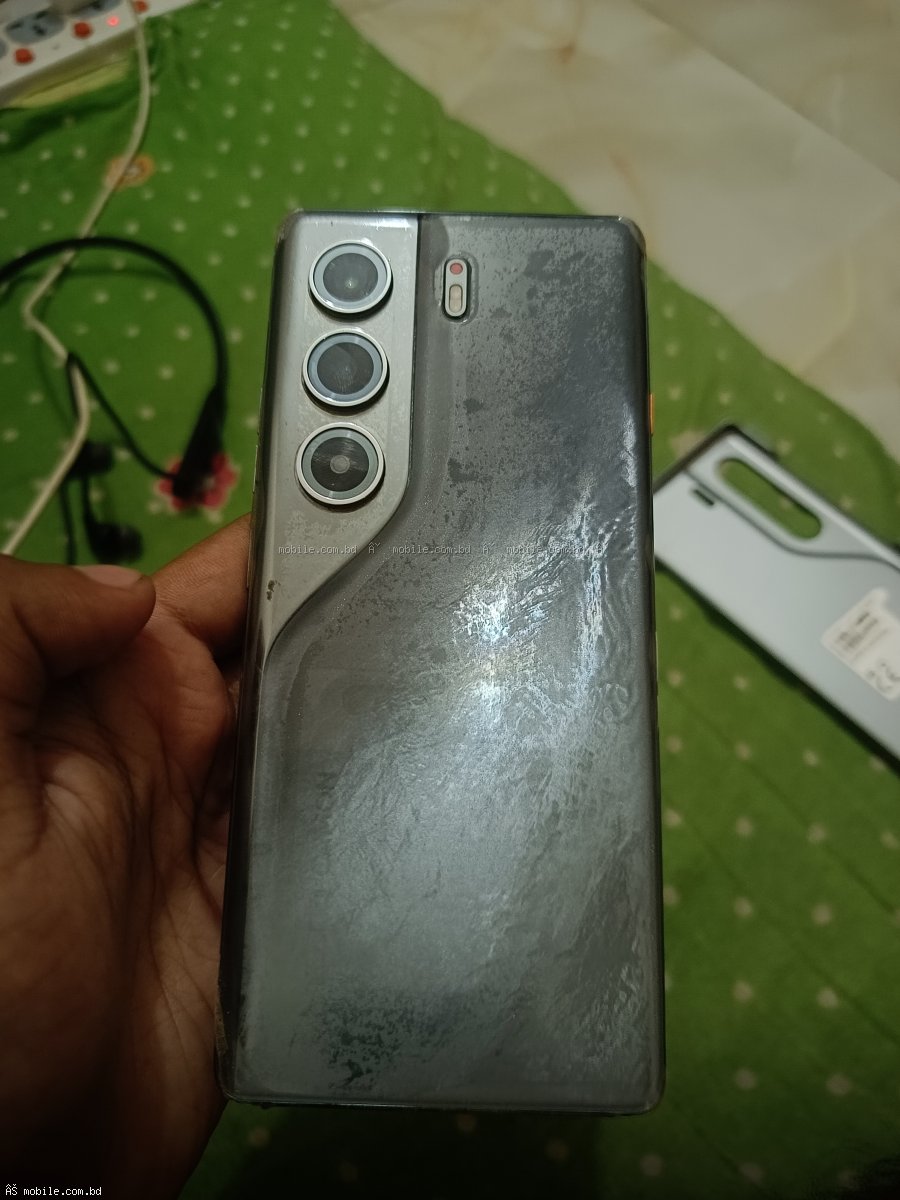
Check the screen for scratches, cracks, or dead pixels. Check the back and sides for dents or scratches. Check the buttons – power, volume, home – they should click properly. Check the charging port for damage or dirt. Check the SIM tray for damage.
3. Display Test
Open a white screen to check for yellowing or discoloration. Open a black screen to check for dead pixels or burn-in. Check for any lines or flickering. OLED phones can have burn-in from always-on displays.
4. Battery Health Check
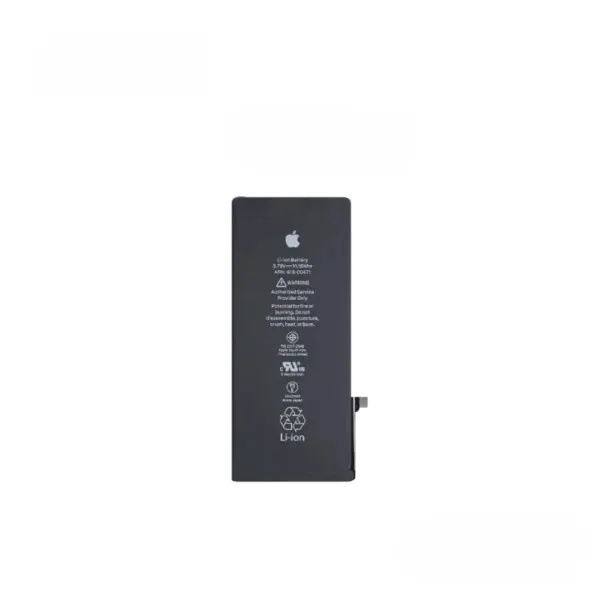
For iPhones, go to Settings > Battery > Battery Health. For Android, use apps like AccuBattery. Battery health below 80 percent means you will need to replace the battery soon.
5. Camera Test
Take photos and videos. Check both front and back cameras. Zoom in and out. Check if the focus works properly. Check if OIS (Optical Image Stabilization) is working. Check for any spots or dust in the lens.
6. Speakers and Microphone Test
Play music to check speakers. Make a test call to check microphone and earpiece. Record your voice and play it back. Check the loudspeaker during the call.
7. Buttons and Ports Test
Press all buttons – power, volume, home. They should click properly. Plug in a charger to check the charging port. Try headphones if there is a headphone jack. Check the vibration motor.
8. Wi-Fi, Bluetooth, GPS Test
Connect to Wi-Fi and browse the internet. Pair with a Bluetooth device. Open Google Maps to check GPS accuracy.
Why mobile.com.bd is Safer
On mobile.com.bd/used-phones/, every phone has IMEI checked before listing. Sellers are verified. You never need to worry about stolen or fake phones. Buyer protection is included.
Buy safely at mobile.com.bd/used-phones/.