Sell Used Phone
How to Sell Your Used Phone Fast and Free on mobile.com.bd
How to Sell Your Used Phone Fast and Free on mobile.com.bd
Have an old phone collecting dust? Turn it into cash today. Selling on mobile.com.bd is completely free and takes only 5 minutes.
Why Sell on mobile.com.bd
- 100% Free – No commission, no hidden fees
- Reach thousands of buyers across Bangladesh
- Simple 4-step listing process
- IMEI privacy protection
Step by Step Selling Guide
Step 1: Go to mobile.com.bd/used-phones/sell and create an account using your phone number or email.
Step 2: Enter phone details like brand, model, RAM, storage, color, and condition.
Step 3: Add IMEI numbers. Dial *#06# on your phone to get them.
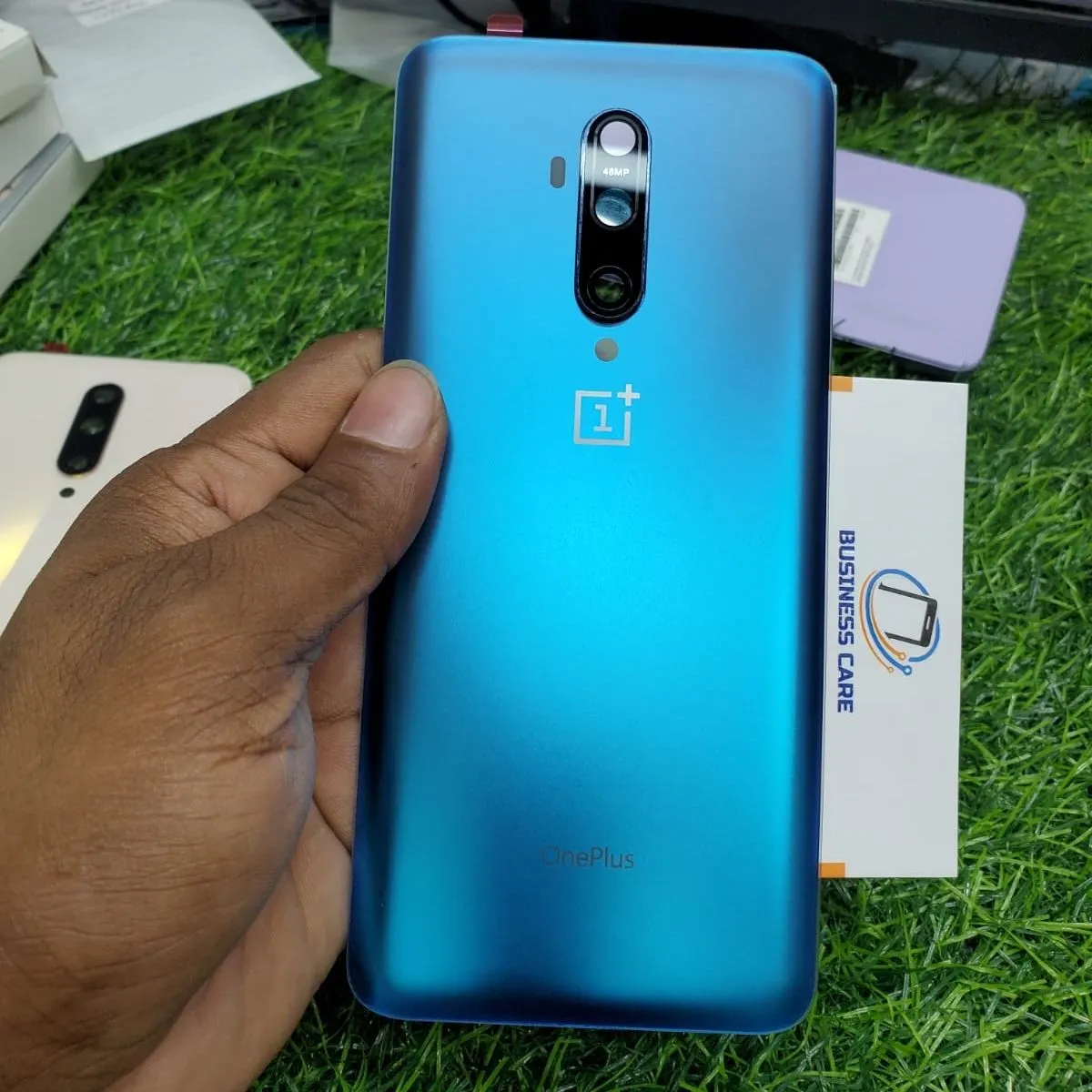
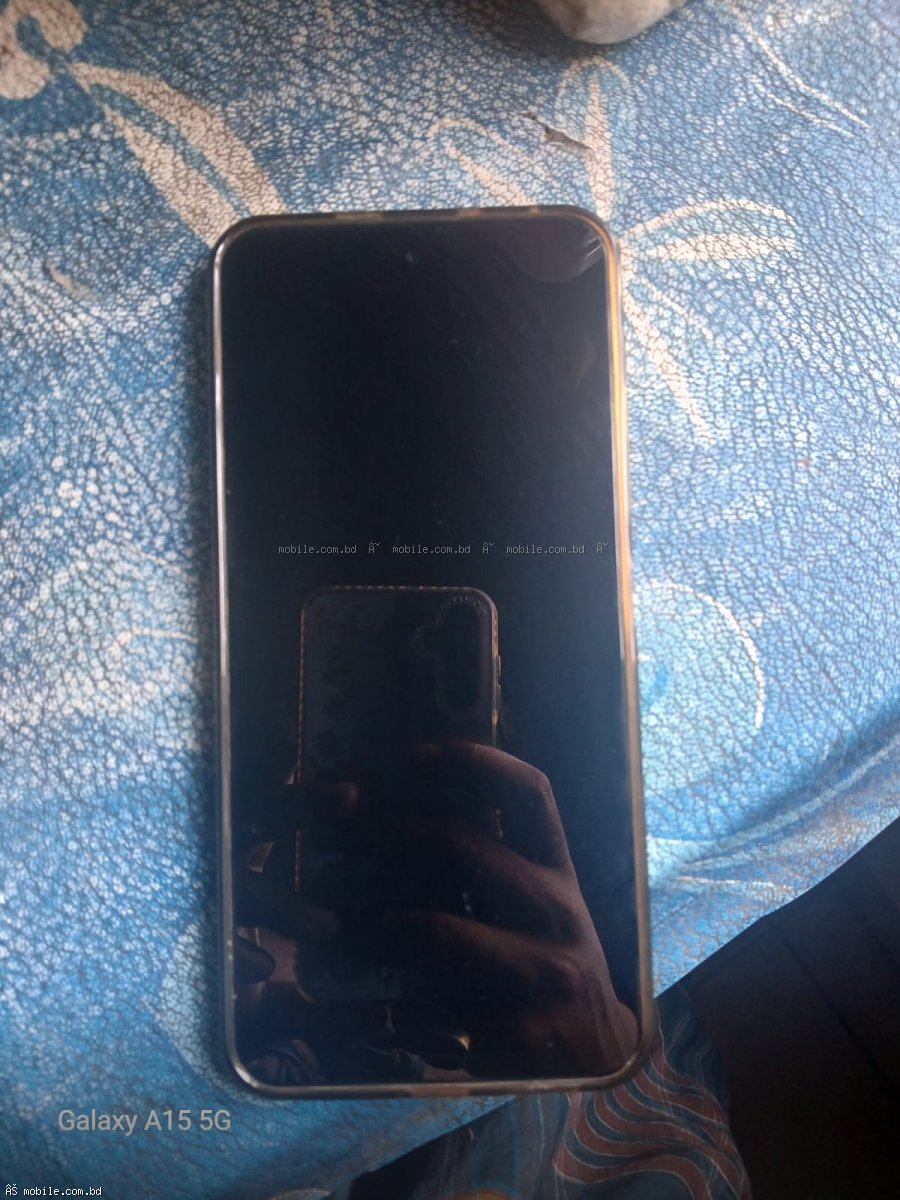
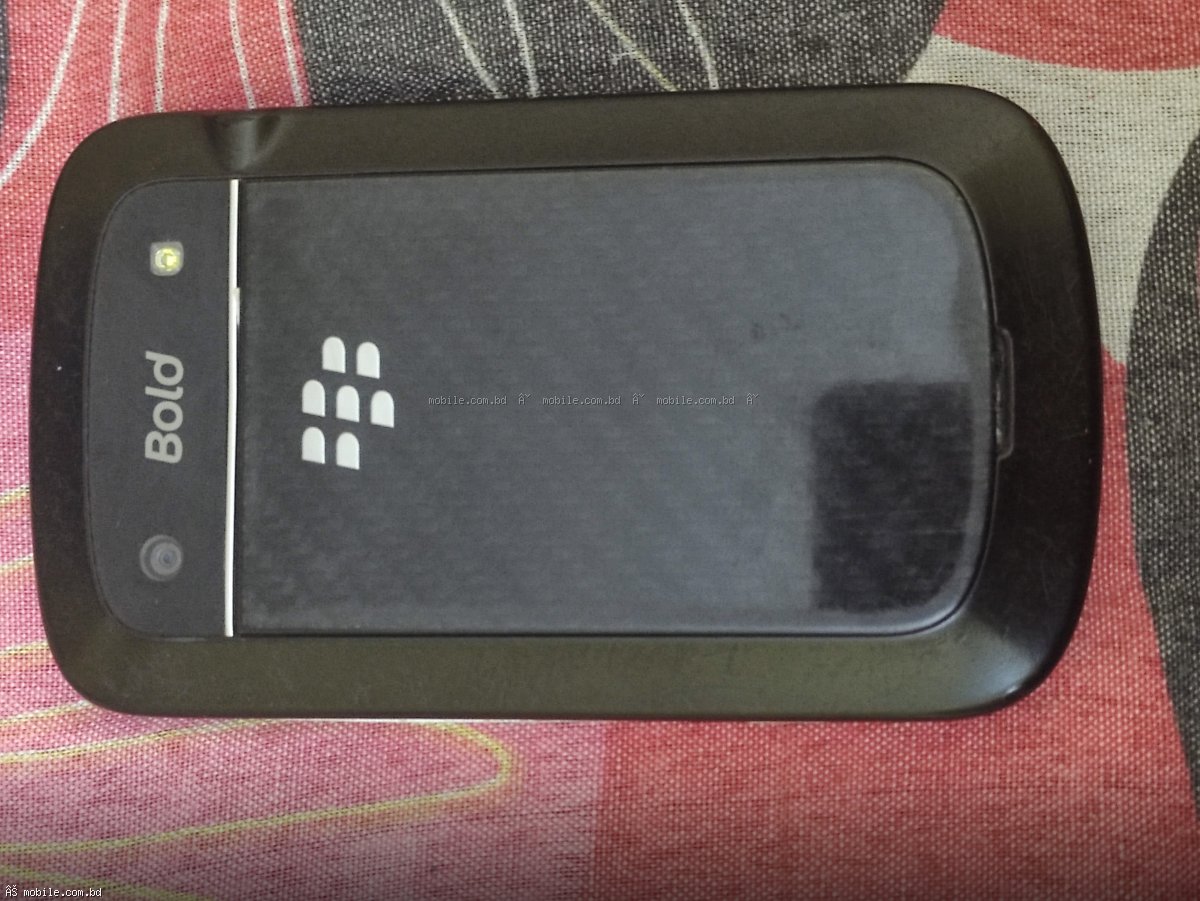
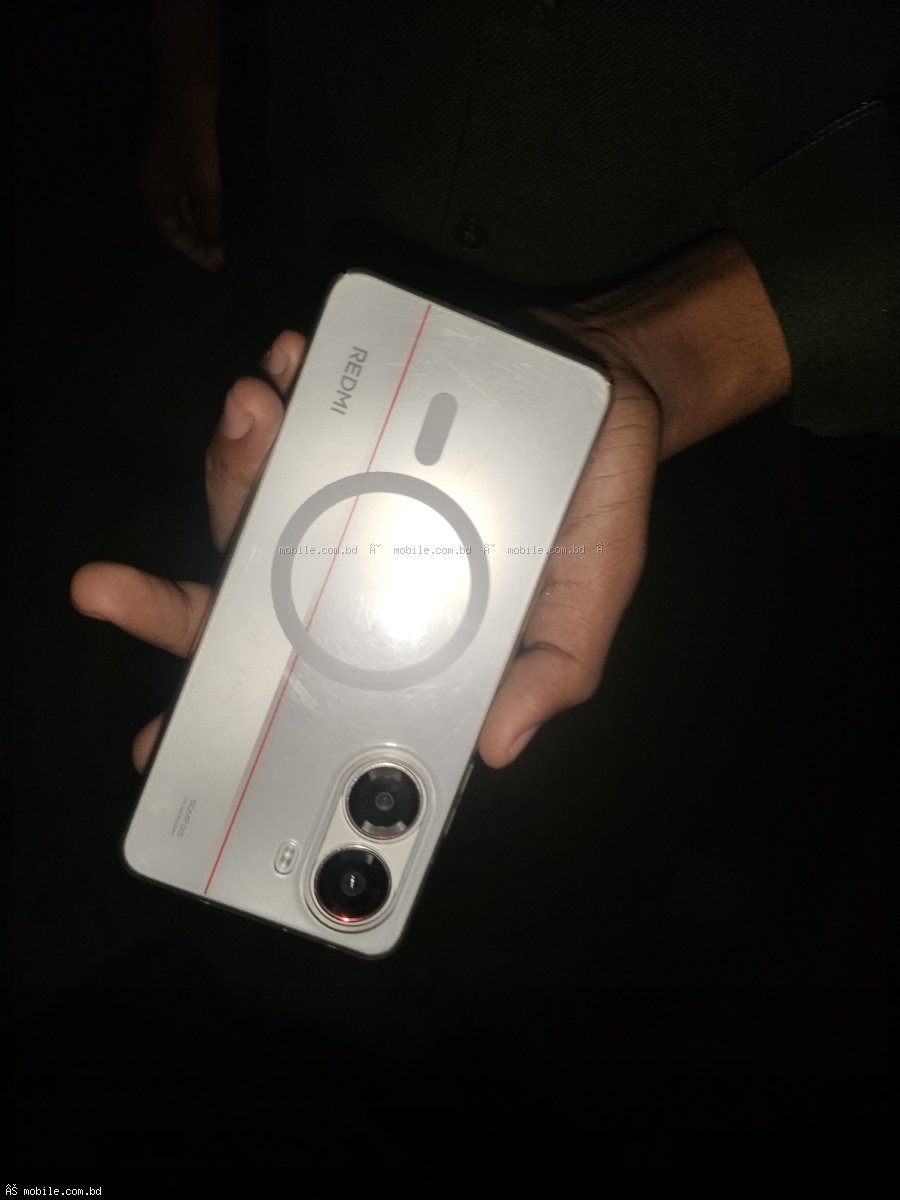
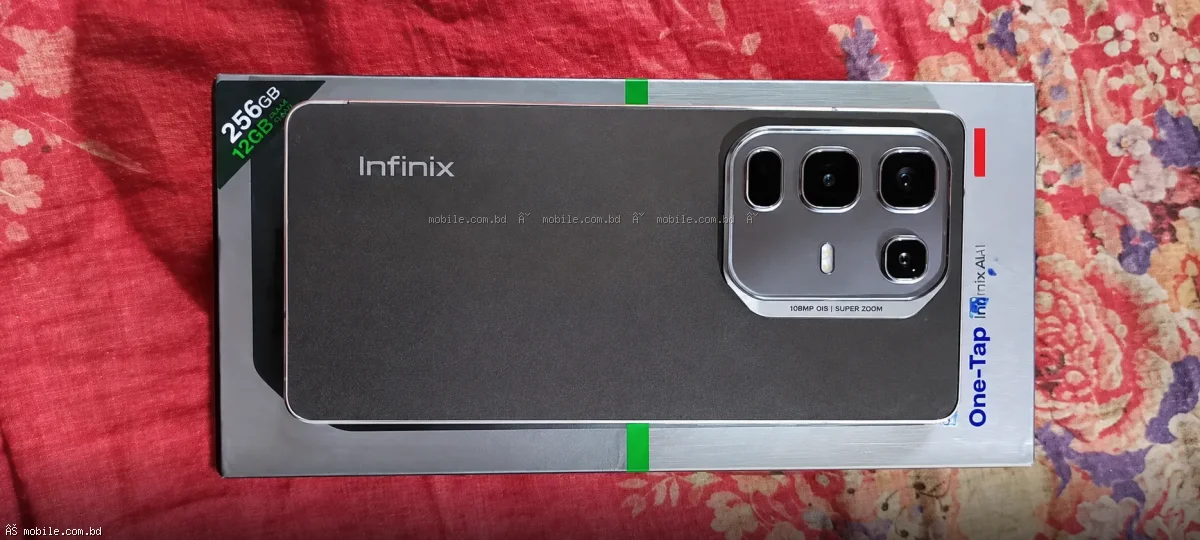
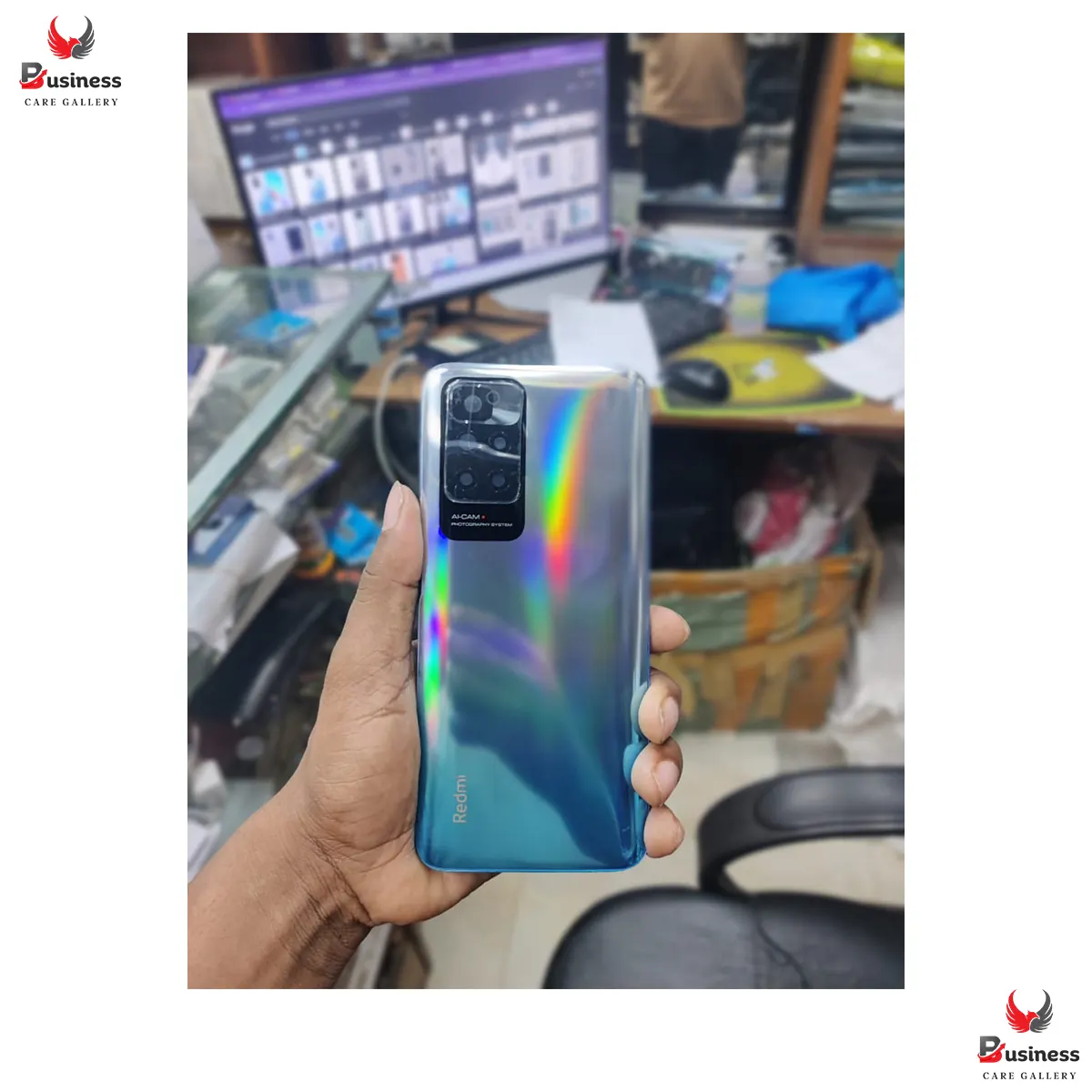
Step 4: Upload photos. Take clear pictures of front, back, sides, and any scratches.
Step 5: Set your price and location. Submit for review.
Tips to Sell Faster
- Price competitively – check similar phones on the platform
- Take clear, well-lit photos
- Be honest about any damage
- Include original box and accessories if available
- Respond quickly to buyer inquiries
Final Recommendation: List your used phone for free at mobile.com.bd/used-phones/sell. No commission, nationwide buyers, simple process.