Tips
Complete Guide to Mobile Phone Maintenance and Care 2026
================================================================================
COMPLETE GUIDE TO MOBILE PHONE MAINTENANCE AND CARE 2026
================================================================================
Your phone is an expensive investment. Proper maintenance extends its life from 2 years to 4-5 years, saves thousands in repair costs, and maintains resale value. This comprehensive guide covers everything about phone maintenance.
================================================================================
PART 1: BATTERY MAINTENANCE (MOST IMPORTANT)
================================================================================
Why battery health matters:
Battery is the first component to fail (typically after 2-3 years, 500-800 charge cycles). Replacement costs: Budget phones 1,500-3,000 BDT. Mid-range 3,000-5,000 BDT. Flagship 5,000-7,000 BDT. iPhone Pro 6,000-8,000 BDT. Good maintenance adds 1-2 years to battery life.
Best charging practices:
Keep charge between 20% and 80% for daily use:
Li-ion batteries most stressed at extremes (0% and 100%). 0%: very damaging (battery may enter deep discharge, never recover). 100%: keeps battery at high voltage, speeds degradation. Ideal range: 20-80%. 20-80% charging produces 2-3x more cycles than 0-100% charging.
Avoid overnight charging:
Phone stays at 100% for hours (keeps battery at high voltage). Generates unnecessary heat. Use Optimized Charging feature if available: iPhone: Settings - Battery - Battery Health & Charging - Optimized Battery Charging. Samsung: Settings - Battery - More battery settings - Protect battery (limit to 85%). OnePlus: Settings - Battery - Optimized charging. Xiaomi: Settings - Battery - Battery protection.
Avoid extreme temperatures:
Above 35 degrees Celsius: Accelerates degradation (2x faster). Above 45 degrees Celsius: Permanent damage. Below 0 degrees Celsius: Temporary capacity loss (returns when warm). Avoid: Leaving phone in car on sunny day. Direct sunlight while charging (phone hot). Gaming while charging (heat + heat = bad). Using thick case while fast charging (traps heat). Winter (cold fine, just slower charging).
Use appropriate charger:
Fast charging (65W+) generates more heat. Use for emergencies, not daily. For daily charging, use slower charger (18-25W). Overnight: Use 5-10W charger (even better). Don't use cheap unbranded chargers (voltage spikes damage battery).
Don't fully discharge to 0%:
Li-ion batteries don't have memory effect. No need to calibrate. Deep discharge can damage battery. Charge when battery hits 20-30%. If phone dies (0%), charge immediately.
Battery health monitoring:
iPhone: Settings - Battery - Battery Health (shows maximum capacity). Below 80% = replace. Samsung: Samsung Members app - Get Help - Interactive checks - Battery status. Shows Good/Normal/Weak. Xiaomi: Dial *#*#6484#*#* - Battery info. Shows voltage and temperature. AccuBattery app (Android) - Shows estimated health after 2-3 charge cycles. Good for used phones.
================================================================================
PART 2: DISPLAY MAINTENANCE
================================================================================
Screen protector:
Always use tempered glass (flat displays). TPU film (curved displays). Replace when cracked (cracked protector doesn't protect). Remove air bubbles during installation (use card to push out). Apply within 1 week of buying phone (before scratches appear).
Cleaning display:
Use microfiber cloth (included with screen protector). Slightly damp (not wet). No soap (damages oleophobic coating). No alcohol (removes oleophobic coating). No paper towels (scratch display). No saliva (introduces bacteria). Clean when smudged. Clean fingerprints immediately (oil can damage coating over years).
Avoid screen burn-in (AMOLED only):
Reduce brightness (under 70% for static content). Use dark mode (reduces pixel wear). Avoid static images for hours (status bar, TikTok UI, gaming HUD). Use full screen mode (hides status bar). Change wallpaper occasionally. Use auto-hide for navigation buttons (gesture navigation better). Keyboard: Use dark theme keyboard. Rotate keyboard position (if possible). Burn-in appears as ghost images on white/grey background. Permanent once occurs.
Prevent scratches:
Separate pocket for phone (no keys, coins). Don't place phone face down. Use raised edge case (case lip above screen). Clean screen before closing flip case (dust between screen and case scratches).
================================================================================
PART 3: PHYSICAL MAINTENANCE
================================================================================
Case protection:
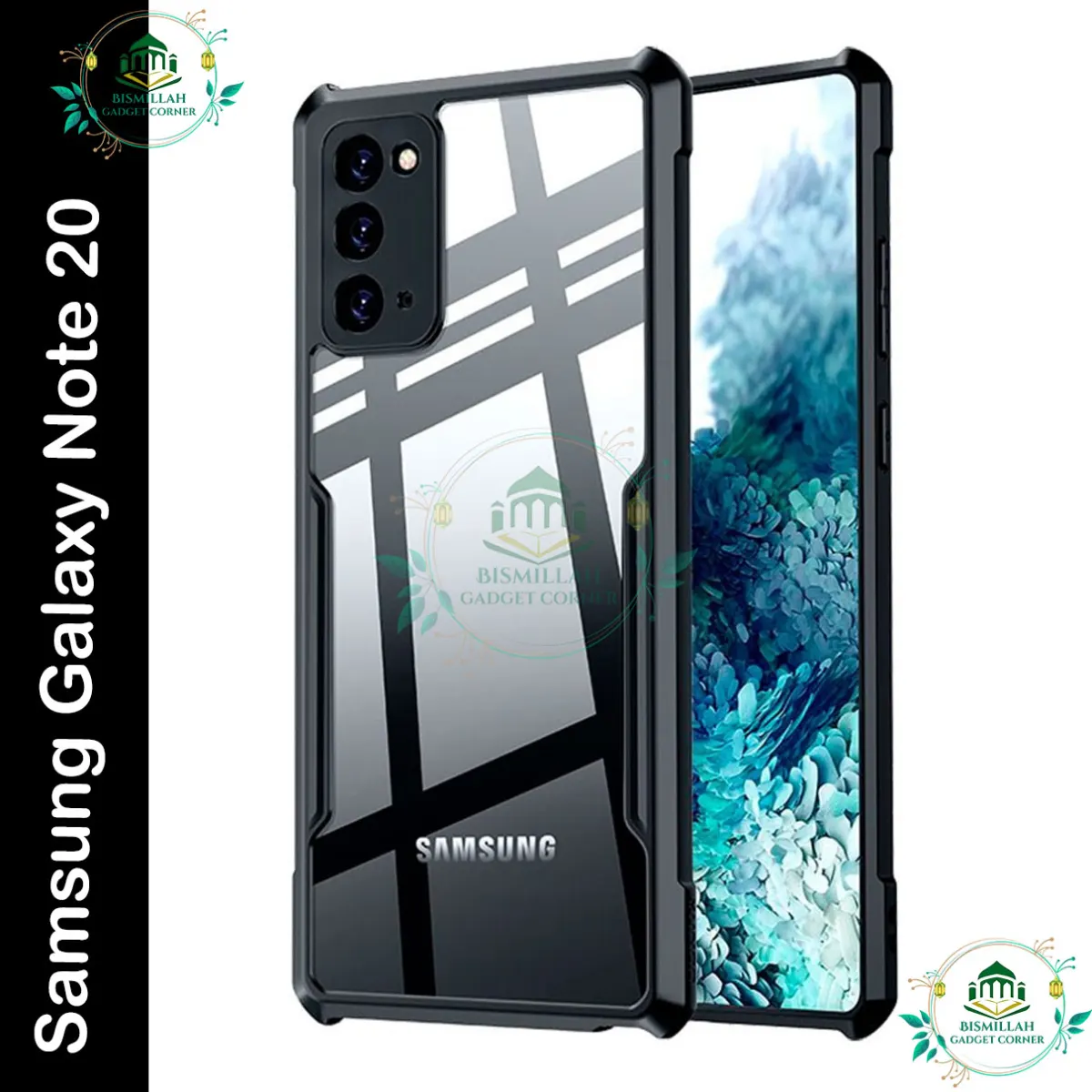
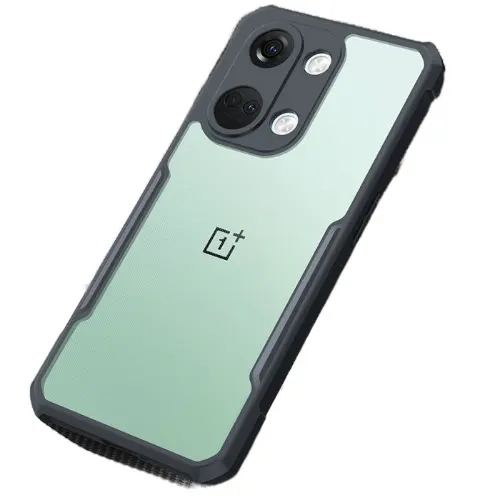
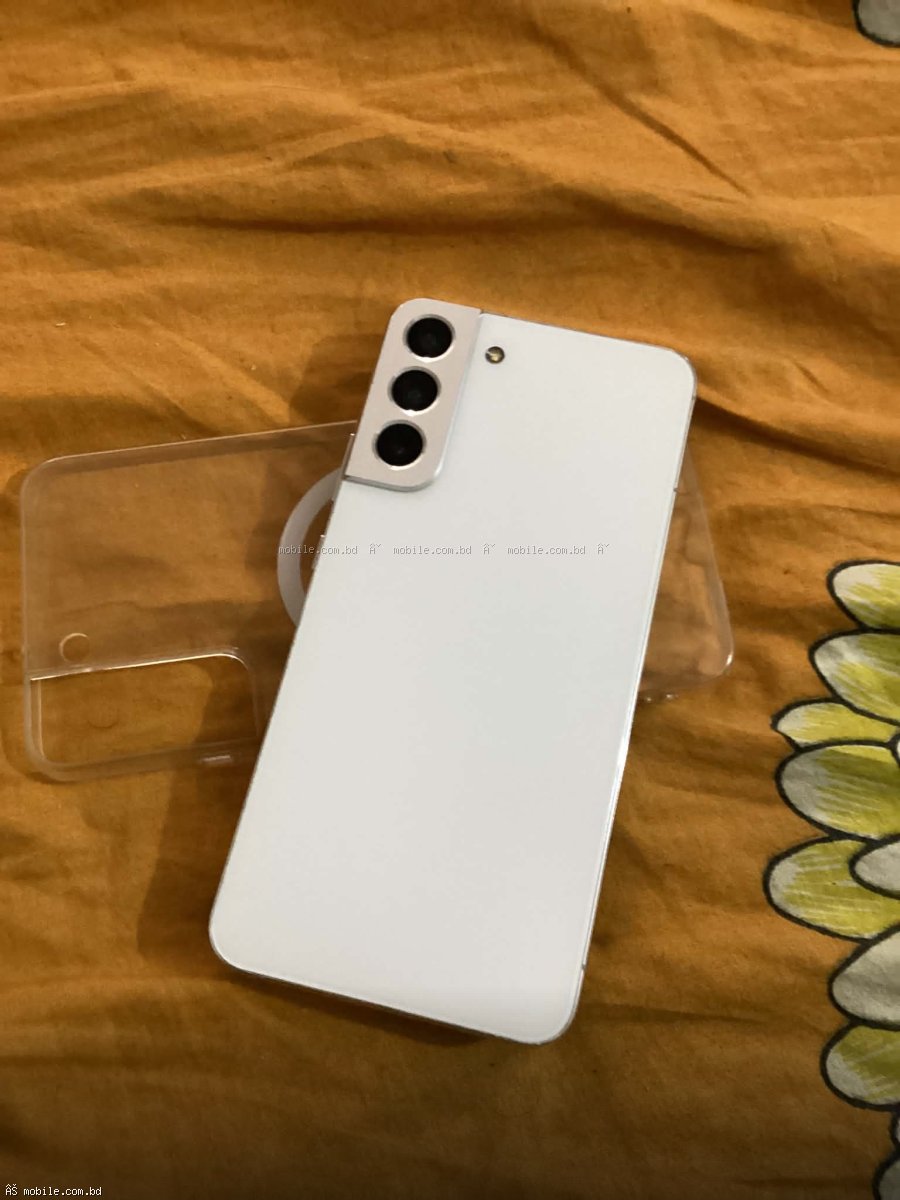
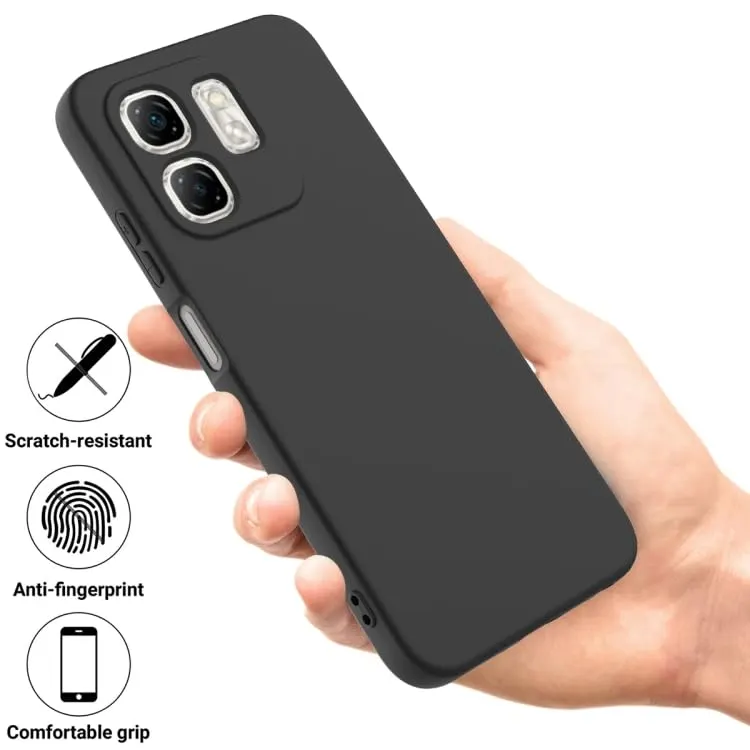
Always use case (even thin case prevents 90% of drop damage). Replace case when yellowed (6-12 months for clear TPU). Check case fit (loose case reduces protection). Remove case monthly: Clean phone body (dust trapped under case scratches). Clean case inside (soap and water).
Cleaning ports and speakers:
Charging port: Use wooden or plastic toothpick (never metal). Gently remove lint/dust (compressed forward). Don't insert paperclip (damage pins). Do monthly (dust accumulates quickly). If charging intermittent, port likely needs cleaning.
Speaker grilles: Use soft brush (toothbrush). Don't blow with mouth (moisture damage). Use phone cleaning putty (available on Daraz 200-500 BDT). Don't use compressed air (may push dust deeper).
Earpiece (phone call speaker): Same as speaker grilles. Clean gently.
Microphone holes: Same as speakers. Don't insert anything (damage microphone).
Button maintenance:
Don't press hard (normal pressure sufficient). If sticky: Clean around button with toothpick. Very small amount of isopropyl alcohol (99%). Work button back and forth. If completely stuck: Service center repair.
Avoid water damage:
IP68/IP67 rated: Resists splashes and brief submersion (1m for 30 min). Not waterproof for swimming or shower (soap, shampoo damage seals). Not for salt water (corrosion). Seal degrades over time (2-3 years, not guaranteed after). If no IP rating: Keep away from water entirely. If wet: Turn off immediately, dry with cloth, place in rice bowl (12-24 hours), don't charge until completely dry.
================================================================================
PART 4: SOFTWARE MAINTENANCE
================================================================================
Regular updates:
Install system updates (security patches critical). Enable auto-update (WiFi only to save data). Benefits: Security fixes (prevents hacking). Bug fixes (smoother performance). Battery optimizations (better life). New features. Don't delay updates (vulnerabilities known after patch released).
Manage storage:
Keep 10-15% free (minimum 5-10 GB for 128GB phone). Full storage causes slowdown, app crashes, failed updates. Clean monthly: Delete unused apps (Settings - Apps - Unused apps). Clear app cache (Settings - Storage - Cached data - Clear). Delete old photos/videos (backup to Google Photos, iCloud, or computer). Delete old downloads (Downloads folder). Use Files by Google app (automatic cleanup suggestions).
Clear cache regularly:
App cache builds up over time (gigabytes). App cache is safe to delete (app recreates as needed). System cache can be cleared from recovery mode. Benefits: More free space. Apps may load slightly faster. Resolves some app glitches.
Manage background apps:
Disable apps you never use (Settings - Apps - Disable). Some pre-installed apps can't be deleted but can be disabled. Restrict background activity for apps that don't need it (Settings - Apps - App info - Mobile data - Background data). Benefits: Better battery life. More RAM for active apps. Less data usage.
Factory reset for major issues:
When needed: Phone very slow after 2+ years. Persistent battery drain not fixed by other methods. After major system update (optional, can improve performance). Before selling phone (ensure data erased). Before factory reset: Backup data (Google Drive, iCloud, computer). Note passwords for apps. Process: Settings - System - Reset - Factory data reset. Phone will erase everything and reinstall OS. Takes 10-30 minutes.
================================================================================
PART 5: CAMERA MAINTENANCE
================================================================================
Clean camera lens:
Use microfiber cloth. Clean before important photos (fingerprint smudges ruin photos). Don't use shirt or tissue (can scratch). Don't use water (may seep into lens). Clean lens protector (if using). Dirty lens causes hazy photos, lens flare (ghost reflections), focusing issues.
Lens protector:
Pros: Protects from scratches (especially for protruding camera bumps). Cons: May cause additional lens flare. Reduces photo quality slightly (especially cheap protectors). Not recommended for photography-focused users. Remove if you notice quality degradation.
Avoid dust in lens:
Keep phone away from dusty environments (construction sites, beaches). If dust enters lens, photos show black spots. Not user-serviceable (needs professional cleaning). Prevention better than cure.
================================================================================
PART 6: STORAGE AND DATA MANAGEMENT
================================================================================
Backup regularly:
Google Photos: Unlimited storage compressed (free). 15 GB free (original quality). iOS: iCloud (5 GB free, paid for more). Computer backup via USB cable. External storage (OTG USB drive, SD card). Backup frequency: Photos/videos monthly. Full phone backup before factory reset. Critical documents immediately.
Cloud storage options:
Google Drive (15 GB free, 100 GB 200 BDT/month). iCloud (5 GB free, 50 GB 120 BDT/month). Microsoft OneDrive (5 GB free). Dropbox (2 GB free). For most users, Google Photos (compressed quality) enough for photos. For documents, Google Drive 15 GB free.
SD card (if phone supports):
Use for photos, videos, music (not apps). Apps on SD card slower. SD card can fail (don't store only copy). Buy reputable brand (Samsung, SanDisk, Kingston). Class 10 or UHS-1 for speed. 128 GB SD card: 1,000-2,000 BDT. 256 GB SD card: 2,000-3,500 BDT.
================================================================================
PART 7: TROUBLESHOOTING COMMON PROBLEMS
================================================================================
Phone heating:
Causes: Fast charging, gaming, direct sunlight, many background apps, thick case trapping heat, faulty battery (rare). Solutions: Remove case while charging/gaming. Stop using phone while charging. Reduce screen brightness. Close background apps. Avoid direct sunlight. If very hot (uncomfortable to touch), stop use, let cool. If persistent, check battery health.
Phone lagging/slow:
Causes: Storage full (>90%). Many background apps. Old battery throttling performance. Outdated software. Too many widgets. Live wallpapers. Solutions: Free up storage (delete unused apps, clear cache). Restart phone (fixes many issues). Update software. Disable animations (Developer options - Animation scale 0.5x). Factory reset as last resort.
App crashes:
Causes: Outdated app. Corrupted app cache. Insufficient storage. Incompatible with system update. Solutions: Update app. Clear app cache (Settings - Apps - App - Storage - Clear cache). Clear app data (will reset app settings, logout). Reinstall app. If many apps crash, system issue (check update, factory reset).
Battery draining fast:
Causes: Battery age (health below 80%). Recent app (check battery usage in settings). Display brightness high. 5G enabled (uses more battery than 4G). Location services active. Bluetooth always on. Many background apps. Solutions: Check battery health (Settings - Battery - Battery Health). Replace if below 80%. Find draining app (Settings - Battery - Battery usage). Reduce screen brightness (50-60% indoor). Use 4G instead of 5G if 5G coverage weak. Turn off location when not needed. Turn off Bluetooth when not using.
Phone not charging:
Causes: Charging port dirty (most common). Cable damaged. Charger faulty. Phone too hot (charge paused). Battery failed (rare). Solutions: Clean charging port (toothpick gently). Try different cable. Try different charger. Try different outlet. If hot, let cool then try. If still not charging, service center.
================================================================================
PART 8: PREVENTIVE MAINTENANCE SCHEDULE
================================================================================
Daily:
Wipe screen and body with microfiber cloth. Check battery level (charge if below 30%).
Weekly:
Restart phone (once per week). Clean screen protector with microfiber.
Monthly:
Clean charging port (toothpick). Clean speaker grilles (soft brush). Clean case (soap and water). Check storage (free up 10-15% space). Check for system updates. Check for app updates (enable auto-update).
Every 3 months:
Backup photos (to Google Photos or computer). Clear app cache (Settings - Storage - Cached data). Check battery health (iPhone/Samsung/AccuBattery). Inspect case for damage (replace if cracked).
Yearly:
Factory reset (optional, for performance). Replace screen protector (if scratched or cracked). Replace case (if yellowed or loose). Consider battery replacement (if health below 80%). Deep clean (service center, 300-500 BDT).
================================================================================
PART 9: FREQUENTLY ASKED QUESTIONS
================================================================================
Question: Should I turn off phone every night?
Answer: No. Restart once per week is sufficient. Modern phones designed for always on. Restart clears memory, fixes minor glitches.
Question: Does dark mode save battery?
Answer: On AMOLED displays, yes (15-30% depending on usage). Pixels off for black areas. On LCD displays, no difference (backlight always on). Use dark mode for AMOLED phones.
Question: How often should I replace battery?
Answer: When battery health below 80%. For typical user: 2-3 years. For heavy gamer: 1.5-2 years. For light user: 3-4 years. Replacement signs: Phone dies at 15-20% battery. Phone needs 2 charges per day. Phone very hot while charging.
Question: Is factory reset safe?
Answer: Yes, if you backup data first. Factory reset returns phone to like-new software state. Removes all user data, settings, apps. Does not affect hardware (battery, display). Good for selling phone. Good for fixing persistent software issues.
Question: Can I use phone while charging?
Answer: For calls and messaging, yes. For gaming and video streaming, no (generates heat, degrades battery). Heat while charging + using = battery damage.
Question: Does fast charging damage battery?
Answer: Heat damages battery, not fast charging itself. Fast charging generates more heat. Use slow charger (18-25W) for daily charging. Use fast charger (65W+) for emergencies. Don't use fast charger in hot environments. Remove case while fast charging.
================================================================================
FINAL VERDICT
================================================================================
Following these maintenance practices can extend phone life from 2 years to 4-5 years. Most important practices:
Top 3 most important:
Keep battery between 20-80% (don't charge to 100% daily, don't drain to 0%). Use screen protector and case (prevents 90% of physical damage). Clean charging port monthly (prevents charging issues).
Top 3 cost-saving practices:
Avoid drops (case essential). Replace battery when health below 80% (cheaper than new phone). Keep storage 15% free (prevents slowdown).
Annual maintenance cost:
Screen protector replacement (200-800 BDT/year). Case replacement (500-1,500 BDT every 2 years). Battery replacement every 2-3 years (1,500-7,000 BDT depending on phone). Total: 1,000-3,000 BDT/year. Far cheaper than new phone (15,000-150,000 BDT).