Gaming
Complete Guide to Mobile Gaming in Bangladesh 2026
================================================================================
COMPLETE GUIDE TO MOBILE GAMING IN BANGLADESH 2026
================================================================================
Mobile gaming has exploded in popularity in Bangladesh. BGMI (Battlegrounds Mobile India), PUBG Mobile, Call of Duty Mobile, Free Fire, and Genshin Impact are played by millions. This comprehensive guide covers everything from choosing the right gaming phone to optimizing settings for competitive play.
================================================================================
PART 1: BEST GAMING PHONES FOR EVERY BUDGET
================================================================================
What makes a good gaming phone:
Key specs for mobile gaming:
- Processor (CPU): Snapdragon 8 series or Dimensity 9000 series for flagship performance.
- RAM: 8GB minimum, 12GB recommended for BGMI/PUBG, 16GB for future-proof.
- Display refresh rate: 120Hz minimum, 144Hz or 165Hz for competitive advantage.
- Touch sampling rate: 360Hz minimum, 720Hz or higher for instant response.
- Cooling system: Essential for preventing throttling (frame drops) during long gaming sessions.
- Battery: 4500 mAh minimum, 5000 mAh or larger recommended.
- Fast charging: 65W or higher for quick top-ups between gaming sessions.
- Shoulder triggers: Physical or pressure-sensitive triggers for FPS advantage.
Best gaming phones by budget (June 2026):
Under 15,000 BDT:
Not recommended for serious gaming. Phones at this price struggle with BGMI and PUBG. Best for casual gaming (Candy Crush, Subway Surfers, Ludo King).
If forced to buy: Realme Narzo 90 Pro used - 14,000 to 17,000 BDT. Dimensity 9300+, 144Hz display, 80W charging. Surprisingly capable for the price.
15,000 to 25,000 BDT:
Poco F4 GT used - 15,000 to 18,000 BDT. Snapdragon 8 Gen 1, 120Hz AMOLED, magnetic pop-up triggers, 120W charging. Best budget gaming phone.
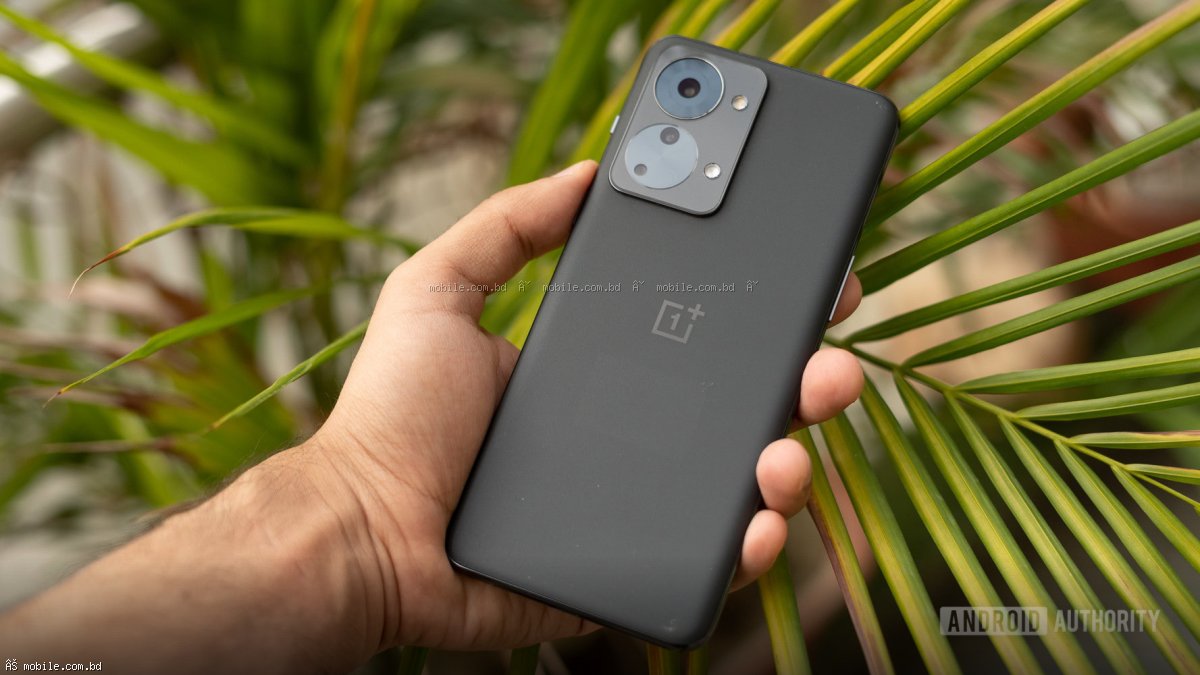
OnePlus Nord 6T - 18,000 to 22,000 BDT. Snapdragon 7+ Gen 3, 80W charging, 5500 mAh battery, good cooling.
Realme Narzo 90 Pro new - 18,999 BDT. Dimensity 9300+, 144Hz display, 80W charging, good value.
25,000 to 35,000 BDT:
Poco F6 - 28,000 to 32,000 BDT. Snapdragon 8s Gen 3, 120Hz AMOLED, 5000 mAh, 90W charging. Best new gaming phone at this price.
OnePlus 11 used - 24,000 to 30,000 BDT. Snapdragon 8 Gen 2, 100W charging, excellent cooling, flagship performance.
iQOO Neo 10 Pro used - 28,000 to 32,000 BDT. Dimensity 9400, 144Hz display, 120W charging, pressure triggers.
35,000 to 50,000 BDT:
iQOO Neo 11 Pro - 32,000 to 38,000 BDT (used) or 42,000 BDT (new). Dimensity 9400+, 144Hz display, 120W charging, pressure-sensitive triggers. Supports 120fps in BGMI.
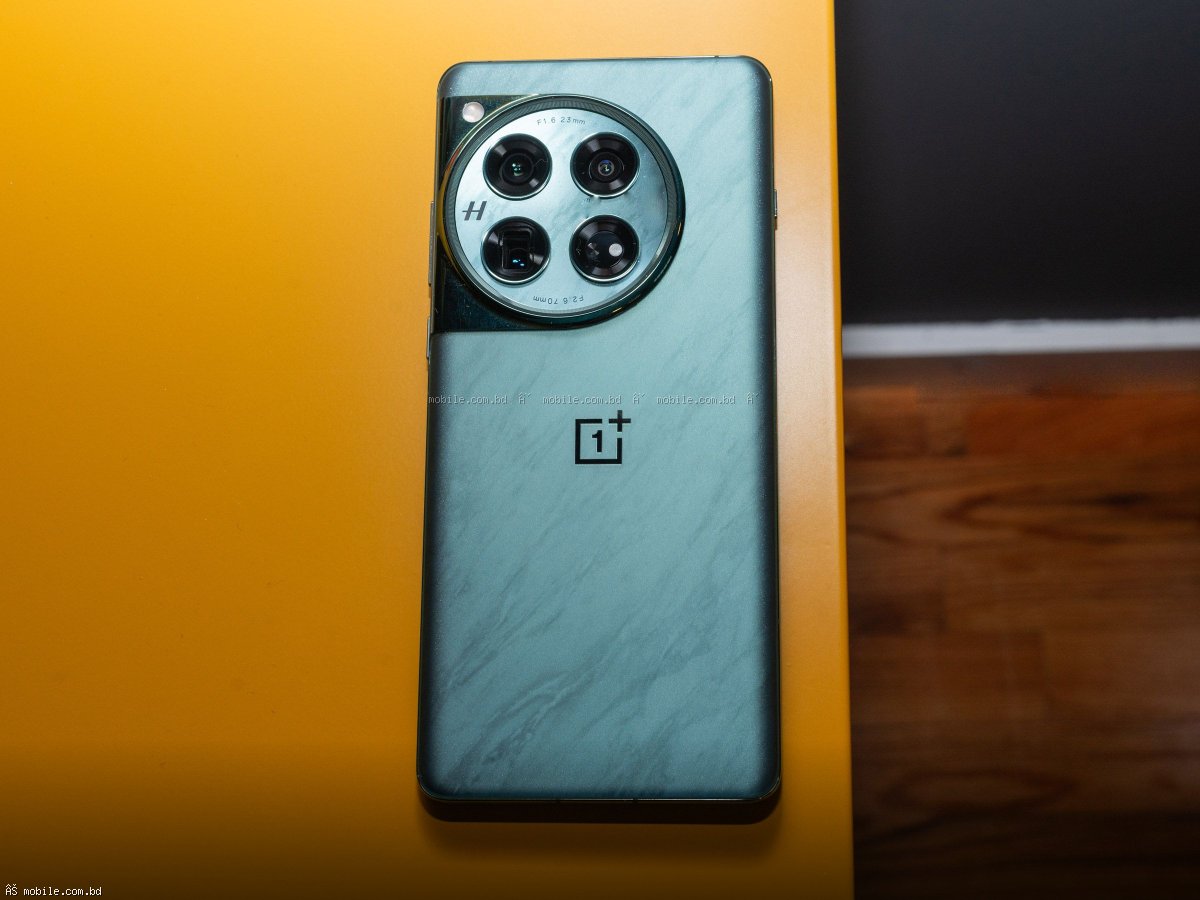
OnePlus 13R - 45,999 BDT new. Snapdragon 8 Gen 4, 120Hz AMOLED, 5500 mAh, 100W charging. Best all-round gaming phone.
Asus ROG Phone 6 used - 40,000 to 45,000 BDT. Snapdragon 8+ Gen 1, 165Hz AMOLED, 6000 mAh battery, ultrasonic triggers, best cooling.
50,000 to 80,000 BDT:
RedMagic 10 Air - 49,999 BDT. Snapdragon 8 Gen 4, 165Hz AMOLED, 720Hz touch sampling, built-in cooling fan (20,000 RPM), shoulder triggers. Best pure gaming phone.
Asus ROG Phone 8 - 65,000 to 80,000 BDT. Latest processor, 165Hz display, AeroActive cooler accessory, AirTriggers, best cooling system.
80,000+ BDT:
RedMagic 10 Pro - 70,000 to 85,000 BDT. Snapdragon 8 Gen 4, 165Hz AMOLED, built-in fan, RGB lighting, shoulder triggers, 6500 mAh battery.
iPhone 17 Pro Max - 159,999 BDT. A19 Pro, 120Hz ProMotion, best game optimization, long software support.
================================================================================
PART 2: GAME-SPECIFIC RECOMMENDATIONS
================================================================================
BGMI / PUBG Mobile:
Best phone for BGMI: iQOO Neo 11 Pro. Supports 120fps mode, pressure triggers, excellent cooling. Price: 32,000-42,000 BDT.
Settings for BGMI on mid-range phone (Snapdragon 8 Gen 2 or Dimensity 9300):
Graphics: Smooth or Balanced. Frame rate: 90fps or 120fps (if supported). Style: Colorful or Movie (easier to spot enemies). Anti-aliasing: On. Shadows: Off (better performance). Render resolution: High.
Settings for BGMI on budget phone (Snapdragon 7 series or Dimensity 8000 series):
Graphics: Smooth. Frame rate: 60fps or 90fps (if supported). Style: Classic. Anti-aliasing: Off. Shadows: Off. Render resolution: Medium.
Tips for BGMI:
- Use gyroscope for better aim (200-300 sensitivity).
- Use 3-finger or 4-finger claw grip for faster reactions.
- Practice in training ground daily.
- Adjust sensitivity based on your play style.
- Use headphones for directional audio.
Call of Duty Mobile:
Best phone for COD Mobile: Poco F4 GT (physical triggers) or iQOO Neo 11 Pro (pressure triggers). Physical triggers give major advantage. Price: 15,000-18,000 BDT (used Poco F4 GT).
Settings for COD Mobile:
Graphics: High or Very High. Frame rate: Max (120fps on supported phones). Depth of field: Off. Ragdoll: Off. Bloom: Off. Real-time shadows: Off. Water reflection: Off.
Tips for COD Mobile:
- Enable 4-finger HUD (2 thumbs + 2 triggers).
- Use shoulder triggers (physical or pressure).
- Adjust sensitivity for different weapon types.
- Practice slide-cancel and jump-shot mechanics.
Genshin Impact:
Best phone for Genshin Impact: OnePlus 13R or RedMagic 10 Air. Requires strong processor and good cooling. Price: 45,000-50,000 BDT.
Settings for Genshin Impact:
Graphics: Medium (on Snapdragon 8 Gen 2) or Low (on Snapdragon 7 series). Frame rate: 60fps (if cooling allows) or 45fps (stable). Shadows: Low. Anti-aliasing: Off. Motion blur: Off. V-Sync: Off. Crowd density: Low.
Tips for Genshin Impact:
- Use a phone cooler (500-1,500 BDT) for long sessions.
- Lower graphics for better battery life and thermals.
- Play near fan or AC in summer months.
- Close background apps before playing.
Free Fire:
Best phone for Free Fire: Any phone with 60fps support works. Free Fire is less demanding. Realme C85 Pro (12,000-15,000 BDT) is sufficient. Price: Very affordable.
Settings for Free Fire:
Graphics: Smooth or Standard. Frame rate: High or Very High. Shadows: Off. Gloo wall animation: Off. Hit effect: Classic. Auto hold: On (looting faster).
================================================================================
PART 3: IMPORTANT PHONE FEATURES FOR GAMING
================================================================================
Display Refresh Rate:
60Hz: 60 frames per second. Normal for budget phones. Playable but not competitive.
90Hz: 90fps support. Noticeably smoother than 60Hz. Good for mid-range gaming.
120Hz: 120fps support. Very smooth. Recommended for competitive gaming.
144Hz: 144fps support. Very smooth. Found on gaming phones.
165Hz: 165fps support. Smoothest available. Overkill for most games (few support 165fps).
Touch Sampling Rate:
How often phone checks for touch input. Higher = faster response.
360Hz: Minimum for gaming. Found on mid-range phones.
480Hz: Good for competitive gaming.
720Hz: Excellent, found on gaming phones (RedMagic).
2000Hz: Overkill but responsive (iQOO).
Shoulder Triggers:
Physical triggers (pop-up buttons): Best for FPS games. Tactile feedback, no accidental presses. Found on Poco F4 GT, Asus ROG Phone, RedMagic.
Pressure-sensitive triggers: Good but less tactile. Found on iQOO Neo series.
Ultrasonic triggers: Excellent, found on Asus ROG Phone. Can be calibrated for different pressure levels.
No triggers: Still playable but at disadvantage in competitive FPS.
Cooling System:
Vapor chamber (VC) cooling: Standard on gaming phones. Good for 30-60 minute sessions.
Liquid cooling: Better than VC, found on some gaming phones.
Built-in fan: Best cooling (RedMagic, Asus ROG). Prevents throttling even after hours of gaming.
External cooler attachment: 500-1,500 BDT accessory. Clips to back of phone. Reduces temperature by 5-10 degrees Celsius.
Battery and Charging:
Large battery (5000 mAh+) needed for gaming. Gaming drains battery 2-3x faster than normal use.
Fast charging (65W+) essential. 0-100% in 30-45 minutes allows quick top-ups between gaming sessions.
Some gaming phones have dual batteries (Poco) for faster charging and better heat distribution.
================================================================================
PART 4: OPTIMIZING YOUR PHONE FOR GAMING
================================================================================
Before playing any game, optimize your phone:
Enable Game Mode / Game Space:
Most phones have built-in game mode. Samsung: Game Booster (Game Launcher settings). Xiaomi/Redmi/Poco: Game Turbo (Security app - Game Turbo). Realme: Game Space (App management - Game Space). OnePlus: Game mode (Settings - Utility - Game mode). iQOO: Gaming Mode (Game Box in settings). These features block notifications, optimize performance, and free up RAM.
Close background apps:
Close all unnecessary apps before gaming. Swipe away from recent apps. Use Cleaner or Phone Manager app to free up RAM. Disable background sync (Settings - Accounts - Auto-sync).
Disable animations:
Developer options: Go to Settings - About phone - Tap Build number 7 times. Then Settings - System - Developer options. Set Window animation scale to 0.5x. Set Transition animation scale to 0.5x. Set Animator duration scale to 0.5x. This makes phone feel faster without sacrificing usability.
Enable high performance mode:
Samsung: Battery - Performance profile - High.
Xiaomi/Redmi: Battery - Performance mode.
Realme: Battery - High performance mode.
OnePlus: Battery - High performance mode.
Warning: High performance mode increases battery drain and phone temperature. Only use while gaming.
Use a game launcher:
Organize all games in one place. Many phones have built-in game launcher (Game Launcher on Samsung, Game Space on Realme, Game Turbo on Xiaomi). Provides quick access to game settings and performance stats.
================================================================================
PART 5: GAMING ACCESSORIES
================================================================================
Essential accessories for mobile gaming:
Phone Cooler:
Cost: 500-1,500 BDT. Clips to back of phone. Reduces temperature by 5-10 degrees. Prevents thermal throttling during long gaming sessions. Best for summer months or intense games like Genshin Impact. Brands: Black Shark, Razer, RedMagic, generic (works fine).
Gaming Triggers:
Cost: 300-1,000 BDT. Clips to top of phone. Adds physical buttons for shooting and aiming. Works with any phone. Popular on Daraz and Mobile.com.bd. Look for capacitive triggers (no battery needed) with metal construction (more durable).
Gaming Controller:
Cost: 2,000-10,000 BDT. Bluetooth controller that holds phone in center. Best for games with controller support (COD Mobile, Genshin Impact, Rocket League Sideswipe). Not allowed in competitive BGMI/PUBG (considered unfair advantage). Brands: Razer Kishi, Backbone One, Xbox controller with phone clip.
Gaming Finger Sleeves:
Cost: 100-300 BDT for pair. Reduces friction between thumb and screen. Better for long sessions. Helps with claw grip (4+ fingers). Cheap and effective upgrade.
Power Bank:
Cost: 1,500-2,500 BDT for 10000-20000 mAh. Gaming drains battery quickly. Essential for long gaming sessions away from outlet. Look for 18W+ fast charging output.
================================================================================
PART 6: OPTIMAL SETTINGS FOR POPULAR GAMES
================================================================================
BGMI / PUBG Mobile optimal settings (Competitive):
Graphics: Smooth. Frame rate: 90fps or 120fps (if supported). Style: Colorful (easiest to spot enemies). Anti-aliasing: On. Shadows: Off. Render resolution: High. Gyroscope: Always on (sensitivity: 200-300). Display: Brightness 80-100%. Audio: High quality, headphones recommended.
Call of Duty Mobile optimal settings:
Graphics: Very High (if phone supports) or High. Frame rate: Max (120fps). Depth of field: Off. Ragdoll: Off. Bloom: Off. Real-time shadows: Off. Water reflection: Off. View: Wide (more FOV). Audio: High quality. Controller: If using, enable.
Genshin Impact optimal settings:
Graphics: Medium (flagship) or Low (mid-range). Frame rate: 60fps (if cooling good) or 45fps (stable). Shadows: Low. Anti-aliasing: Off. Motion blur: Off. V-Sync: Off. Crowd density: Low. Co-op effects: Off. Bloom: Off.
Free Fire optimal settings:
Graphics: Smooth. Frame rate: Very High. Shadows: Off. Gloo wall animation: Off. Hit effect: Classic. Auto hold: On. Display: Brightness 100%.
================================================================================
PART 7: TROUBLESHOOTING COMMON GAMING ISSUES
================================================================================
Phone overheating:
Problem: Phone gets hot, frame rate drops (throttling).
Solutions: Remove phone case (case traps heat). Lower graphics settings. Reduce screen brightness. Play near fan or AC. Use phone cooler accessory. Take 5 minute break every 30 minutes.
Low frame rate (FPS drops):
Problem: Game feels laggy, stutters, not smooth.
Solutions: Close background apps. Lower graphics settings. Reduce frame rate target (e.g., 90fps to 60fps). Enable performance mode. Check for thermal throttling. Restart phone before gaming. Update game and phone software.
High ping / network lag:
Problem: Players teleport, shots not registering, delayed actions.
Solutions: Use WiFi instead of mobile data (more stable). Sit closer to router. Use 5GHz WiFi (faster than 2.4GHz). Disable other devices using network. Contact ISP if consistent issue. Use Game VPN (some gamers report improvement).
Battery drains too fast:
Problem: Phone needs charging after 1-2 hours of gaming.
Solutions: Lower screen brightness (save 20-30% battery). Lower graphics settings. Disable Bluetooth and GPS when not needed. Enable battery saver (performance may drop). Get power bank. Battery health below 80%? Consider replacement.
Touch not registering:
Problem: Screen doesn't respond to taps, especially during intense gameplay.
Solutions: Clean screen with microfiber cloth. Remove screen protector (some cause touch issues). Enable touch sensitivity in settings. Use gaming finger sleeves. Test with touch tester app.
================================================================================
PART 8: FREQUENTLY ASKED QUESTIONS
================================================================================
Question: Which phone is best for BGMI in Bangladesh?
Answer: Best budget: Poco F4 GT (used, 15,000-18,000 BDT). Best mid-range: OnePlus 11 (used, 24,000-30,000 BDT). Best overall: iQOO Neo 11 Pro (32,000-42,000 BDT). Best premium: RedMagic 10 Air (49,999 BDT).
Question: Is 60Hz enough for gaming?
Answer: For casual gaming, yes. For competitive BGMI/PUBG, no. 90Hz or 120Hz gives significant advantage. Smoother tracking of moving enemies, faster reaction time.
Question: Do I need 12GB RAM for gaming?
Answer: For BGMI/PUBG, 8GB RAM is sufficient. 12GB RAM helps with multitasking (game + Discord + screen recording). 16GB RAM is overkill for mobile gaming.
Question: Does iPhone overheat during gaming?
Answer: iPhones with A15 chip and newer have good cooling but still heat up during long Genshin Impact sessions. Pro models with 120Hz display heat more. Use lower graphics or phone cooler.
Question: Can I use mobile data for competitive gaming?
Answer: Yes, but WiFi is more stable. 4G/5G latency (ping) can be 50-100ms vs WiFi 10-30ms. Test your network speed and ping in game settings. Consistent high ping = look for better ISP or WiFi.
Question: How to enable 90fps or 120fps in BGMI?
Answer: Not all phones support 90/120fps. Need phone with 90Hz/120Hz display and game developers must enable for that model. Check BGMI settings - Graphics - Frame rate. If 90fps or 120fps not showing, your phone not supported.
================================================================================
FINAL VERDICT
================================================================================
Mobile gaming in Bangladesh has become incredibly competitive. The right phone and settings can give you a real advantage.
Best value gaming phone: OnePlus 11 (used, 24,000-30,000 BDT). Snapdragon 8 Gen 2, 100W charging, excellent cooling. Runs BGMI at 90fps smoothly.
Best budget gaming phone: Poco F4 GT (used, 15,000-18,000 BDT). Physical triggers, 120W charging, Snapdragon 8 Gen 1. Best value for competitive FPS players.
Best premium gaming phone: RedMagic 10 Air (49,999 BDT). Built-in cooling fan, 165Hz display, shoulder triggers, 720Hz touch sampling. Ultimate gaming experience.
Best for Genshin Impact: OnePlus 13R (45,999 BDT). Best processor cooling combination for sustained performance.
Remember these golden rules for mobile gaming:
1. Good processor and cooling matter most.
2. 120Hz display is worth the upgrade.
3. Shoulder triggers give competitive advantage.
4. Phone cooler helps in summer months.
5. Practice and game sense matter more than phone specs.
Start with what you have. Learn game mechanics. Then upgrade based on your needs. Competitive gaming is 30% hardware, 70% skill. Master the skill first.