Complete Guide to Mobile Phone Cleaning Kits and Maintenance in Bangladesh 2026
Complete Guide to Mobile Phone Cleaning Kits and Maintenance in Bangladesh 2026
Proper phone maintenance extends device lifespan and keeps it looking new. In Bangladesh environment, dust, humidity, and daily use take a toll on phones. This comprehensive guide covers phone cleaning kits and maintenance tools available at mobile.com.bd, helping you keep your device in pristine condition.
Your phone goes everywhere with you. It collects dust, oils, and bacteria throughout the day. Regular cleaning maintains hygiene, functionality, and appearance. Understanding proper cleaning techniques and tools helps you maintain your phone effectively.
Why Phone Cleaning Matters
Phone cleaning is essential for multiple reasons beyond aesthetics. Hygiene is a primary concern. Regular cleaning reduces germ transmission and promotes health. With phones constantly touched and used, cleaning becomes a health necessity.
Performance is another important factor. Dirty charging ports prevent proper connections. Clogged speakers reduce sound quality. Dust in the microphone affects call clarity. Regular cleaning maintains all phone functions at optimal levels.
Resale value increases with proper maintenance. A clean, well-maintained phone commands higher prices. Buyers inspect phones for signs of wear and neglect. Regular cleaning prevents permanent staining and damage. This preserves your investment for future resale.
Aesthetics also matter for personal satisfaction. A clean phone feels better to use. Smudges and fingerprints are distracting. Regular cleaning keeps your phone looking like new. This enhances the overall user experience.
Essential Phone Cleaning Tools
Proper phone cleaning requires the right tools. Using incorrect tools can damage your phone. Understanding the purpose of each cleaning tool helps you maintain your phone effectively. Here are the essential cleaning tools available in Bangladesh.
Microfiber Cloths: Microfiber cloths are essential for safe screen cleaning. They are soft and non-abrasive for delicate screens. Microfiber effectively removes fingerprints and oils. High-quality microfiber cloths are washable for repeated use.
Use microfiber cloths for all screen cleaning. Avoid paper towels or rough fabrics that can scratch. Keep a cloth in your bag for quick touch-ups. Wash cloths regularly to maintain effectiveness.
Cleaning Solutions: Special cleaning solutions safely remove stubborn grime. They are formulated for electronics and will not damage coatings. Spray the solution on the cloth, not directly on the phone. Avoid household cleaners that can damage coatings.
Look for alcohol-free solutions that are screen-safe. Alcohol can strip oleophobic coatings from screens. Quality solutions are pH-balanced for electronics. They evaporate quickly without leaving residue.
Cleaning Pens and Brushes: Cleaning pens clean hard-to-reach areas. The soft brush removes dust from ports and speakers. The soft tip removes smudges without scratching. Cleaning pens are portable and convenient for quick cleaning.
Precision brushes are perfect for port cleaning. They reach deep into charging ports and headphone jacks. Soft bristles will not damage delicate components. Compressed air can also blow dust from hard-to-reach areas.
Cleaning Gels: Cleaning gels remove dust from speaker grilles and crevices. The gel conforms to any shape for deep cleaning. It picks up dust and debris without residue. Cleaning gels are reusable and effective for detailed cleaning.
The gel is soft and will not damage components. It reaches areas that cloths cannot access. Use cleaning gels for speaker grilles and button crevices. The gel pulls dust out rather than pushing it in.
UV Phone Sanitizers: UV sanitizers use ultraviolet light to kill bacteria and viruses. They are the most effective for phone disinfection. UV sanitizers provide chemical-free, dry cleaning. They are becoming more popular in Bangladesh for hygiene.
Most sanitizers also charge your phone while cleaning. They are particularly valuable during flu seasons. UV sanitizers ensure your phone is hygienically clean. They add an extra layer of protection for health-conscious users.
How to Clean Your Phone Properly
Following correct cleaning techniques prevents damage and ensures effectiveness. Proper technique removes dirt without harming components. Understanding the steps for different phone areas helps you maintain your device properly.
Cleaning the Screen: Start by turning off your phone to see dirt clearly. Use a dry microfiber cloth to remove fingerprints and smudges. Use gentle, circular motions for effective cleaning. Apply gentle pressure – screens are delicate.
For stubborn smudges, slightly dampen the cloth with water. Never spray liquid directly on the screen. The moisture should be barely perceptible on the cloth. Wipe gently until all smudges are removed.
Do not use window cleaner, vinegar, or harsh chemicals. These can damage screen coatings. Do not use abrasive materials or paper products. Special screen cleaning solutions are safest for screens.
Cleaning the Body and Buttons: Use a slightly damp microfiber cloth for the phone body. Avoid getting moisture in open ports or buttons. Wipe in one direction to avoid spreading dirt. Pay attention to edges where dirt accumulates.
Use a soft brush for button crevices. The brush removes dirt without pushing it deeper. Compressed air can blow out stubborn debris. Do not use sharp objects that could damage buttons.
Cleaning Ports and Speakers: Use a soft brush to clean charging ports. Gently brush to remove dust and lint. Do not use metal objects that can damage pins. Compressed air can blow out stubborn debris.
For speaker grilles, use cleaning gel or soft brush. The gel pulls out dust without pushing it in. Brush gently in one direction to remove debris. Do not blow into speakers, which can push moisture in.
Cleaning the Camera: Use a microfiber cloth for the camera lens. Oils and smudges affect photo quality. Clean the lens before every photo session. Gentle wiping removes fingerprints without scratching.
For stubborn smudges, use a lens cleaning pen. The soft tip cleans without scratching. Do not use any liquid that could seep into the camera. Clean the lens area regularly for better photos.
Phone Maintenance Best Practices
Beyond cleaning, proper maintenance prevents problems and extends phone life. These practices keep your phone in optimal condition. Regular maintenance prevents costly repairs and replacements.
Charging Port Protection: Keep your charging port clean and dry. Dust and lint can prevent proper charging. Check the port regularly for debris. Clean gently using proper tools when needed.
Do not force charging cables if they do not fit. This can damage port pins. Use port covers if available for protection. Consider wireless charging to reduce port wear. Port damage can be expensive to repair.
Temperature Management: Keep your phone in moderate temperatures. Heat is the biggest enemy of battery life. Do not leave phones in cars or direct sunlight. Remove phone cases during fast charging for heat dissipation.
Avoid using phones while they are too hot. This can damage internal components. Let the phone cool before charging. Store phones in cool, dry places when not in use. Temperature management extends battery and component life.
Water Protection: Even with water resistance, avoid unnecessary water exposure. Salt water is particularly damaging to electronics. Dry your phone immediately if it gets wet. Rice is not recommended for drying phones.
Use drying solutions designed for electronics if needed. Check water ingress indicators after exposure. Consider waterproof cases for water-intensive activities. Prevention is better than repair for water damage.
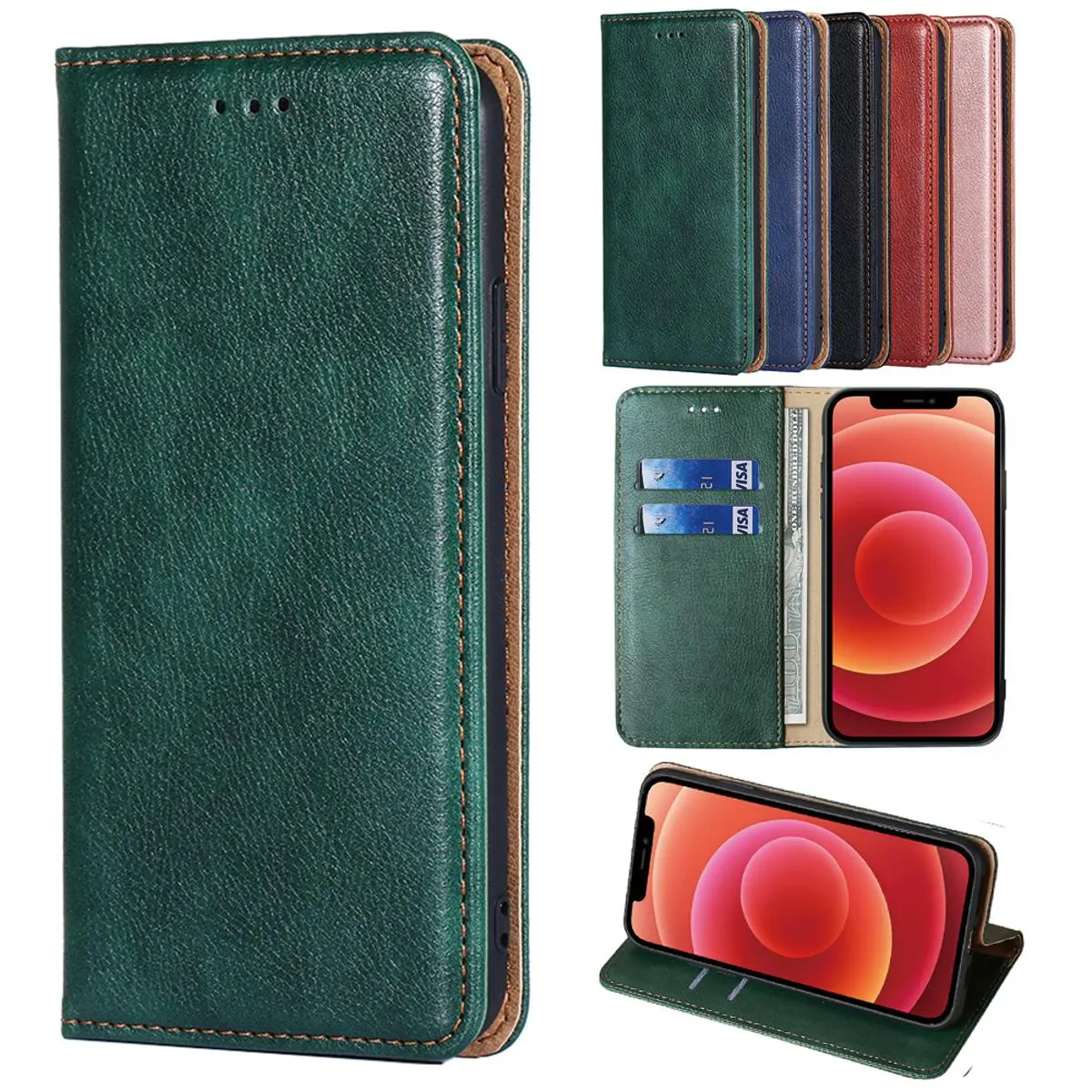
Case and Accessory Maintenance: Clean your phone case regularly too. Cases collect dirt that can scratch your phone. Wash silicone cases with mild soap and water. Wipe leather cases with appropriate cleaners.
Replace cases that are broken or deteriorating. Damaged cases can scratch your phone. Check case fit regularly for proper protection. A clean case protects your phone better.
Common Phone Cleaning Mistakes
Avoid these common mistakes to prevent phone damage. Understanding what not to do is as important as knowing proper techniques. Many cleaning methods can cause more harm than good.
Using Harsh Chemicals: Window cleaner and household cleaners damage screens. They strip oleophobic coatings and can cause discoloration. Ammonia and alcohol are particularly damaging. Use only dedicated electronics cleaning solutions.
Bleach and abrasive cleaners are extremely damaging. They can cause permanent screen damage and discoloration. Even gentle household soaps can harm phone coatings. Stick to proper phone cleaning solutions and water.
Using Abrasive Materials: Paper towels and tissues can scratch screens. The wood fibers are abrasive to delicate glass. Rough cloths leave micro-scratches over time. Use only soft microfiber cloths for screens.
Scrubbing pads and brushes with hard bristles are damaging. They can scratch screens and body finishes. Use only designated soft brushes and cleaning tools. Gentle cleaning preserves phone surfaces.
Using Too Much Liquid: Excess liquid can seep into ports and speakers. This can cause short circuits and component damage. Always apply cleaning solution to the cloth, not the phone. The cloth should be damp, not wet.
Do not submerge phones in cleaning liquid. Even water-resistant phones should not be submerged for cleaning. Use controlled application of liquids. Less liquid is safer for phone electronics.
Ignoring Ports and Speakers: Do not neglect the ports and speakers during cleaning. Dirt in these areas causes functionality problems. Regular port cleaning prevents charging issues. Speaker cleaning maintains audio quality.
Use proper tools for port and speaker cleaning. Avoid pushing dirt deeper with improper tools. Regular maintenance prevents major problems. Clean ports and speakers at least monthly for best performance.
Professional vs. DIY Phone Cleaning
Understanding when to clean your phone yourself versus seeking professional help is important. Some issues require professional cleaning to prevent damage. Knowing the difference saves both money and potential damage.
DIY cleaning is suitable for regular maintenance. Screen cleaning, body wiping, and surface dirt removal are safe for DIY. General hygiene and cosmetic cleaning can be done at home. Use proper tools and techniques for DIY cleaning.
Professional cleaning is recommended for serious issues. Liquid damage needs professional assessment and cleaning. Internal component cleaning requires professional tools. Port repair and speaker cleaning may need professional help.
Professional cleaning is also safer for valuable phones. Premium devices benefit from expert handling. Warranty may require professional cleaning for damage claims. Consider professional cleaning for any water or liquid exposure.
Top Phone Cleaning Kits at mobile.com.bd
mobile.com.bd offers the best selection of phone cleaning kits and maintenance tools in Bangladesh. From basic cleaning cloths to complete UV sanitizers, we have everything you need for phone maintenance.
Our microfiber cloths provide safe and effective screen cleaning. Available from 150-300 BDT for essential screen maintenance.
Our cleaning kits include brushes, cloths, and solution for complete cleaning. Available from 400-800 BDT for comprehensive phone care.
Our cleaning gels effectively remove dust from speakers and ports. Available from 300-500 BDT for deep cleaning of hard-to-reach areas.
Our UV phone sanitizers provide professional disinfection. Available from 1,000-1,500 BDT for hygienic phone cleaning.
All cleaning kits at mobile.com.bd are 100 percent genuine with official warranty. We carefully source products from authorized distributors to ensure authenticity and quality.
Why Buy Cleaning Kits from mobile.com.bd
All cleaning kits at mobile.com.bd are 100 percent genuine with official warranty. We carefully source products from authorized distributors to ensure authenticity and quality. Our cleaning products come with original packaging and full warranty coverage.
We offer the best prices in Bangladesh with frequent discounts and promotions. Our price match guarantee ensures you get the best deal. We offer free shipping on orders over 1,000 BDT.
Our customer service team is available to help you choose the right cleaning products for your needs. We can answer any questions about proper cleaning techniques and product compatibility. Our technical experts can guide you to the best cleaning solutions for your devices.
Shop phone cleaning kits at mobile.com.bd/cleaning-kits with official warranty and free delivery. Keep your phone clean and protected today.